

Short answer: choose Simplifi if you want an inexpensive app that syncs your accounts, detects bills and keeps a “left to spend” figure current without typing. Choose Monthly if you’d rather start from your paycheck, list your fixed expenses yourself, and read one free-money number without linking a bank or paying a subscription.
If you’re comparing these two, you’ve probably decided you want one clear answer to “how much can I spend this month?” rather than a wall of charts. Both apps are built around that answer. They disagree on where the numbers should come from. Simplifi pulls them from your accounts and asks you to correct its guesses. Monthly asks you for about a dozen numbers and does the subtraction. This article walks through how each one calculates the figure, what it costs in October 2026, and what a month looks like in each.
How we compared them
Monthly is our product, so read this as a vendor comparison. For Simplifi we used Quicken’s Simplifi product page and Simplifi’s help center, both checked in October 2026. We haven’t used Simplifi long term, and we don’t cite third-party ratings.
How Simplifi’s spending plan works
Simplifi’s help article Understanding your Spending Plan describes the pieces:
- Income: total expected income for the month, based on your recurring income series. Non-recurring income is excluded by default.
- Bills and subscriptions: recurring outflows, often detected from linked accounts.
- Planned spending: budgets for variable costs like gas and groceries, plus one-time costs you expect.
- Other spending: a real-time total of everything else, updated with each transaction.
- Available / Left this month: what remains after all of the above.
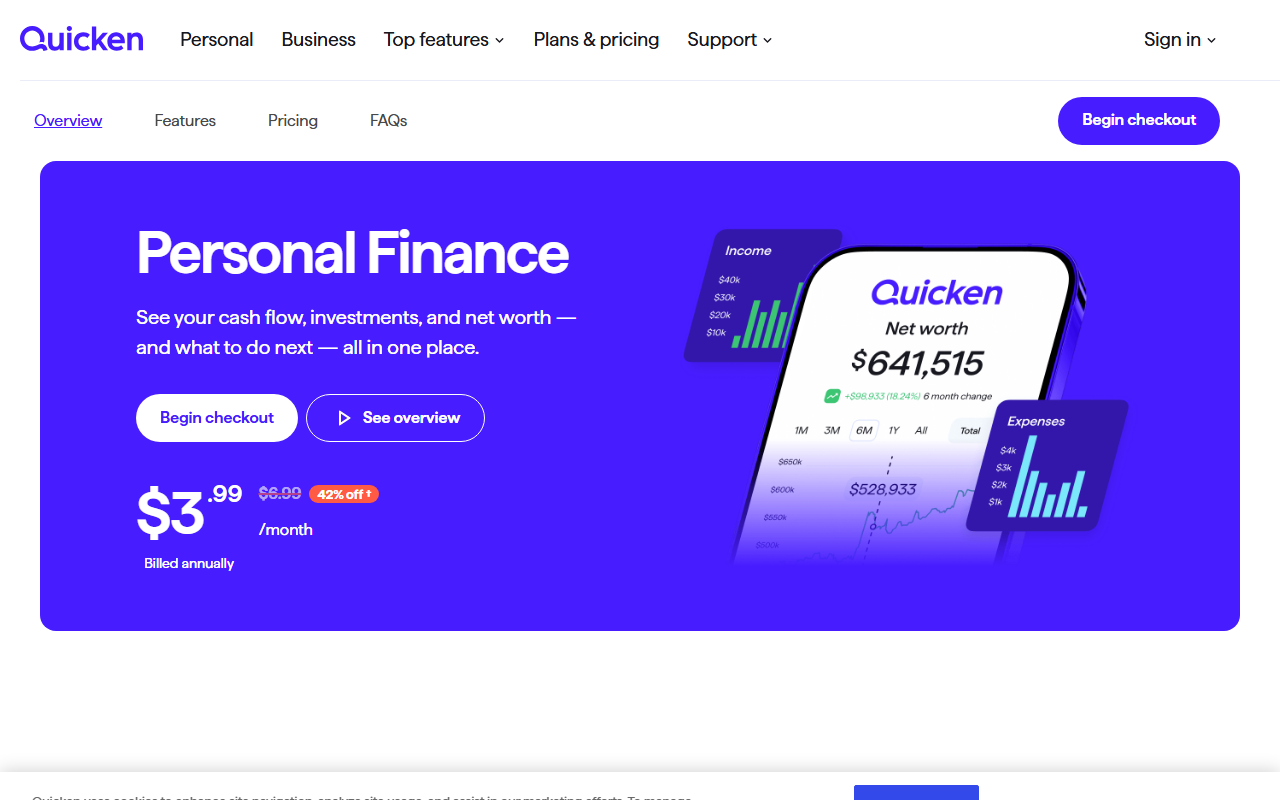
The plan focuses on the current month’s transactions and doesn’t include existing account balances. Savings goals sit in a separate Goals section. Quicken’s product page says Simplifi connects to more than 14,000 financial institutions, tracks bills and subscriptions, offers reports, projected cash flow and an investment view, and lets you share with one other person.
How Monthly’s free money works
Monthly’s figure is income minus fixed expenses minus a weekend reserve. You enter the month’s income, which can be fixed or variable and can be added in several pieces. You list fixed expenses and instalments: rent, utilities, insurance, loan payments, subscriptions. You choose a weekend reserve for going out and delivery. What’s left is your real free money, and it drops as you log daily expenses.
Investments, debts and savings goals with a target amount and date are recorded by hand under Patrimonio. Nothing comes from a bank, so nothing has to be corrected. Our five-minute planning guide shows which line goes where.
The two apps

A favor
- Free, with no paid tier
- Weekend reserve built into the plan
- Works in any browser, plus Android
- CSV, Excel and full-backup export
En contra
- No bank sync or bill detection
- Every expense is typed
- No investment performance tracking or cash-flow projections
A favor
- Connects to more than 14,000 institutions
- Detects income, bills and subscriptions
- Reports, projected cash flow and investment view
- Low first-year price
En contra
- Billed annually; auto-renews at then-current rates
- Designed for the US and Canada only
- Manual accounts miss automation like transaction rules
Side by side
| Monthly | Simplifi | |
|---|---|---|
| Headline number | Real free money for the month | Available / left this month |
| Where income comes from | What you enter, in any number of pieces | Recurring income series; non-recurring excluded by default |
| Where bills come from | Fixed expenses you list | Detected from linked accounts, then confirmed |
| Variable spending | Logged by you; comes off free money | Planned spending budgets plus other spending from transactions |
| Going-out money | Weekend reserve, set before the month | A planned-spending budget if you create one |
| Bank connection | Never | Core design; manual accounts possible |
| Price (October 2026) | Free | $3.99/month and $6.99/month shown, billed annually; first-year offers to Nov 22, 2026 |
| Region | Any browser | US and Canada, per Quicken |
Price: what you’ll actually pay
Quicken’s page showed two prices, $3.99 and $6.99 a month, both billed annually, and a footnote saying offers apply to the first year for new memberships ordered directly by November 22, 2026, renewing automatically at then-current rates. There was no month-to-month option. Read that as a low first year with a renewal you should put on your calendar.
Monthly’s core workflow, including the free-money calculation, costs nothing, with no trial and no renewal.
Privacy and upkeep
Simplifi’s convenience comes from the connection. Once accounts are linked, it can spot your paycheck and your electric bill without you typing either. The upkeep is reviewing what it detected, recategorizing transactions and occasionally fixing a broken connection.
Monthly removes the connection, and with it the review step. The upkeep moves to you: an expense you don’t log isn’t in the plan. If that trade interests you, our piece on why more Americans are moving away from bank-linked budgeting apps looks at it in more depth.
A worked example: the same October in both apps
All figures are illustrative. Someone takes home $4,300 a month in two paychecks of $2,150, plus a $400 side payment that arrives once in October.
Fixed costs: rent $1,500, electric and internet $185, car insurance $150, car payment $380, phone $70, student loan $240, subscriptions $45. Total: $2,570.
In Monthly: income $2,150 + $2,150 + $400 = $4,700. Minus $2,570 fixed and a $300 weekend reserve leaves $1,830 of free money. Each grocery run lowers it.
In Simplifi, following its help article: expected income comes from recurring series, so the two paychecks count ($4,300) and the $400 side payment is excluded unless you include it for the month. Bills of $2,570, plus planned spending you set, say $600 for groceries and gas, gives an available figure of $1,130 before other spending. If you include the $400, it’s $1,530.
Neither answer is wrong; they’re shaped differently. Simplifi separates groceries into a planned budget; Monthly leaves them inside free money and sets aside weekends instead. The important difference is the $400: Monthly counts what you entered, while Simplifi’s default counts what it recognizes as recurring.
Who should choose Simplifi
- You live in the US or Canada and are comfortable linking accounts.
- You want bills and subscriptions detected rather than typed.
- You want reports, cash-flow projections and an investment view in the same app.
- A low first-year price billed annually suits you, and you’ll check the renewal.
Who should choose Monthly
- You want a free-money figure without connecting any bank.
- Your income arrives in irregular pieces you’d rather enter yourself.
- You want a weekend reserve decided before the month starts.
- You don’t want a subscription. Monthly is also usable outside the US and Canada.
What Monthly doesn’t do that Simplifi does
No transaction sync, no bill or subscription detection, no investment performance with quotes, no projected cash flow or retirement what-ifs, no shared space with a partner. If those matter more than avoiding a bank link, Simplifi is the better fit. For a similar comparison with another linked-account app, see Monthly vs PocketGuard.
How to decide in one evening
Build October in Monthly with your real paychecks and bills; it takes about ten minutes. If you’re already in a Simplifi trial or first year, open its spending plan on the same day and compare the two numbers. If they’re close and you don’t use the reports, you may not need the connection. Open Monthly, type in your paychecks and fixed expenses, and see your real free money before your Simplifi renewal comes up → This comparison is informational and not personalized financial advice.