

Quick summary: Monthly is our pick for planning the whole month: its fixed expenses and weekend reserve act like two envelopes, with far less setup. It isn’t a strict envelope system. Goodbudget is the best classic envelope app, with a limited free plan, and YNAB and EveryDollar use a related “give every dollar a job” method.
If you tried envelopes once and quit around week three, this list is for you. The method is more than a hundred years old and works because money feels different when it is visibly limited: once the groceries envelope is empty, the category is done. Apps promise that discipline without the cash stack, but “envelope budgeting app” covers several designs, and the right one depends on how much upkeep you’ll tolerate.
How we compared these apps
The Monthly team wrote this, and Monthly is on the list, so weigh that. The Goodbudget, YNAB and EveryDollar facts below come from their own pricing and feature pages, set against what Monthly really does. Nobody here ran a months-long test or promises a savings figure, and prices move, so confirm on each site.
We judged on four things: how true to the envelope idea the app is, how much weekly effort it takes, whether a bank connection is required, and total cost.
1. Monthly: best for planning the whole month
A favor
- Free core workflow, nothing to unlock
- Never asks for bank access
- Bills and going-out money sit in two separate buckets
- One leftover figure instead of a dozen balances
En contra
- Not a strict envelope system
- No per-category envelopes for groceries, gas and so on
- Manual entry
- Cloud-stored, not fully offline
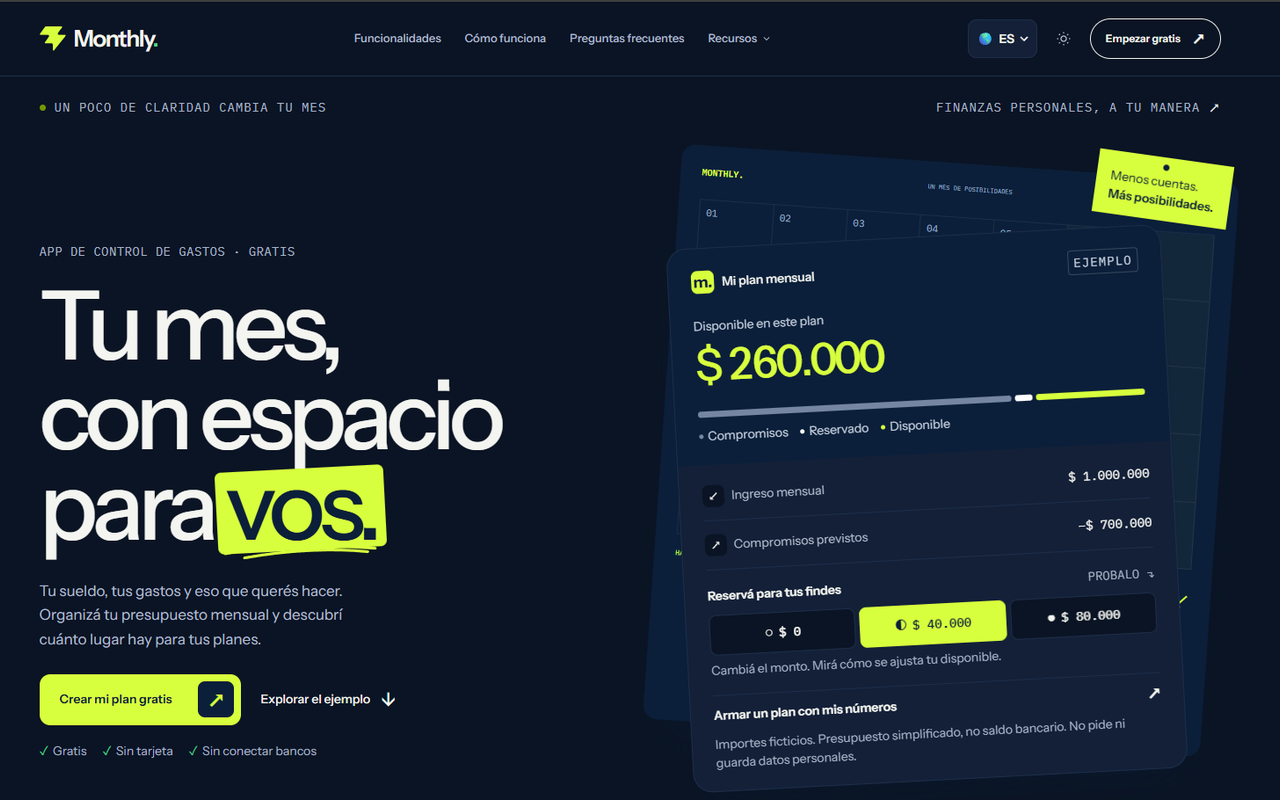
Monthly has no dozens of category envelopes, and says so. It uses two protected buckets: fixed expenses (rent, utilities, insurance, phone, subscriptions, card payments) come off first, then a weekend reserve you set for going out, delivery and entertainment. The remainder is real free money, and logged daily expenses shrink it.
That structure gives you the two things envelopes are really for: bills that can’t be raided and a spending amount that’s capped. It skips the bookkeeping of moving money between a dozen categories. If your frustration with envelopes was the upkeep, this is the lighter version. If you want to see “groceries: $142 left”, it isn’t.
2. Goodbudget: best classic envelope app
A favor
- Envelopes are the whole design, not an add-on
- Free tier allows 10 regular plus 10 additional envelopes
- Manual entry, so no bank link
- Two devices free, which covers a couple
En contra
- Free plan limited to one account
- Paid plan is $10 per month or $80 per year
- Needs regular manual updating
- Envelope counts can feel restrictive on the free plan
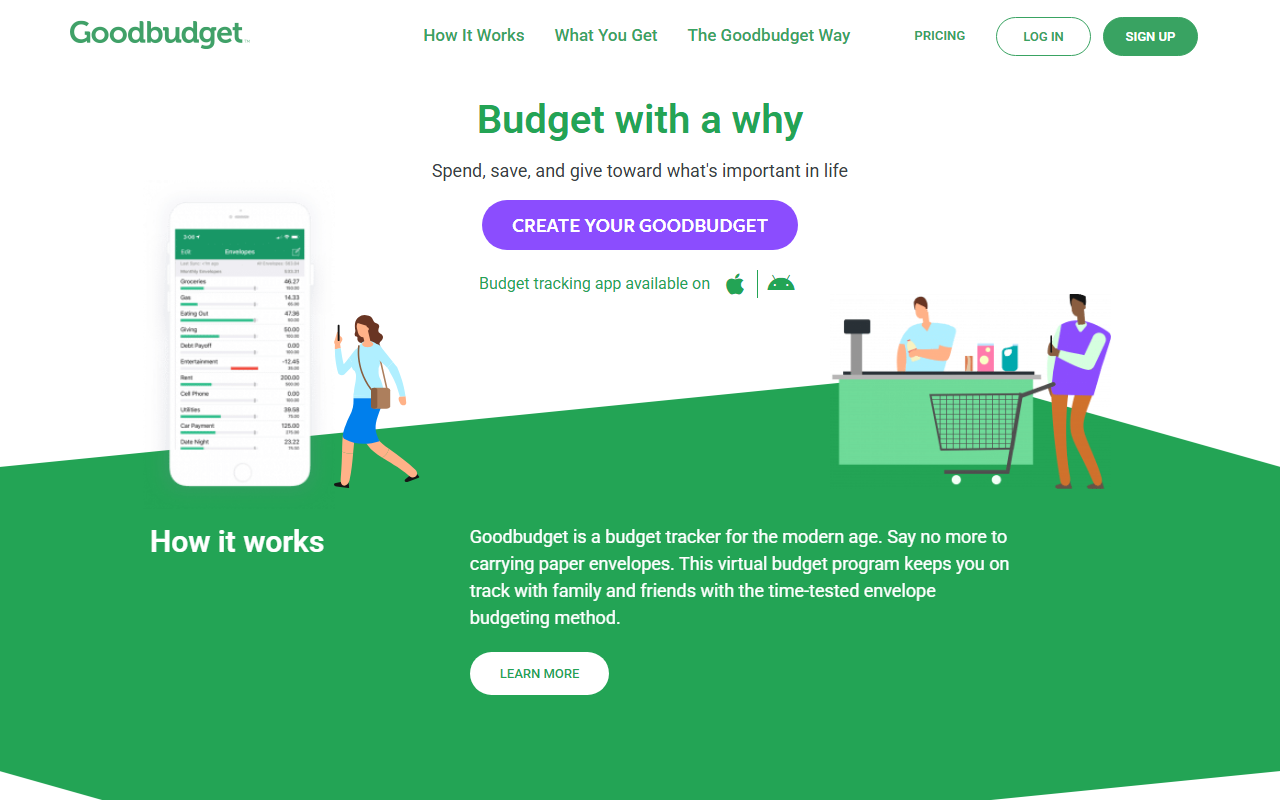
Goodbudget is what most people picture when they say “digital envelopes”: fill each envelope when income arrives, subtract as you spend, watch the balance. The free plan caps you at 10 regular envelopes, 10 additional ones, one account and two devices. Paid is $10 per month or $80 per year, adding unlimited envelopes and accounts and five devices.
Who it suits: people who like physical-envelope discipline and are willing to log purchases. The two-device free plan covers a couple. Who it doesn’t: anyone who wants more than one account tracked on the free plan, or who finds typing every purchase tedious.
3. YNAB: every dollar gets a job
A favor
- Forces a job onto every dollar
- 34-day trial listed, no card when signing up directly
- One subscription can be shared with family
- College students get a 365-day trial per its site
En contra
- Listed at $14.99 per month or $109 per year
- Steeper learning curve
- Not a pure envelope system
- More upkeep than the lighter apps
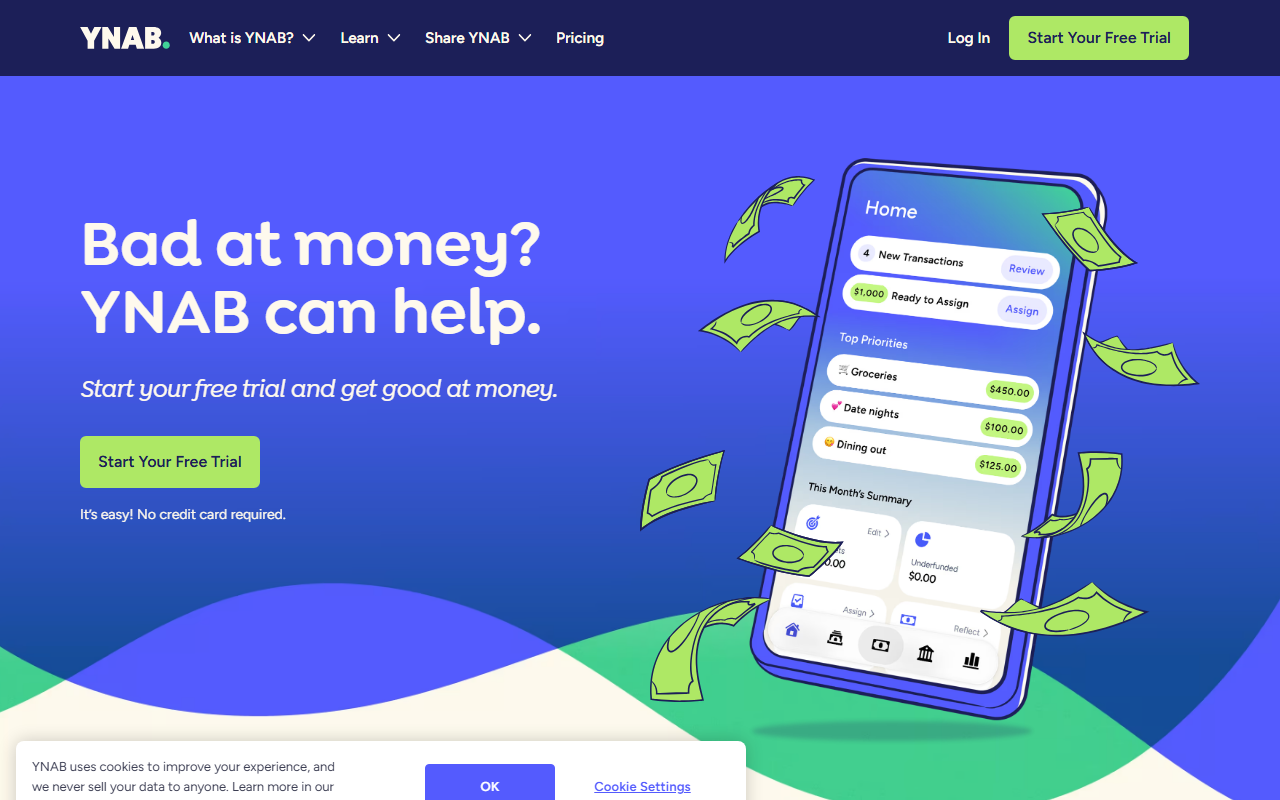
YNAB gets lumped in with envelope apps because the daily habit is the same: when the dining-out category runs short, you pull dollars from another category and feel the trade-off. Its pricing page lists $14.99 per month or $109 per year with a 34-day trial. Manual entry works, though many users connect accounts.
Pick it only if you want envelope-level control and will keep up the weekly category shuffle. We cover how it compares to a simpler plan in Monthly vs YNAB.
4. EveryDollar: free manual zero-based budgeting
A favor
- Free tier has a monthly budget and unlimited categories
- Transactions typed by hand on the free tier
- Sinking funds stand in for savings envelopes
- Household sharing mentioned on its page
En contra
- Bank-connected transactions are a Premium feature
- Premium listed at $79.99 per year or $17.99 per month
- Zero-based method takes learning
- Doesn't describe itself as envelope budgeting
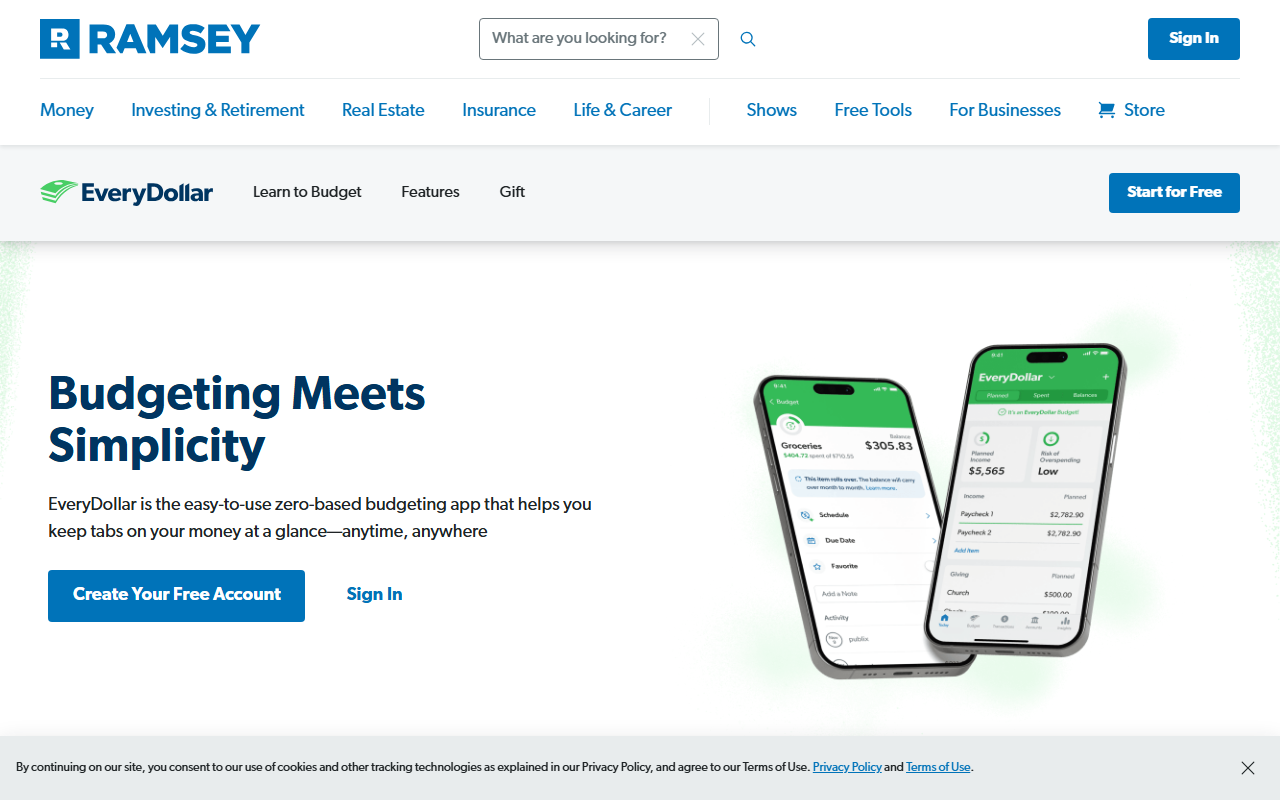
EveryDollar never calls itself an envelope app, but a zero-based plan (income minus expenses equals zero) behaves like one when you fill every line. The sinking funds are its nearest thing to a savings envelope, for car repairs or holiday gifts. On the free side you get the budget, manual transactions and bill due dates; Premium, listed at $79.99 per year or $17.99 per month after a 14-day trial, adds bank-connected transactions and reports.
Side-by-side summary
| App | Method | Free option | Paid price listed | Bank link |
|---|---|---|---|---|
| Monthly | Fixed expenses + weekend reserve + free money | Yes, core workflow | None for core | None |
| Goodbudget | True virtual envelopes | Yes, with limits | $10/month or $80/year | Not required |
| YNAB | Zero-based, every dollar assigned | Trial only | $14.99/month or $109/year | Optional |
| EveryDollar | Zero-based with sinking funds | Yes, manual | $79.99/year or $17.99/month | Premium only |
A worked example: the same paycheck, two methods
Imagine take-home pay of $3,000. Rent is $1,250, utilities and internet $180, insurance $115, phone $55, subscriptions $40 and a card payment of $150. That’s $1,790 in fixed expenses.
With Goodbudget, the person would create envelopes: groceries $400, gas $120, eating out $150, fun $100, and so on, adding up to the $1,210 left after bills. Each purchase is logged against an envelope. Mid-month they can see the eating out envelope has $22 left and stop.
With Monthly, they enter income and the $1,790 of fixed expenses, set a $250 weekend reserve, and see real free money of $3,000 - $1,790 - $250 = $960. They don’t track groceries by envelope; the $960 is simply what’s available for everything else this month. The figures are hypothetical.
Neither is “right”. The first gives per-category brakes. The second gives a single, low-maintenance answer. Our categories checklist can help you decide how many envelopes you actually need.
Want to see whether two buckets are enough? Enter the $1,790 of bills and a weekend reserve you’d have used for a “fun” envelope, then check if the leftover number alone keeps you honest →
Why envelope budgets fail, and how to avoid it
Most people who abandon the envelope method don’t quit because it stopped working. They quit because maintaining it became a chore. Logging every coffee against an envelope is sustainable for a few weeks and exhausting after a few months. The apps above reduce that friction in different ways. Goodbudget keeps the system visible and simple. YNAB gives you more tools but asks more of you. Monthly lowers the burden by removing the per-category tracking altogether, at the cost of detail.
Another common failure is envelope sprawl. Twenty categories look organized on day one and become unmanageable by week three. A practical rule is to keep envelopes only for the categories where you actually overspend. If you never run out of money for gas, you don’t need a gas envelope. Fold it into your fixed expenses or into a general “everything else” amount.
Finally, plan for irregular costs. Car maintenance, annual fees, medical copays and gifts are predictable in the aggregate even if the timing is random. Setting aside a small amount monthly, whether in a Goodbudget envelope, an EveryDollar sinking fund or a fixed-expense line in Monthly, keeps them from landing on your free spending money.
How to choose
- You want the classic method and are fine with manual entry: Goodbudget.
- You want a free, lightweight alternative that protects bills and caps going out: Monthly.
- You want to assign every dollar and are willing to pay and learn: YNAB.
- You want free zero-based budgeting with sinking funds: EveryDollar.
Tips that work in any envelope app
- Keep fixed bills out of the envelopes. They’re not decisions; they’re commitments.
- Start with four or five spending envelopes. You can add more later.
- Decide in advance what happens when one runs dry: borrow from another envelope, or stop.
- Review once a week, not once a day.
Run a two-week test: keep your current envelopes, and in parallel type your fixed bills and one weekend reserve into Monthly. If you stop opening the envelope app but still check the single number, you’ve found your system. This article is informational and isn’t personalized financial advice.