

Quick summary: Most working adults in the US are paid biweekly or twice a month, but major obligations like rent, utilities, and debt payments follow strict monthly deadlines. This timing mismatch often makes it hard to answer a fundamental question: how much money do you actually have left to spend? Finding the right tool helps bridge the gap between your paycheck and recurring commitments. In this monthly budget app comparison, we evaluate top options based on usability, total cost, privacy, and paycheck alignment.
How we picked these apps
We evaluated each app using six concrete criteria: fit for monthly planning, ease of use, learning curve, total cost, US paycheck timing alignment, and bank connection requirements. We prioritized tools that offer clear visibility into cash flow without forcing unnecessary technical complexity.
Quick comparison
| App | Best for | Free | No bank link |
|---|---|---|---|
| Monthly | People who want to plan monthly cash flow from their paycheck without connecting bank accounts | Yes | Yes |
| YNAB | People who want a detailed, disciplined budgeting method | No | No |
| Monarch Money | Households that want a shared, connected view of their finances | No | No |
| Copilot | iPhone users who want automatic categorization of bank transactions | No | No |
| EveryDollar | People who want a straightforward zero-based budget | No | No |
| Rocket Money | Finding and cutting recurring subscriptions | Yes | No |
| Goodbudget | People who like the envelope method without linking a bank | Yes | Yes |
| Excel / Google Sheets | People with time and spreadsheet skills who want full control | Yes | Yes |
| Notes app | Quick jotting without any real organization | Yes | No |
| Splitwise | Splitting expenses cleanly with a partner, roommates, or a group trip | No | No |
The best apps compared
1. Monthly: People who want to plan monthly cash flow from their paycheck without connecting bank accounts
A favor
- Shows available budget based on recorded commitments
- Requires no bank credentials
- Includes separate weekend reserves
- Supports CSV, Excel and backup exports
En contra
- Requires manual entry for income and expense updates
- Does not import bank transactions automatically
- Uses cloud storage and is not fully offline
Best for: People who want to plan monthly cash flow from their paycheck without connecting bank accounts
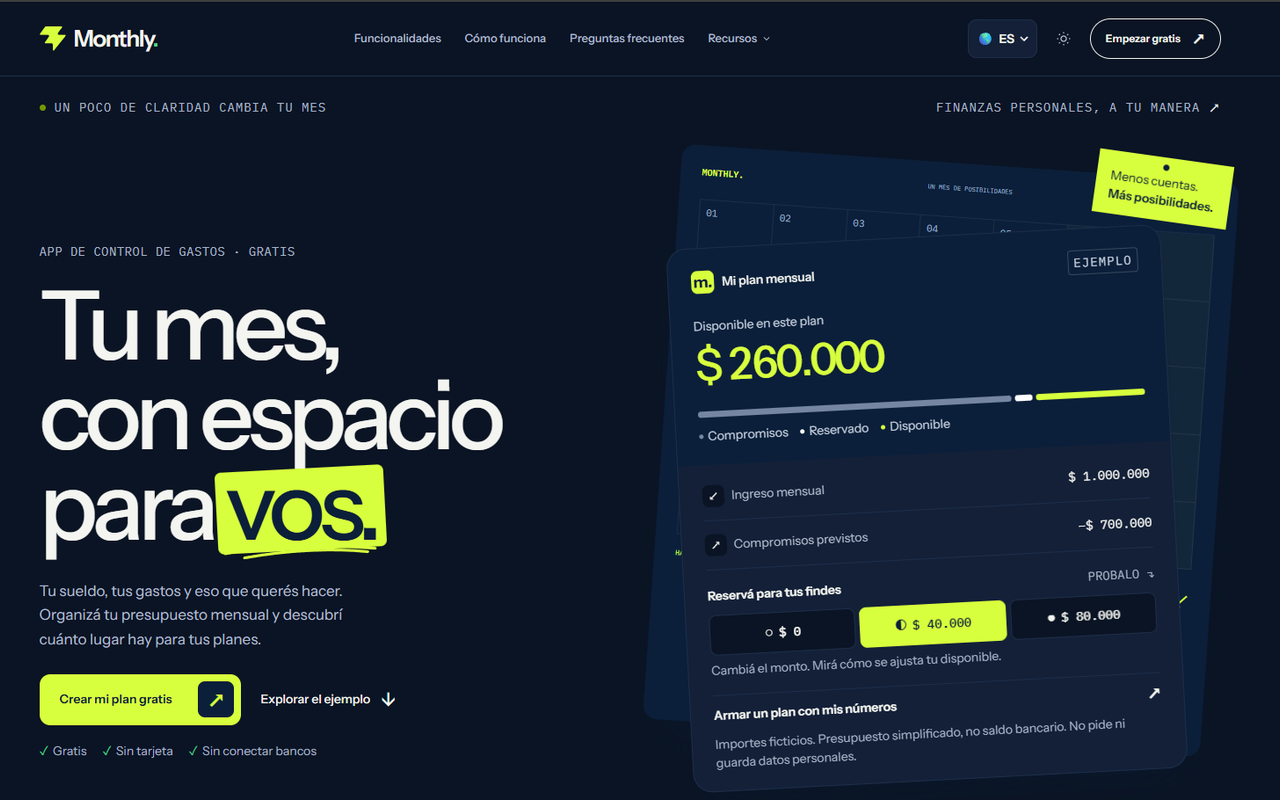
Monthly is a dedicated planning tool designed around your take-home income and recurring bills. Instead of tracking past credit card transactions, it subtracts fixed expenses, weekend reserves, and investment goals from your paycheck to reveal your real free money. This offline approach gives immediate clarity without requiring linked bank credentials.
Monthly is completely free on mobile devices and requires no bank credentials. It includes an AI assistant for general personal finance questions, manual investment logging, and tracking for money owed to you.
2. YNAB: People who want a detailed, disciplined budgeting method
A favor
- Proven zero-based budgeting methodology
- Comprehensive educational resources and active community
- Syncs directly with US financial institutions
- Helps users build long-term emergency savings
En contra
- Requires an ongoing paid monthly or annual subscription
- Steep learning curve for first-time budgeters
- More complex than required for basic monthly planning
Best for: People who want a detailed, disciplined budgeting method
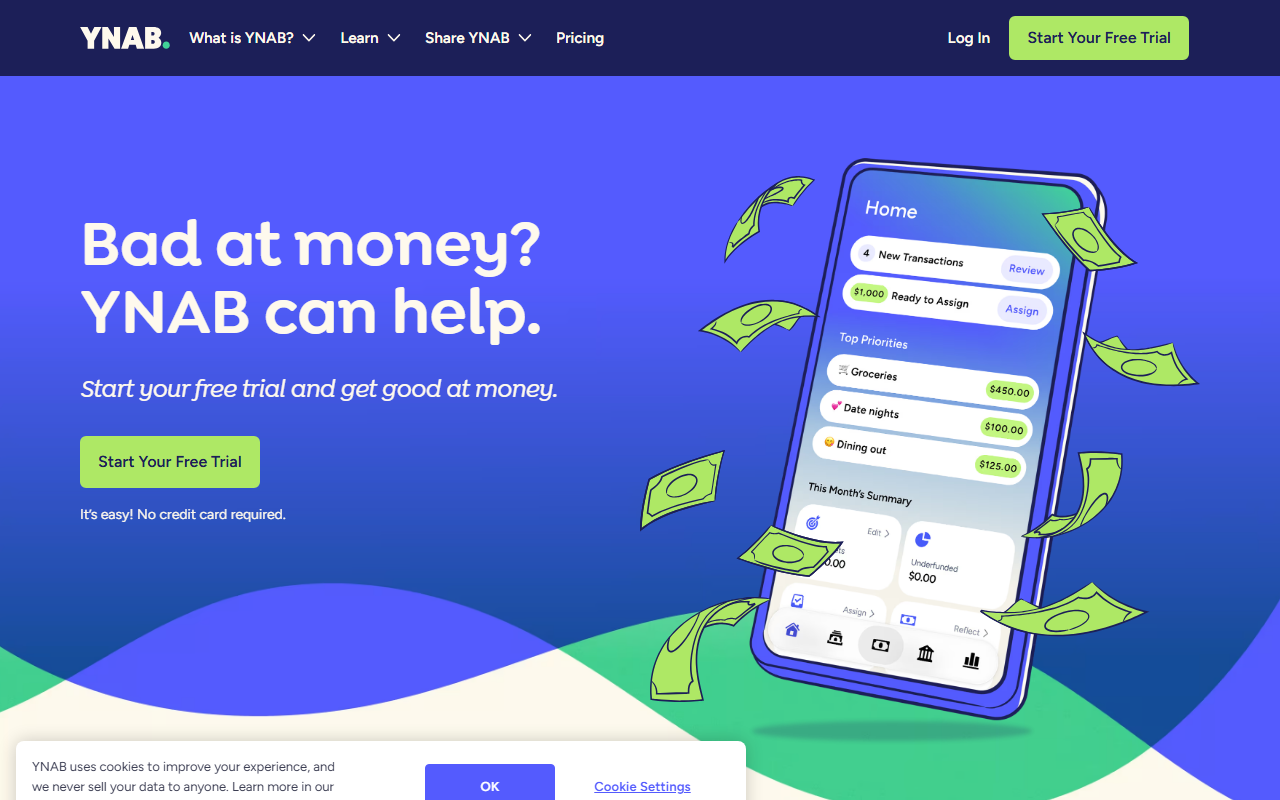
YNAB uses a zero-based budgeting framework where every dollar received is assigned a specific job. The system requires proactive interaction, encouraging users to adjust category totals whenever overspending occurs. It offers deep insights into cash flow and helps break the paycheck-to-paycheck cycle for dedicated users.
YNAB operates on a paid subscription model following a free trial period. It supports direct bank sync in the US alongside web and mobile applications with a steep learning curve.
3. Monarch Money: Households that want a shared, connected view of their finances
A favor
- Clean and modern interface across web and mobile
- Comprehensive net worth and investment tracking
- Multi-user collaboration tools for couples
- Customizable dashboard widgets and reports
En contra
- Requires bank account connections for full utility
- Requires a paid recurring subscription
- Focused more on historical tracking than future allocation
Best for: Households that want a shared, connected view of their finances
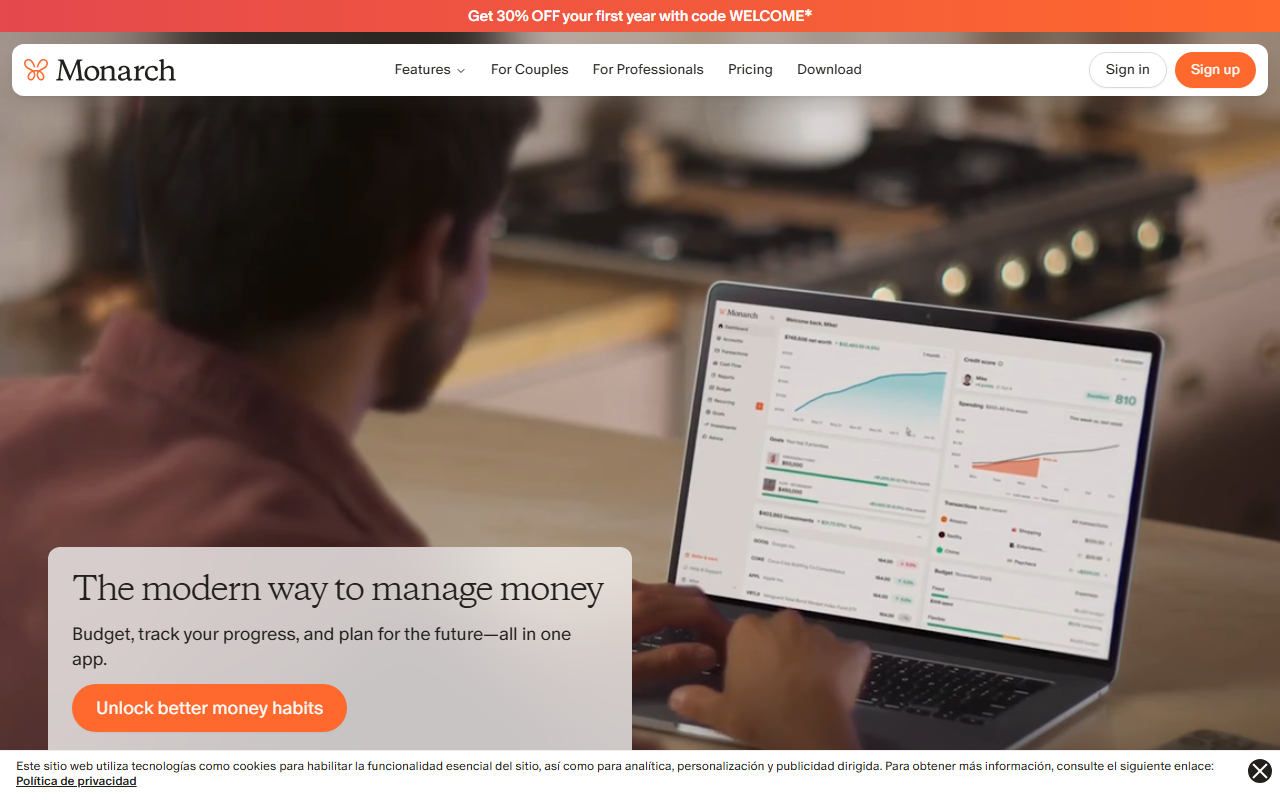
Monarch Money offers a clean dashboard for tracking net worth, account balances, and household spending. It excels at aggregating multiple accounts into a single view for partners managing joint finances. However, its primary focus is observing past transactions rather than calculating available spend from a single paycheck.
Monarch Money is a subscription platform with multi-device support. It connects securely to bank accounts, investment portfolios, and loans using third-party data aggregators.
4. Copilot: iPhone users who want automatic categorization of bank transactions
A favor
- Polished native design for iOS and macOS devices
- Intelligent automatic transaction categorization
- Clear visual representation of monthly spending trends
- Customizable category rules and alerts
En contra
- Not available for Android or web users
- Requires direct bank account linking
- Subscription fee charged after trial ends
Best for: iPhone users who want automatic categorization of bank transactions
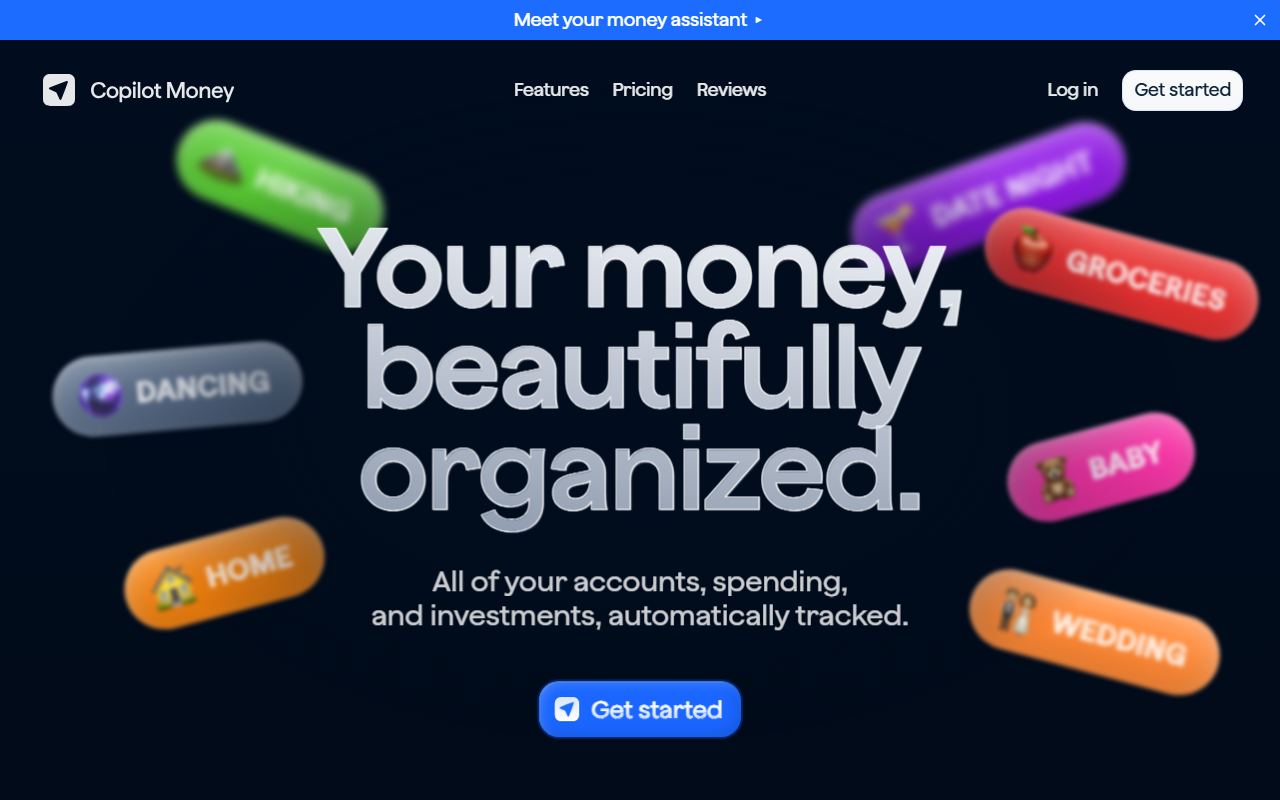
Copilot is a native iOS and macOS application designed around automated expense tracking and smart categorization. It provides visual insights into spending trends across linked credit cards and bank accounts. Its design caters to users who prefer passive tracking over manual paycheck allocation.
Copilot requires a paid subscription after an initial trial period and is restricted to Apple hardware. It uses machine learning to categorize incoming transactions automatically.
5. EveryDollar: People who want a straightforward zero-based budget
A favor
- Simple zero-based budgeting framework
- Easy set-up process for beginners
- Manual entry tier available without subscription fee
- Direct integration with Ramsey financial courses
En contra
- Bank synchronization requires a paid tier
- Less useful on the free tier without bank sync
- No built-in weekend reserve framing
Best for: People who want a straightforward zero-based budget
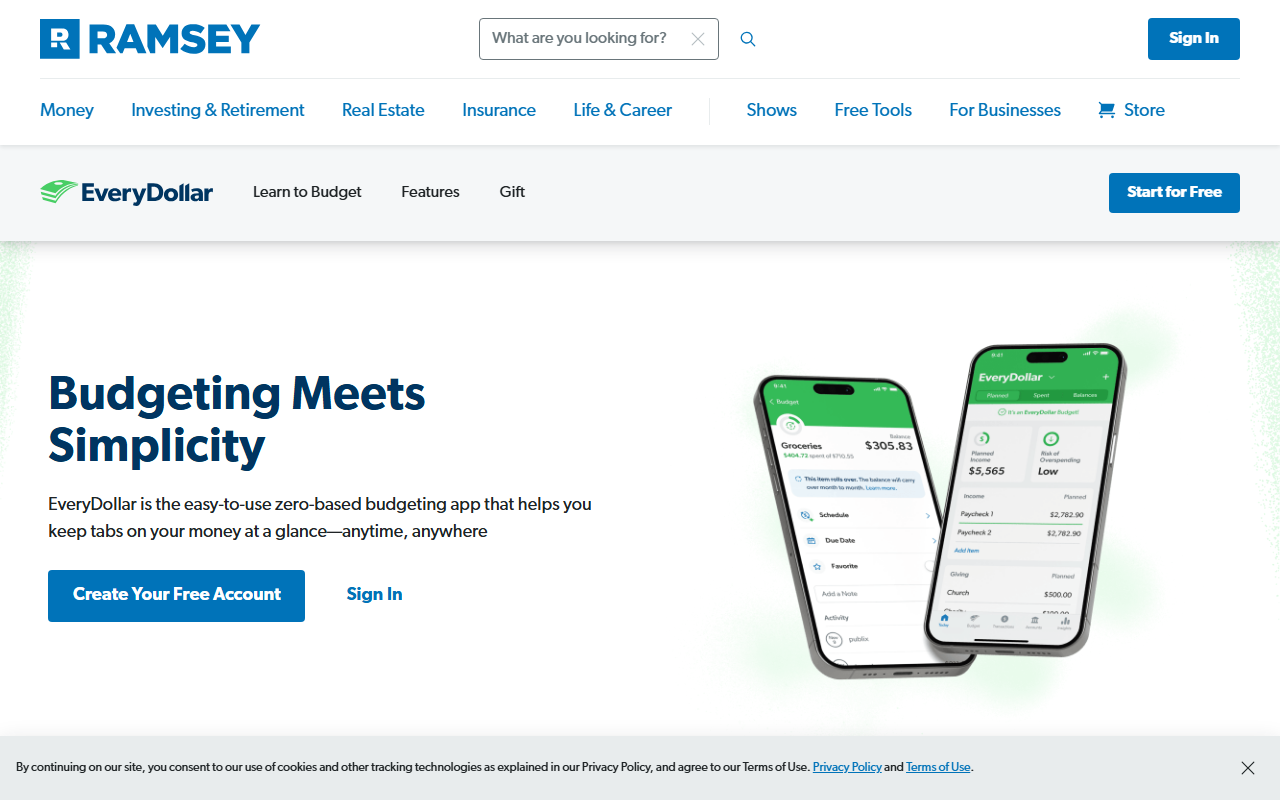
EveryDollar implements Ramsey zero-based budgeting principles, guiding users to plan monthly income down to zero dollars remaining. The free version relies entirely on manual transaction entry, while the paid tier unlocks bank account synchronization. It provides a simple approach for organizing monthly bills.
EveryDollar offers a web application and mobile app. The free tier requires manual entry of every expense, whereas automatic transaction downloading requires a premium subscription.
6. Rocket Money: Finding and cutting recurring subscriptions
A favor
- Identifies recurring monthly subscriptions quickly
- Offers optional bill negotiation services
- Free tier includes basic account monitoring
- Provides clear overviews of upcoming bill dates
En contra
- Requires direct financial account access
- Pushes upsells for premium tiers and services
- Not designed for forward-looking paycheck allocation
Best for: Finding and cutting recurring subscriptions
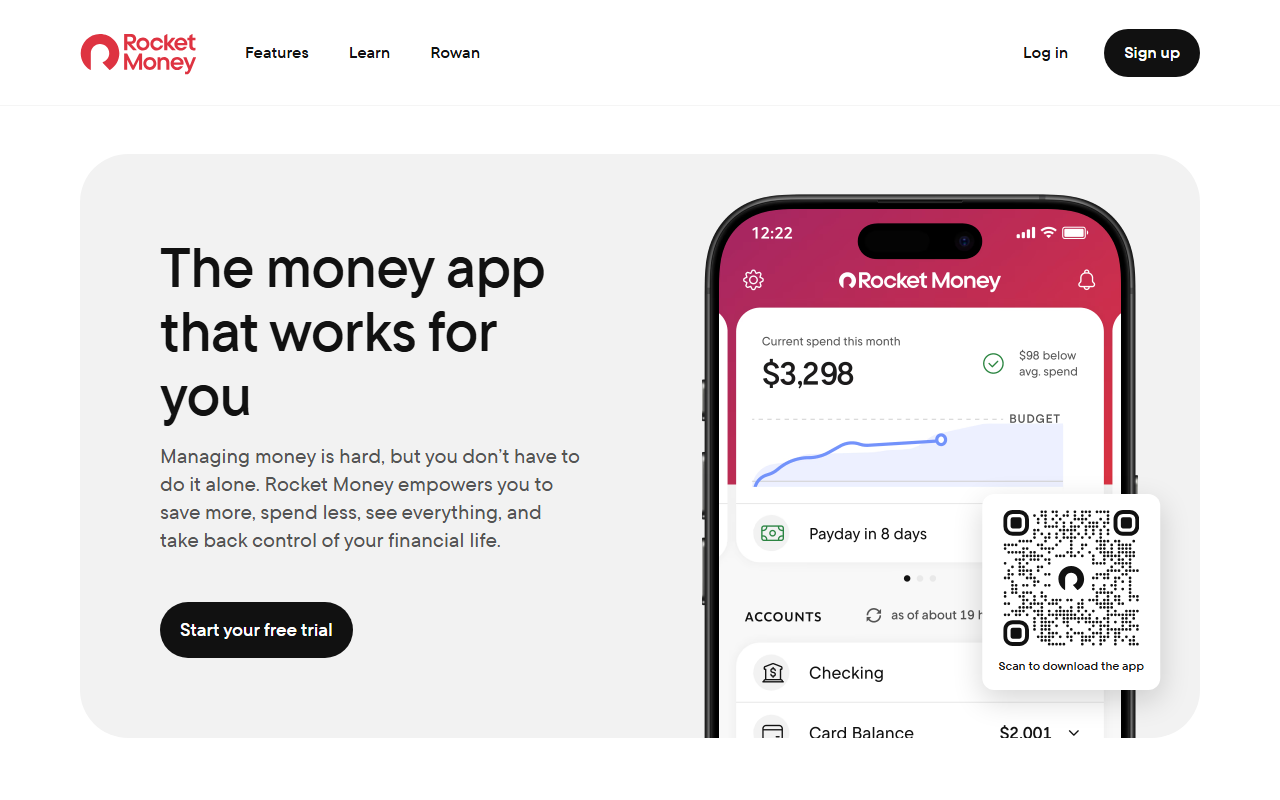
Rocket Money scans linked bank accounts to identify recurring charges, forgotten subscriptions, and bills that can be renegotiated. It helps users reduce ongoing expenses by highlighting hidden fees and automated charges. Its budgeting tools are secondary to its subscription management features.
Rocket Money operates a freemium model where basic tracking is free, but features like bill negotiation and automatic concierge cancellations incur fees or custom revenue splits.
7. Goodbudget: People who like the envelope method without linking a bank
A favor
- No direct bank connection required
- Enforces traditional envelope budgeting methodology
- Syncs household envelopes across multiple devices
- Free tier available for basic budgeting needs
En contra
- Manual transaction logging can feel tedious
- Free plan caps total number of active envelopes
- Interface feels outdated compared to modern apps
Best for: People who like the envelope method without linking a bank
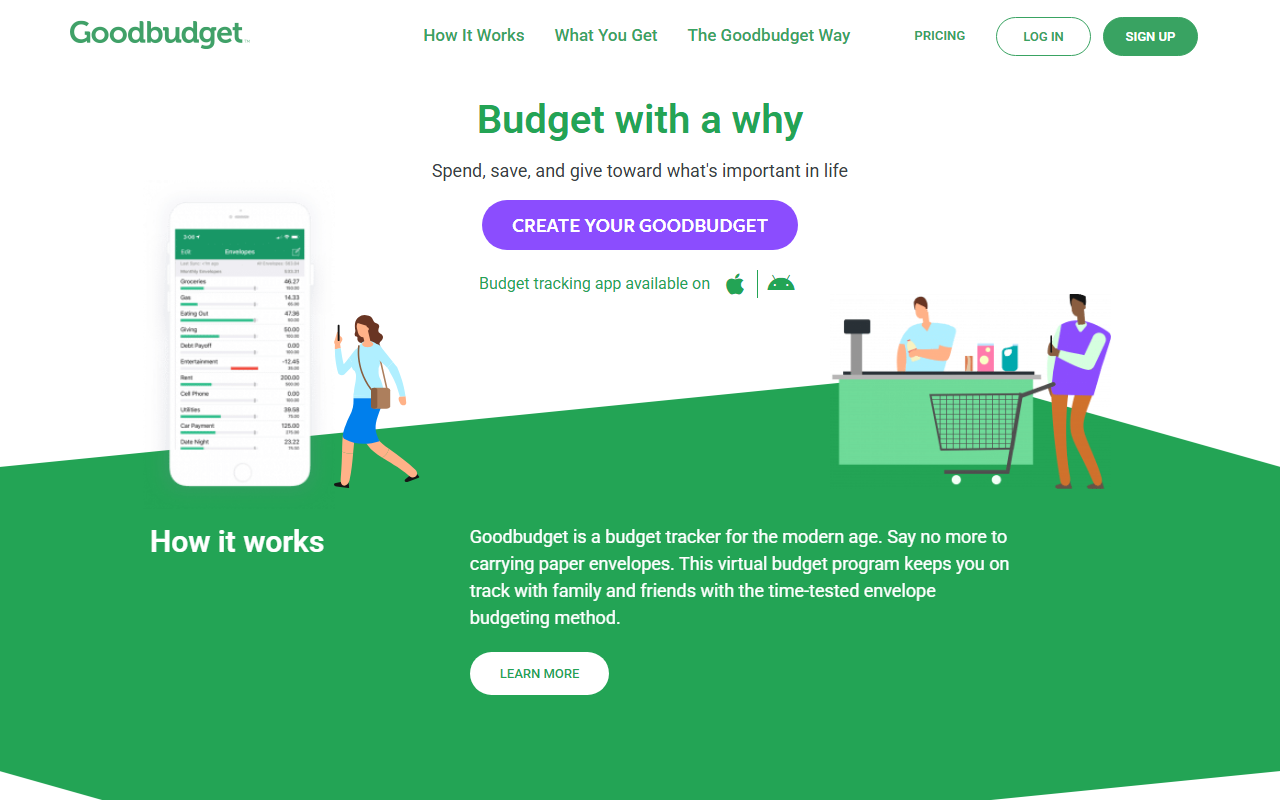
Goodbudget brings the digital equivalent of physical paper envelopes to monthly planning. Users manually allocate income into virtual envelopes for specific spending categories like groceries and entertainment. Because it does not link to banks, it offers a secure option for privacy-focused planners.
Goodbudget offers free and paid subscription plans across web, iOS, and Android. The free plan limits users to 10 regular envelopes and 10 extra envelopes.
8. Excel / Google Sheets: People with time and spreadsheet skills who want full control
A favor
- Fully customizable formulas and layouts
- Completely free options through Google Sheets
- No forced bank account or third-party connections
- Supports unlimited historical data storage
En contra
- Requires high initial setup time and formula maintenance
- Lacks native mobile-first optimization
- No automated spending reminders or notification alerts
Best for: People with time and spreadsheet skills who want full control
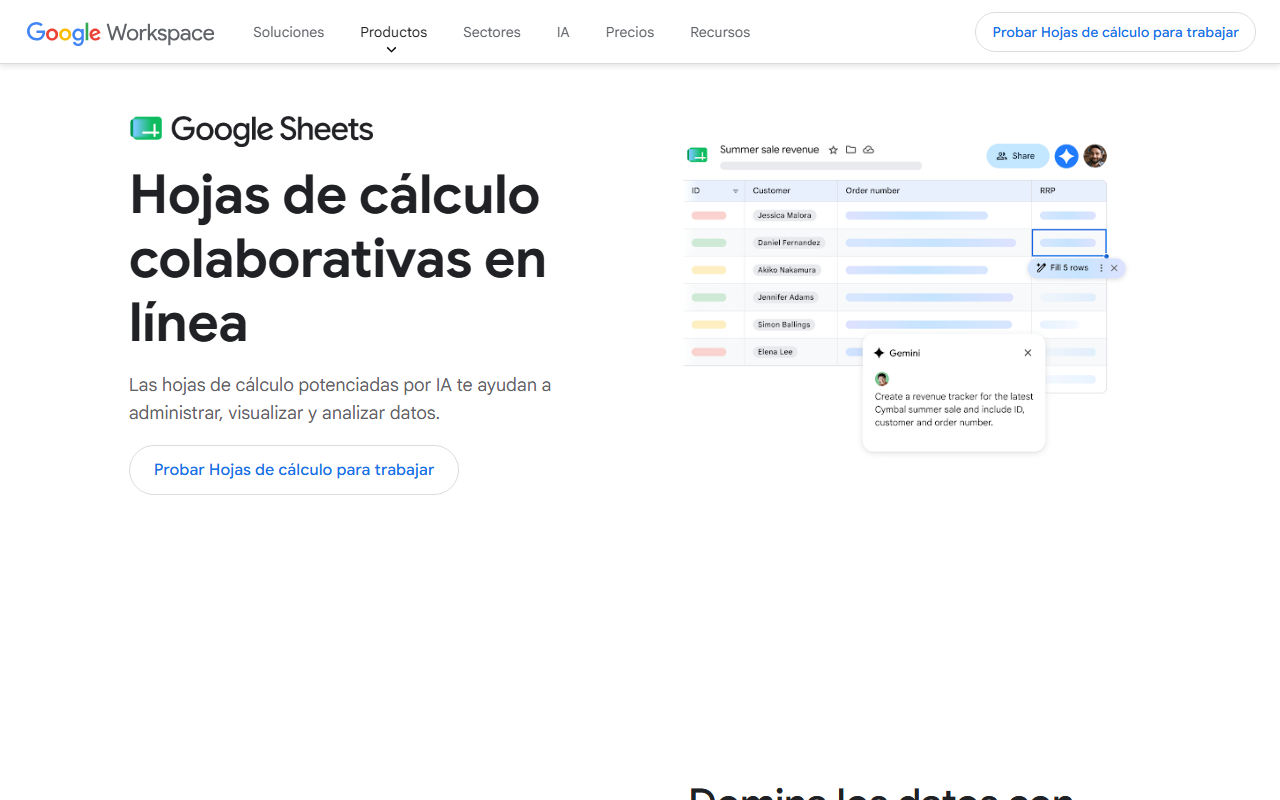
Spreadsheets offer absolute customization for tracking paychecks, fixed expenses, and savings goals. Users can design custom formulas and custom layouts tailored to their specific pay frequency. However, building and maintaining an error-free spreadsheet requires significant technical effort.
Google Sheets is free with a Google account, while Microsoft Excel requires an Office subscription or standalone purchase. Neither tool includes mobile-first budgeting automation out of the box.
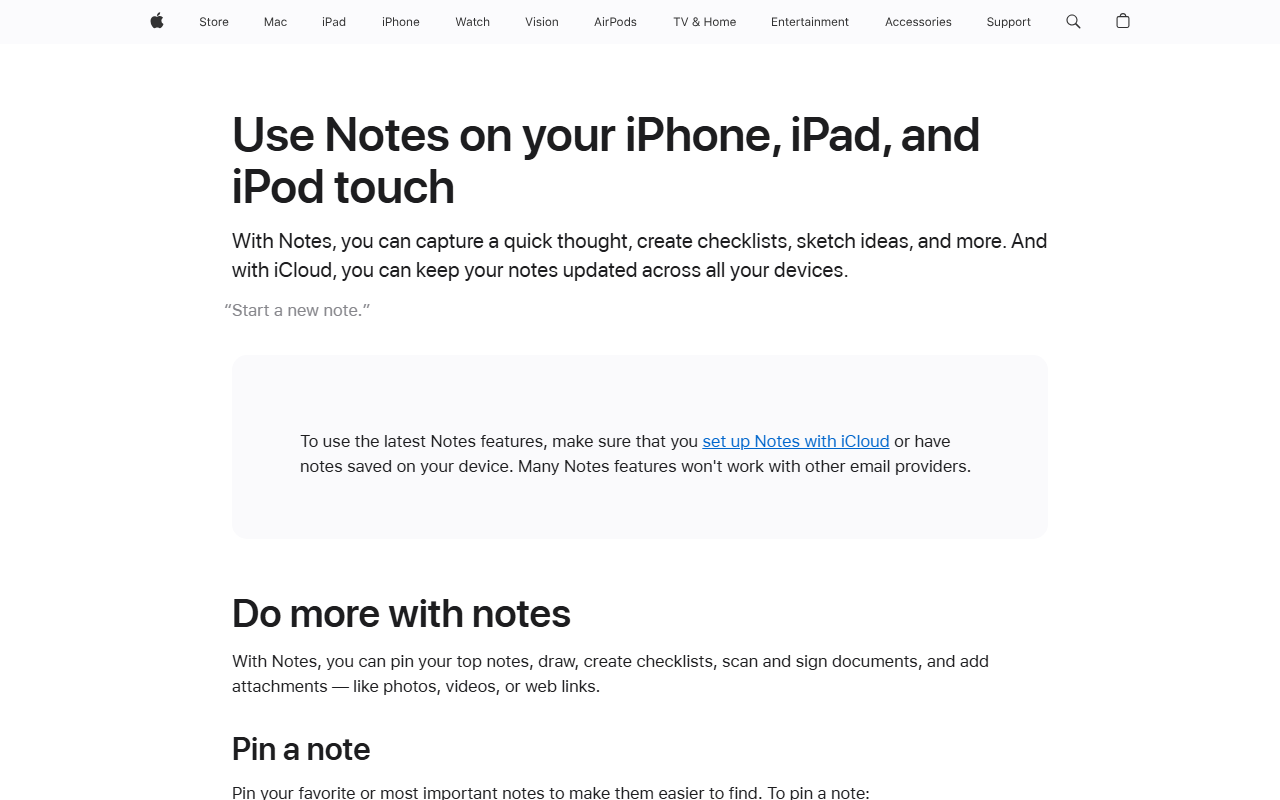
9. Notes app: Quick jotting without any real organization
A favor
- Pre-installed and completely free on most devices
- Zero setup friction or learning curve
- Keeps personal data entirely off financial app servers
- Instant access from phone home screens
En contra
- No automated math calculations or totals
- Easy to accidentally lose or overwrite entries
- Lacks structured budget fields and bill reminders
Best for: Quick jotting without any real organization
Built-in mobile notes apps provide a fast way to write down paychecks and monthly bills without downloading third-party software. While ideal for a quick digital scratchpad, they lack mathematical calculations, automatic totals, or structured planning tools required for ongoing money management.
Pre-installed on almost every smartphone at no charge. Information remains local or syncs across personal cloud accounts without financial third-party access.
10. Splitwise: Splitting expenses cleanly with a partner, roommates, or a group trip

A favor
- Calculates net debts automatically among group members
- Simplifies shared rent and utility bill splitting
- Works across web, iOS, and Android devices
- Supports recurring shared household expenses
En contra
- Does not track personal income or monthly free money
- Advanced features like receipt upload require paid plans
- Focuses exclusively on group balances, not personal budgets
Best for: Splitting expenses cleanly with a partner, roommates, or a group trip
Splitwise simplifies tracking shared bills between roommates, couples, or friends. It keeps a running tally of who paid for what and calculates net balances owed between group members. It does not handle individual paycheck planning or personal expense budgeting.
Splitwise offers free basic group splitting with optional premium upgrades for receipt scanning and currency conversion across web and mobile platforms.
Keep reading
- See what Monthly can do: Point back to the product overview mentioned in the article.
- Monthly by US city: Connect the topic to local guides when geography is relevant.
Conclusion
Selecting the right tool depends on your personal workflow and comfort with automation. If you are just getting started or prioritize privacy, Monthly offers a free budgeting app no bank connection required that clearly calculates your real free money after bills and weekend reserves. For users with variable income who need flexibility without continuous re-configuration, manual paycheck allocation in Monthly or Goodbudget keeps setup straightforward. If you want detailed historical tracking with full account automation and do not mind a paid subscription, YNAB or Monarch Money provide deep analytical insights into spending habits.