

Quick summary: Rocket Money is strongest at finding subscriptions and, on its paid plan, canceling them for you. If you want free alternatives, the right choice depends on the job: Monthly for planning the whole month without a bank link, EveryDollar’s free tier or Goodbudget for manual budgeting, and your phone’s built-in subscription list for the cancel-what-you-don’t-use job.
Searching for a free Rocket Money alternative usually means one of three things: the paid tier bills you every month, the app wants a bank link you’d rather not give, or you’ve found that the real leak isn’t one forgotten subscription but a month that runs dry before payday. Each one calls for a different substitute.
How we compared these options
This article comes from the Monthly team, so Monthly is one of the apps listed, and we say so plainly. We checked Rocket Money’s pricing and feature description on its own site and each alternative’s official pages. We didn’t test cancellation speed or bill-negotiation results, and we don’t claim any app will save you a specific amount. Details like prices and plan limits change, so confirm them before you sign up.
What Rocket Money actually does
According to Rocket Money’s cost page, the free plan includes subscription tracking, upcoming bill tracking, transaction history, net income tracking, basic budgeting and credit score viewing. Premium is listed on a “pay what you think is fair” slider from $7 to $14 per month and adds subscription cancellation by its team, unlimited category budgets, custom categories, tags, rules, manual transactions, CSV export, financial goals, net worth tracking and more. A higher Premium+ plan is listed at $15 per month and adds an AI assistant and bill negotiation without a success fee. On the lower plans, bill negotiation costs 35% to 60% of your first year’s savings.
The page is also a little inconsistent about some free-tier limits, which is a reason to open the app’s pricing screen before deciding. The takeaway is simple: the free plan is a tracker, and the active help (canceling, negotiating) sits behind payment or a fee.
Free alternatives, by the job you need done
1. Monthly: plan the whole month, with subscriptions as fixed expenses

A favor
- Core workflow is free
- No bank connection or card needed
- Subtracts fixed expenses and a weekend reserve to show real free money
- AI assistant and CSV/Excel export available
En contra
- Doesn't detect subscriptions automatically
- Doesn't cancel anything or negotiate bills
- Everything is manual entry
- Uses cloud storage, so it isn't fully offline
Monthly doesn’t find or cancel subscriptions. What it does is show you what they cost in context. You list each subscription as a fixed expense next to rent, utilities, phone and insurance, set a weekend reserve, and the app shows your real free money after all of it. Seeing a $15 streaming charge as part of a $1,900 commitment total is a different experience than seeing it alone in a list.
The weakness is obvious: if you don’t know what you’re subscribed to, Monthly won’t tell you. Pair it with the free method below to build the list first. Our guide to organizing monthly fixed expenses shows how.
2. Your phone and card statements: free subscription audit
Apple and Google both list your active app subscriptions in account settings, and you can cancel from there. Your last two or three card statements will reveal the rest. This takes about 20 minutes once, and it replicates the most-used part of Rocket Money for free. The downside is that it’s a one-time audit, not an ongoing alert, so put a reminder on your calendar to repeat it twice a year.
3. EveryDollar free tier: manual zero-based budgeting
A favor
- Free version includes a monthly budget and manual transaction entry
- Unlimited categories on the free version per its site
- Includes sinking funds for future expenses
En contra
- Automatic bank connection is a Premium feature
- Zero-based method has a learning curve
- No subscription detection on the free version
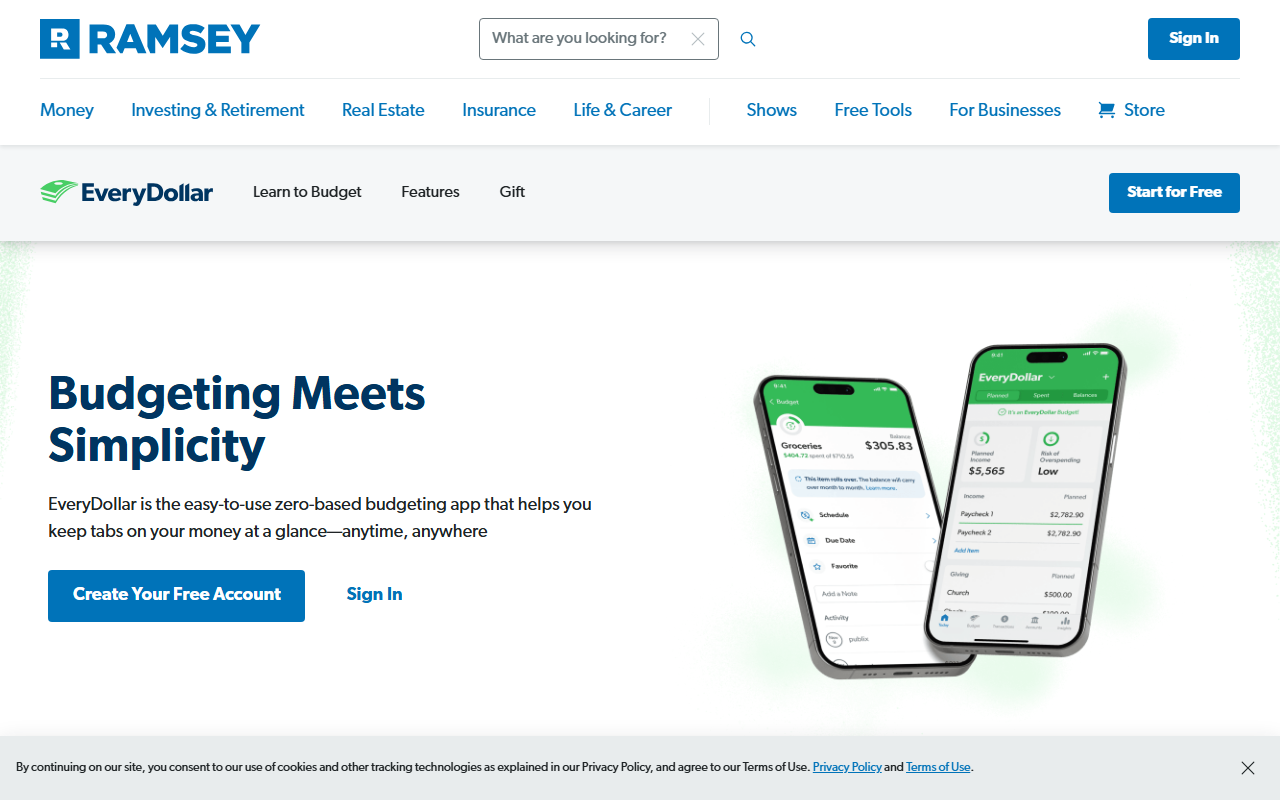
EveryDollar’s own page lists a monthly budget, unlimited categories, manual transactions, sinking funds and bill due dates as free, with bank-connected transactions and extras reserved for Premium. If you like the idea of assigning every dollar a job and are fine typing transactions, it’s a legitimate free substitute for Rocket Money’s budgeting side.
4. Goodbudget: envelopes without a bank link
A favor
- Free plan lists 10 regular and 10 additional envelopes
- No bank connection required
- Classic, easy-to-grasp envelope method
En contra
- Free plan is limited to 1 account and 2 devices
- Unlimited envelopes need the paid plan
- Manual entry takes discipline
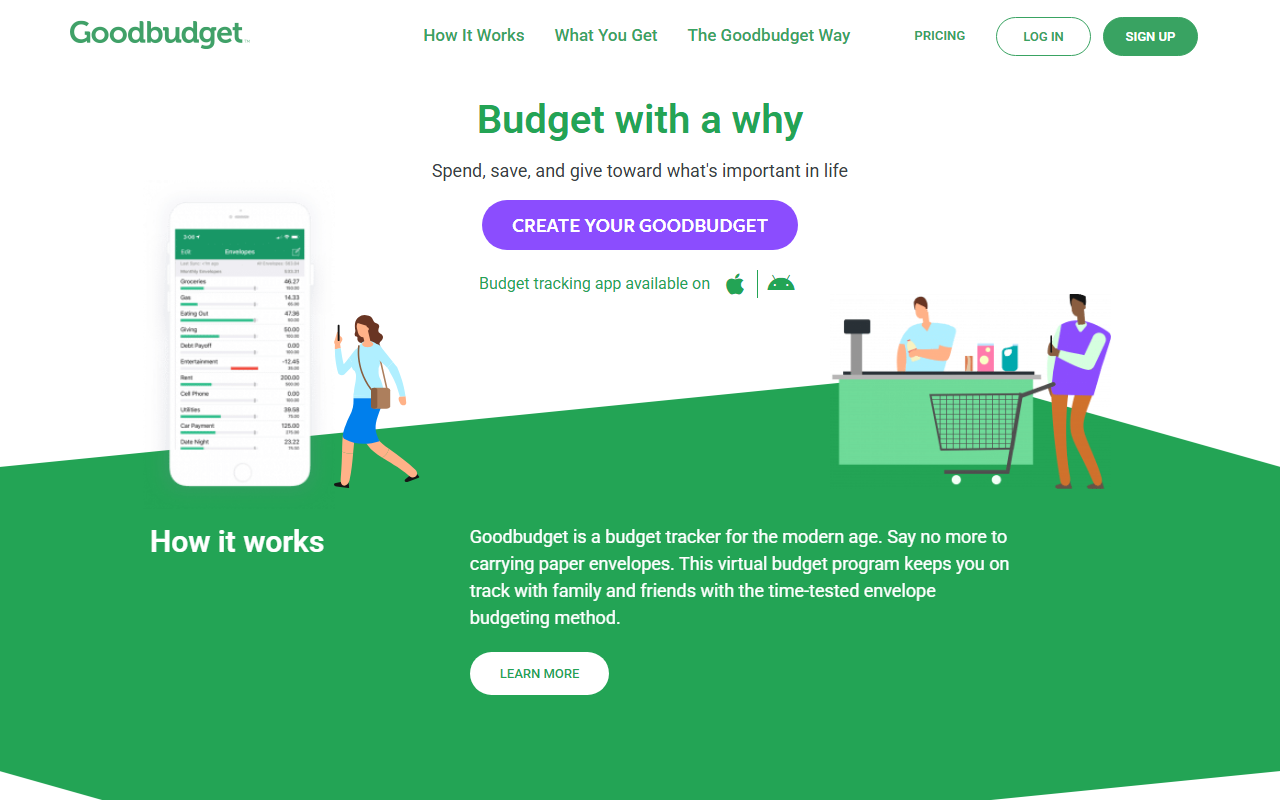
Goodbudget’s pricing page lists a free plan with 10 regular envelopes, 10 additional envelopes, one account and two devices, with the paid plan at $10 a month or $80 a year. It isn’t a subscription finder, but a “Subscriptions” envelope funded each month works for people who think in envelopes. For a deeper look, see our best envelope budgeting apps roundup.
Quick comparison
| Option | Best for | Cost | Bank link needed |
|---|---|---|---|
| Rocket Money (for reference) | Finding subscriptions and, on paid plans, cancelling them | Free plan; Premium from about $7 to $14 per month | Yes |
| Monthly | Planning the whole month | Free core workflow | No |
| Phone subscription settings | One-time audit of app-billed subscriptions | Free | No |
| EveryDollar (free) | Manual zero-based budgeting | Free; Premium for bank sync | No (Premium only) |
| Goodbudget (free) | Envelope budgeting | Free plan with limits; paid $10/month or $80/year | No |
A worked example: where subscriptions fit in a month
Say someone takes home $2,900. Their rent is $1,200, utilities and internet $170, phone $55, car insurance $110 and a loan payment of $180. Then there are subscriptions: streaming $16, music $11, cloud storage $3, a gym at $30 and a news site at $12, a total of $72. Fixed expenses come to $1,787.
In Monthly, the subscriptions are five lines in the fixed-expense list. With a $250 weekend reserve, the real free money is $2,900 - $1,787 - $250 = $863. Canceling the news site and the gym they rarely use frees $42 a month, moving the number to $905. The amounts are invented for illustration. The point is that a subscription audit and a monthly plan feed each other: the audit shrinks the fixed list, and the plan shows what that shrinkage means for your month.
For another layer of this thinking, see how to calculate real free money.
Just finished a subscription audit? Enter the five subscriptions you kept as fixed lines in Monthly and watch which cancellation moves your number the most →
What you give up without Rocket Money
Be clear-eyed about the trade-offs. Without a connected app, nobody alerts you when a free trial converts into a charge, and nothing flags a price increase on a subscription you forgot about. The manual alternatives depend on you reviewing your statements now and then. A practical middle path is to schedule a 15-minute review at the start of each quarter: scan your card and bank statements for recurring charges, compare them with your fixed-expense list, and remove anything you no longer use. It is less automatic, but it keeps your bank credentials out of another app and costs nothing.
It also helps to separate two goals that often get blended. Finding forgotten charges is a one-time cleanup. Keeping your month under control is an ongoing habit. A tracker is good at the first and only partly helpful for the second, because a long list of subscriptions doesn’t tell you whether the month as a whole works. That’s where a plan with a clear free-money number earns its place, and where a no-bank-connection app is enough on its own.
A simple free subscription routine
- Pull up your last three statements and highlight every recurring charge.
- Check your phone’s subscription list for app-billed charges.
- Cancel anything you haven’t used in the last 30 days.
- Enter what remains as fixed expenses, with the renewal amount.
- Add a calendar reminder for annual renewals so they don’t hit unannounced.
Which should you pick
- You only want to find and cancel subscriptions once: use your phone’s subscription list and card statements.
- You want a free plan for the whole month and don’t want a bank link: Monthly.
- You like assigning every dollar a job: EveryDollar’s free tier.
- You think in envelopes: Goodbudget.
- You want ongoing automatic detection and are fine linking accounts: Rocket Money’s free plan is a reasonable place to stay, and paying only makes sense if you’ll use the cancellation or negotiation help.
Bottom line
Rocket Money solves a narrow, real problem: forgotten recurring charges. If your problem is wider, a month that doesn’t add up, a subscription tracker is the wrong tool. Before your next Premium renewal date, list your leftover subscriptions next to rent in Monthly and let the free-money number decide whether paying $7 to $14 a month for cancellation help still makes sense. This article is informational and isn’t personalized financial advice.