

Quick summary: Mint’s shutdown left a real gap for the millions of people who used it to see spending across every linked account in one place. There isn’t a single app that replaces it exactly, because Mint combined free automatic tracking with a scale that’s hard for a newer product to match immediately. Below are the alternatives worth actually considering, including Monthly, which approaches the problem differently: instead of tracking what you already spent, it calculates what you have left to spend.
Mint was, for a long time, the default answer to “what budgeting app should I use,” largely because it was free and connected to nearly every US bank automatically. When Intuit shut it down and redirected users to Credit Karma, a lot of people discovered that Credit Karma covers credit scores and some spending insights, but not the category-by-category budget view Mint was actually used for day to day.
That gap is why so many former Mint users are now comparing alternatives from scratch. Some of the apps below try to replicate Mint’s automatic, bank-connected model closely. Others, including Monthly, use the moment to ask a different question: instead of showing you where money already went, what if the app told you what’s actually safe to spend before you spend it?
How we picked these apps
We focused on tools that either replicate Mint’s connected, automatic-tracking approach or offer a genuinely different but comparably useful way to see your money clearly. We weighed cost, since Mint’s biggest selling point was being free, along with ease of setup, whether bank connection is required, and how well each app fits someone coming from Mint’s category-based mental model.
Quick comparison
| App | Best for | Free | No bank link |
|---|---|---|---|
| Monthly | A forward-looking paycheck plan instead of a transaction feed | Yes | Yes |
| Monarch Money | A connected, Mint-like dashboard across every account | No | No |
| Copilot | Automatic categorization similar to Mint’s, on iPhone | No | No |
| Spendee | A shared household wallet with multi-currency support | Yes | No |
| Rocket Money | Finding and cutting recurring subscriptions | Yes | No |
| EveryDollar | A structured zero-based budget instead of a spending feed | Yes | Optional |
| Goodbudget | Mint’s categories, reworked as digital envelopes | Yes | Yes |
| YNAB | A deeper, more disciplined method than Mint offered | No | Optional |
| Google Sheets | Not depending on any single budgeting company again | Yes | Yes |
The best Mint alternatives compared
1. Monthly: a forward-looking paycheck plan instead of a transaction feed

A favor
- No bank connection required, unlike Mint's core feature
- Calculates real free money from your paycheck forward
- Separates fixed expenses, reserves and investments clearly
- Free to use, with CSV, Excel and backup exports
En contra
- Doesn't track or categorize past transactions like Mint did
- Requires manual entry for income and bills
- Won't automatically flag an unusual charge on a card
Best for: A forward-looking paycheck plan instead of a transaction feed
Monthly doesn’t try to be a Mint clone. Where Mint pulled in past transactions and sorted them into categories, Monthly starts from your paycheck and subtracts fixed expenses, a weekend reserve, and investments to show your real free money: the amount you can actually spend without touching something you already owe.
For former Mint users specifically, the appeal is usually the lack of any bank connection at all: nothing to link, nothing to revoke later, and no dependency on a company deciding to shut the product down again. Monthly is free on mobile and includes an AI assistant for general personal-finance questions alongside manual tracking for money owed to you.
If part of what stung about Mint’s shutdown was losing years of transaction history built on a free, connected service, Monthly’s manual model sidesteps that specific risk going forward. There’s no bank feed to lose access to, because there was never one to begin with.
2. Monarch Money: a connected, Mint-like dashboard across every account
A favor
- Closest experience to Mint's automatic, all-accounts view
- Clean, modern interface on web and mobile
- Strong net-worth and investment tracking
- Built for couples and shared household finances
En contra
- Requires bank connections for its core functionality
- Paid subscription, roughly in the $14–15/month range or a discounted annual plan
- Focused on reviewing the past more than planning ahead
Best for: A connected, Mint-like dashboard across every account
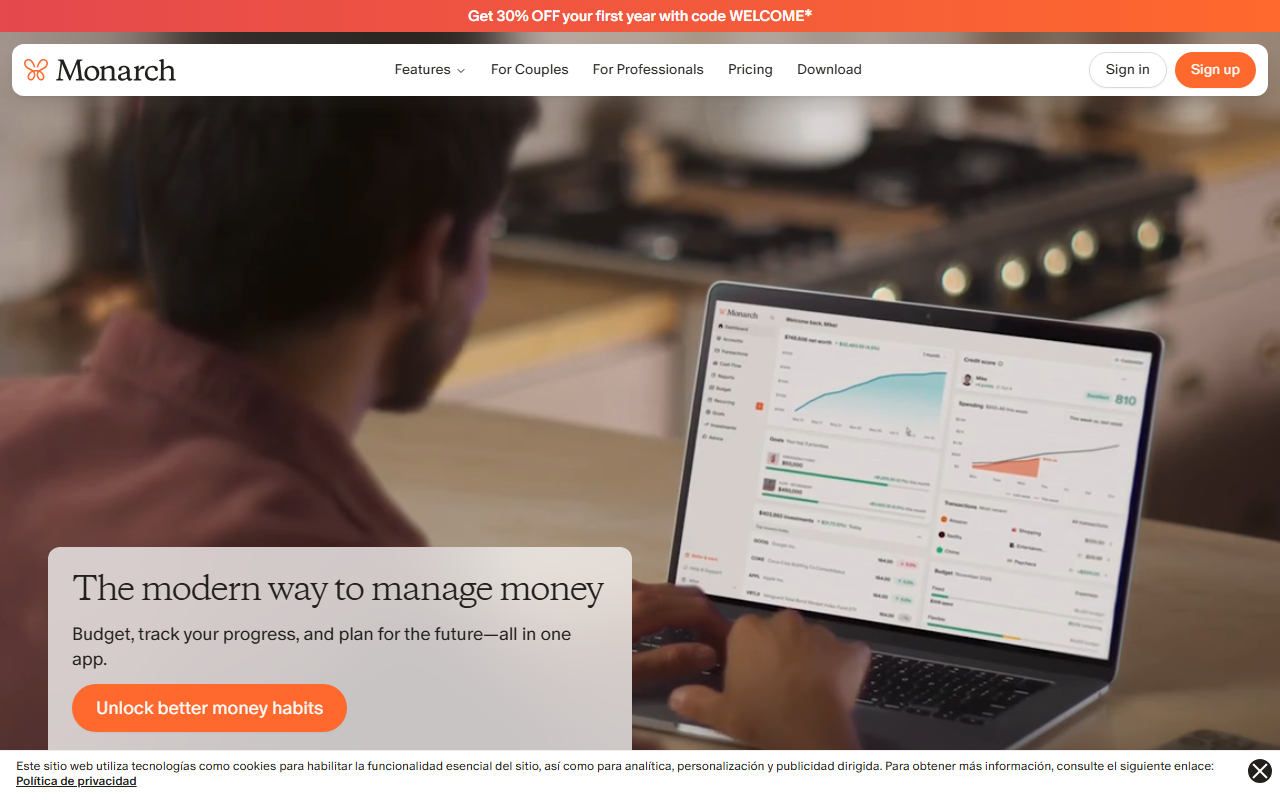
Monarch Money is probably the single closest replacement to what Mint actually did: link your accounts, watch transactions flow in automatically, and see spending broken down by category across everything at once. It also adds net-worth tracking and shared access for households, which Mint never really offered.
The catch is the one thing Mint never charged for: Monarch is a paid subscription. For former Mint users who specifically valued the automatic, all-in-one dashboard and are fine paying for it, this is usually the most direct swap.
The onboarding process is also the most involved on this list, since it means connecting every account you want reflected in the dashboard, one at a time. Budget extra time for that first setup session if you’re coming from Mint’s already-linked accounts and expecting an instant like-for-like transition.
3. Copilot: automatic categorization similar to Mint’s, on iPhone
A favor
- Polished native design built for iOS and macOS
- Smart automatic categorization of linked transactions
- Clear month-over-month spending trend views
- Actively maintained with frequent updates
En contra
- iPhone and Mac only, no Android or web version
- Requires linking bank accounts to function
- Subscription fee after the initial trial period
Best for: Automatic categorization similar to Mint’s, on iPhone
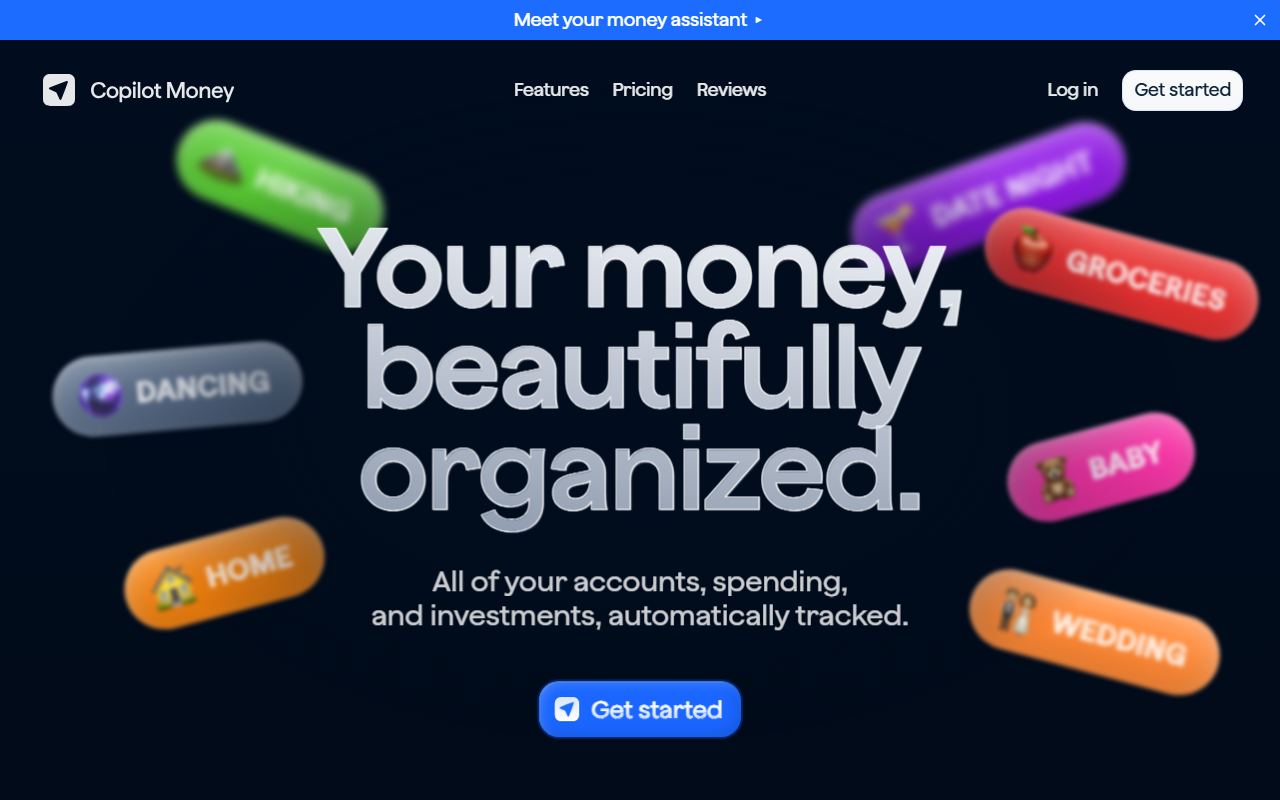
Copilot leans into the same automatic-transaction model Mint used, but with a design built specifically for Apple hardware. Transactions sync in, categorize themselves reasonably well, and spending trends are easy to browse visually: a familiar loop for anyone used to opening Mint every few days.
Its biggest limitation for former Mint users is platform: if you’re not on iPhone or Mac, Copilot isn’t an option at all. For iOS users specifically willing to pay a subscription, it’s one of the more refined automatic-tracking apps available now.
4. Spendee: a shared wallet for households and multiple currencies
A favor
- Shared wallets let a partner or household track spending together
- Handles multiple currencies in the same wallet cleanly
- Bank connection is optional in many regions, not required
- Visual breakdowns by category and by wallet
En contra
- Full feature set leans toward the paid Plus tier
- Bank sync coverage varies by country and institution
- Less focused on a single monthly paycheck workflow than Monthly
Best for: A shared household wallet with multi-currency support
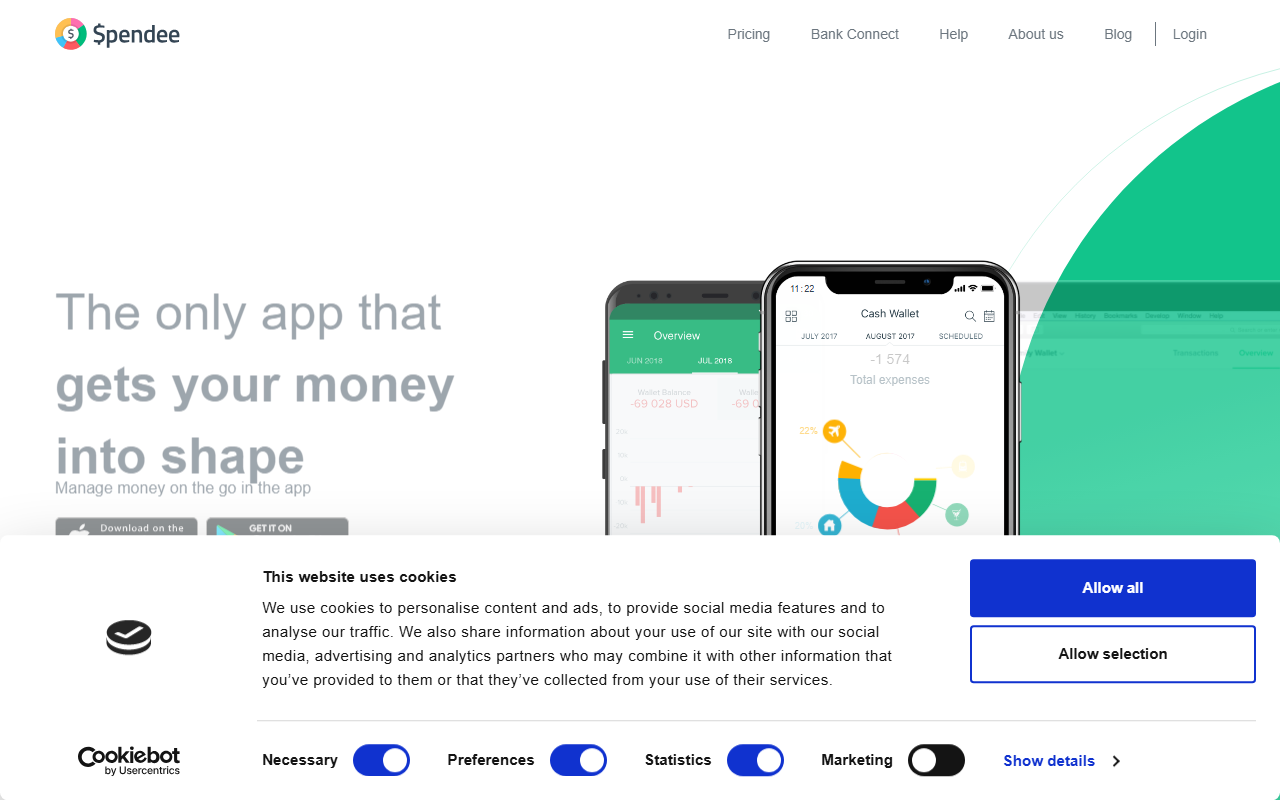
Spendee’s core idea is the shared wallet: a partner or household can track spending together in one place, with support for multiple currencies that Mint never handled particularly well for people managing money across borders.
For former Mint users who mostly used it to keep an eye on household spending together, or who deal with more than one currency regularly, Spendee’s shared-wallet model covers ground Mint’s single-user design never really addressed.
5. Rocket Money: finding and cutting subscriptions Mint used to help surface
A favor
- Surfaces recurring subscriptions automatically, like Mint did
- Free tier includes basic account monitoring
- Optional bill negotiation service
- Simple, mobile-first interface
En contra
- Requires connecting financial accounts
- Upsells toward premium features fairly often
- Lighter on category-by-category budgeting than Mint was
Best for: Finding and cutting subscriptions Mint used to help surface
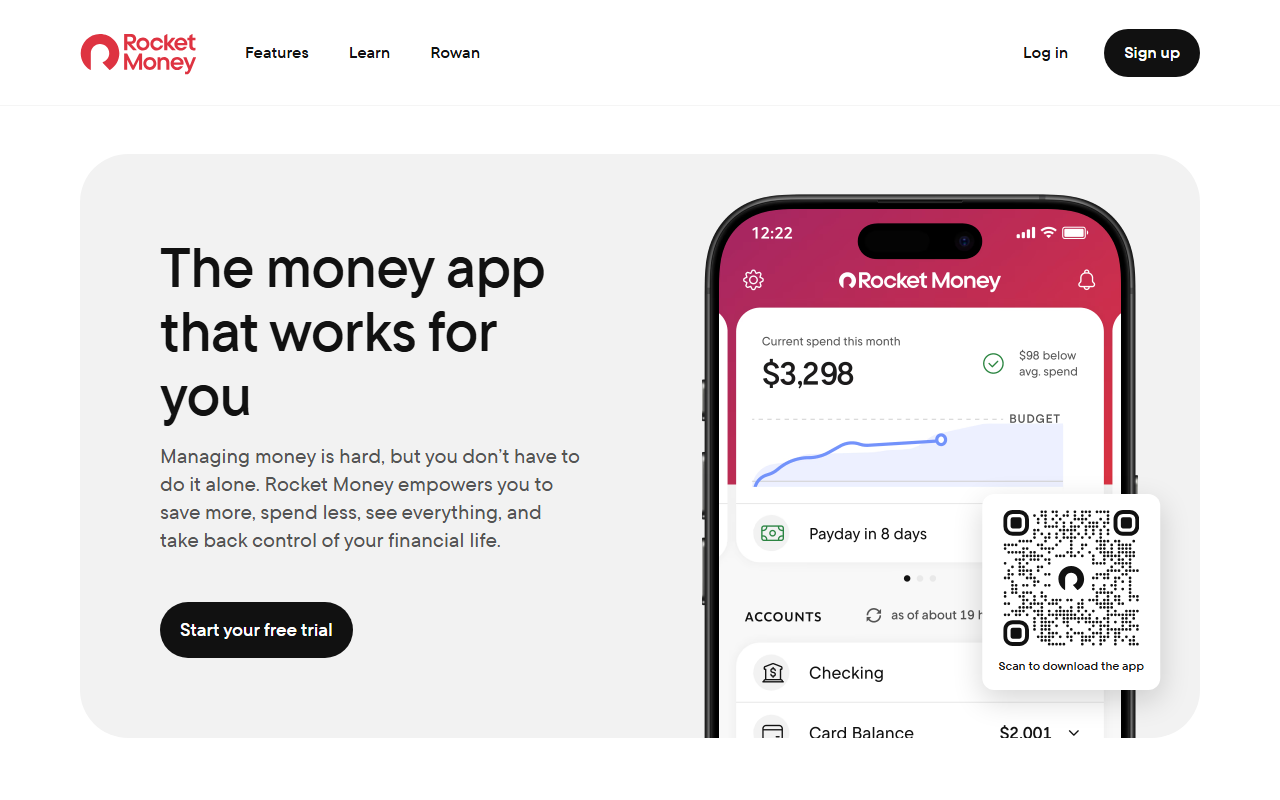
One specific thing Mint was genuinely good at was quietly surfacing a subscription you’d forgotten about. Rocket Money leans into exactly that: it scans linked accounts for recurring charges and makes it easy to cancel or renegotiate them, with a free tier that covers the basics.
It’s a narrower tool than Mint overall: less about full category budgeting, more about recurring-charge cleanup. It works best paired with something else on this list rather than as a complete replacement on its own.
6. EveryDollar: a structured zero-based budget instead of a spending feed
A favor
- Simple, well-known zero-based budgeting method
- Manual entry is a real free tier, not just a demo
- Easy for someone who never budgeted with categories before
- Backed by established Ramsey course content
En contra
- Bank sync requires a separate paid tier
- Less useful for reviewing historical spending trends
- No dedicated weekend or discretionary reserve concept
Best for: A structured zero-based budget instead of a spending feed
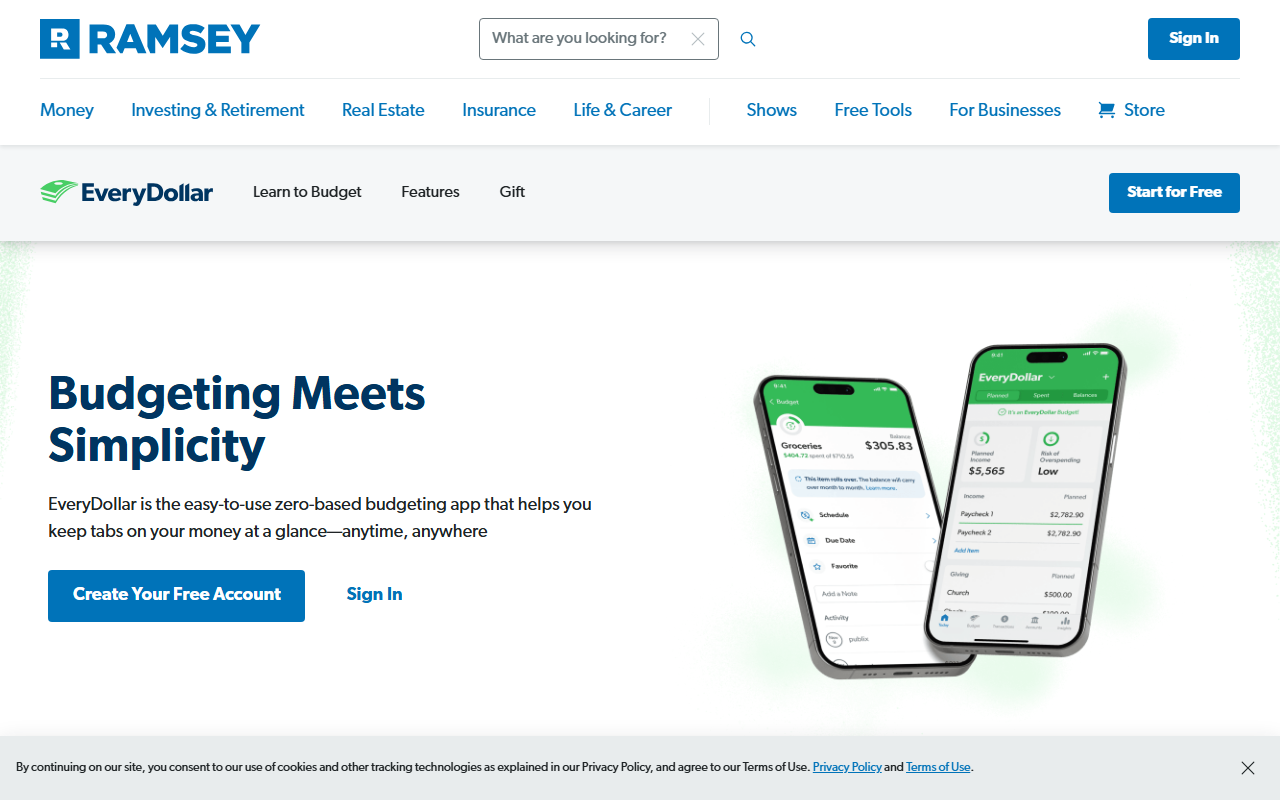
EveryDollar swaps Mint’s “see where the money went” approach for “decide where the money goes”: every dollar of income gets assigned to a category until nothing’s left over, which is a genuinely different mental model from Mint’s transaction feed.
Former Mint users who found the category browsing overwhelming sometimes prefer this more prescriptive structure. The free tier is fully manual; automatic bank syncing is reserved for the paid version.
7. Goodbudget: Mint’s categories, reworked as digital envelopes
A favor
- No bank connection required, unlike Mint
- Classic envelope method most people already understand
- Syncs manually entered envelopes across a household
- Free plan available for basic budgeting
En contra
- All entries are manual, with no automatic import
- Free plan limits the number of active envelopes
- Interface feels less modern than newer apps
Best for: Mint’s categories, reworked as digital envelopes
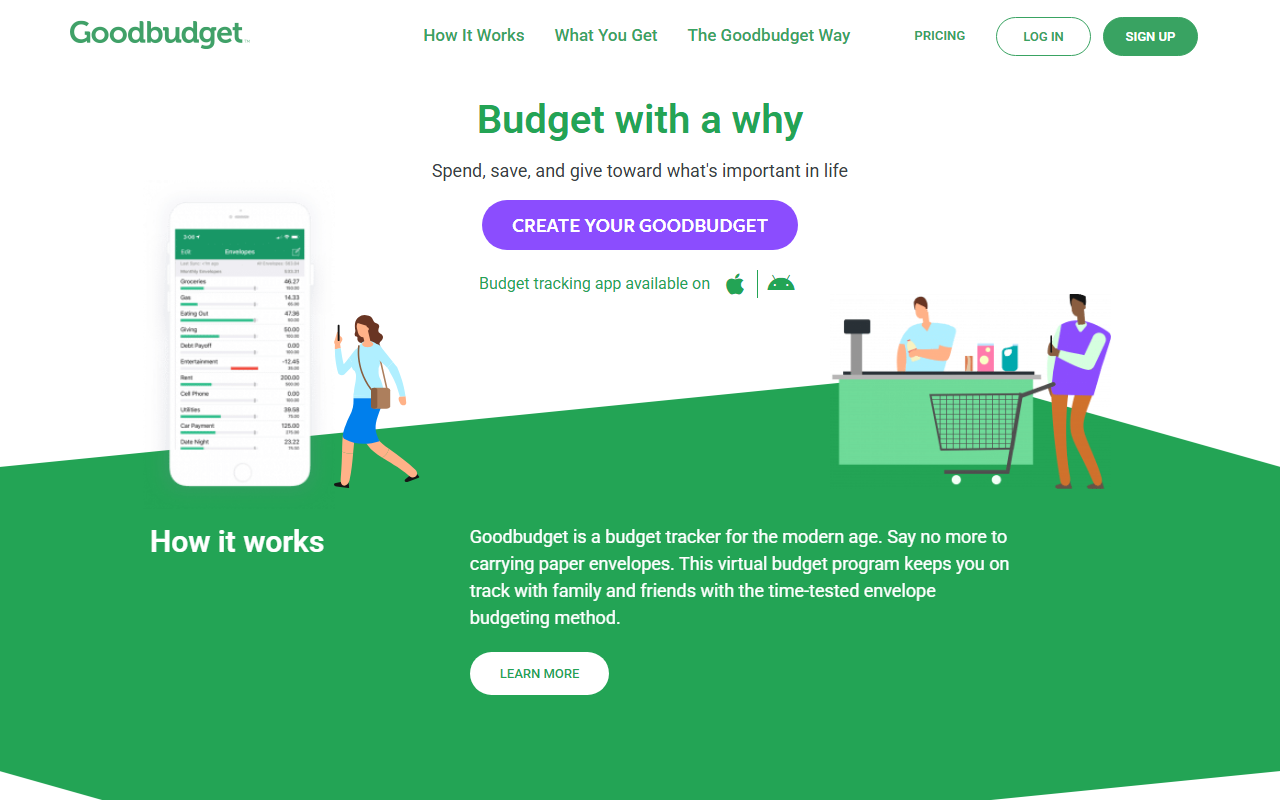
Goodbudget takes the idea of spending categories that Mint made familiar and rebuilds it around manual envelopes instead of automatic transaction pulls. You decide the categories, fund them from income, and log spending against each one by hand.
It’s a good fit for former Mint users who liked thinking in categories but are also open to dropping the bank connection entirely, something Mint itself never offered as an option.
8. YNAB: a deeper, more disciplined method than Mint offered
A favor
- Well-regarded zero-based budgeting methodology
- Extensive educational content and community support
- Direct bank sync available for US accounts
- Encourages proactive planning rather than passive review
En contra
- Paid subscription, roughly $14–15/month or a discounted annual plan
- Steeper learning curve than Mint's simple category view
- More time investment than most people spent in Mint
Best for: A deeper, more disciplined method than Mint offered
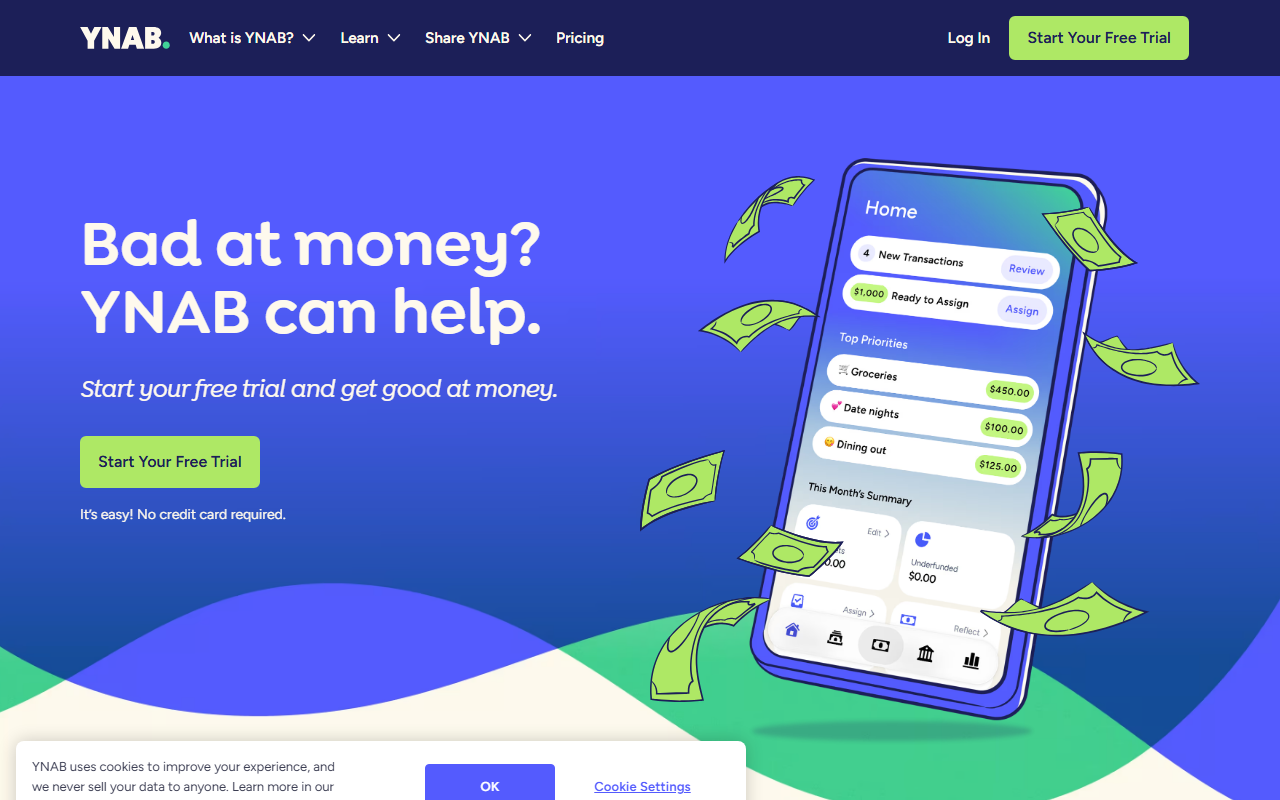
Mint was largely passive: it showed you what happened. YNAB is the opposite: it asks you to actively assign every dollar a job as it arrives, which is a bigger habit change but gives a more hands-on sense of control than Mint’s category charts ever did.
It’s a good option for former Mint users who found the app useful but ultimately too passive to actually change their spending, and who are willing to pay for a more structured system in exchange.
9. Google Sheets: not depending on any single budgeting company again
A favor
- Free with any Google account
- Nothing can be shut down by a company decision again
- Full control over categories and formulas
- Keeps unlimited history in one file you own
En contra
- Requires building your own categorization system
- No automatic transaction import
- No mobile-first design or reminders
Best for: Not depending on any single budgeting company again
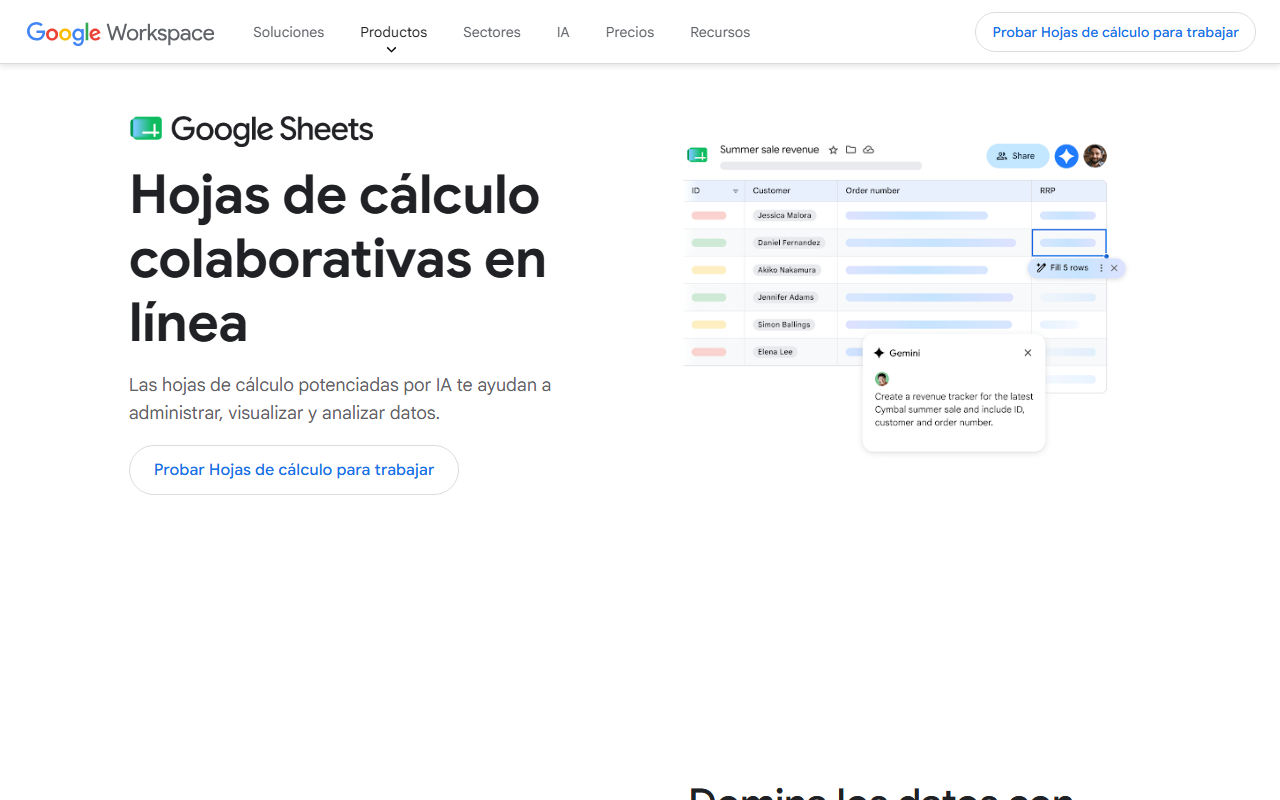
For some former Mint users, the shutdown itself was the lesson: a free tool built and owned by one company can disappear, taking years of category history with it. A spreadsheet sidesteps that risk entirely, since it’s just a file you control.
The trade-off is obvious: no automatic transaction pulls, no smart categorization, just whatever formulas and structure you’re willing to build and maintain yourself.
Conclusion
There’s no single app that replaces everything Mint did for free, but the alternatives above cover most of what people actually used it for. If your priority is a Mint-like automatic dashboard across every account and you don’t mind paying, Monarch Money or Copilot are the closest matches. If Mint’s shutdown left you wary of depending on a connected, free service again, Monthly offers a free, no-bank-connection way to see your real free money going forward instead of a feed of what already happened. Try Monthly free →