

Quick summary: Not everyone wants to type a bank username and password into a budgeting app, even when the app promises bank-level encryption. If you’d rather keep your login credentials with your bank and enter your own numbers, a handful of tools are built for exactly that: no linked accounts, no automatic transaction feed, no third-party aggregator sitting between you and your money.
Linking a bank account is supposed to save time. In practice, it also means trusting a third company with read access to your balances and, in most cases, entering your login details through a data aggregator like Plaid so the app can keep pulling transactions in the background. For a lot of people that trade-off is fine. For others, especially anyone who’s had a sync break, a login get flagged, or simply doesn’t like the idea of a budgeting app knowing every transaction the moment it clears, it isn’t.
The apps below all work without requiring you to connect a bank account. Some, like Monthly, are built around manual entry from the ground up. Others, like YNAB or EveryDollar, support a bank-synced mode but work perfectly well if you never turn it on. None of them move money, and none of them need your bank password to function.
Why skipping the bank connection actually matters
A bank connection changes what an app can see, not just how convenient it is. Once you link an account, the app has ongoing read access to every transaction that clears, which stays true until you manually revoke it, something a lot of users forget to do after they stop using an app. A manual app never has that access in the first place, so there’s nothing to revoke later and nothing that can be exposed if the aggregator itself has a security incident.
There’s also a reliability angle that gets less attention than privacy. Bank feeds break more often than most people expect: a bank updates its login flow, a two-factor prompt doesn’t reach the app, or a smaller regional bank simply isn’t supported. When that happens, the budget silently stops updating until someone notices the numbers look wrong. A manual entry never “goes stale” in that particular way, because the numbers only change when you change them.
How we picked these apps
We looked for tools that either have no bank-connection option at all or offer a genuinely usable manual mode, not just a watered-down free tier that nags you to connect an account. We weighed ease of setup, whether the app calculates anything useful from what you enter (versus just storing a list), mobile usability, and total cost, since several of these apps only look free until the manual tier gets capped.
Quick comparison
| App | Best for | Free | Fully manual |
|---|---|---|---|
| Monthly | Paycheck, fixed expenses and free money with zero bank access | Yes | Yes |
| YNAB | Strict, category-based budgeting entered by hand | No | Optional |
| Goodbudget | The envelope method without linking a bank | Yes | Yes |
| EveryDollar | Zero-based budgeting on the manual, free tier | Yes | Optional |
| Google Sheets / Excel | Full control over your own formulas | Yes | Yes |
| Notes app | A running list with no setup at all | Yes | Yes |
The apps compared
1. Monthly: paycheck, fixed expenses and free money with zero bank access
A favor
- Never asks for banking credentials of any kind
- Calculates real free money from what you enter
- Separates fixed expenses, weekend reserves and investments
- Exports your records as CSV, Excel or backup
En contra
- Requires manual entry every time income or a bill changes
- Won't catch a purchase you forget to log
- Uses cloud storage, so it isn't a fully offline tool
Best for: Paycheck, fixed expenses and free money with zero bank access
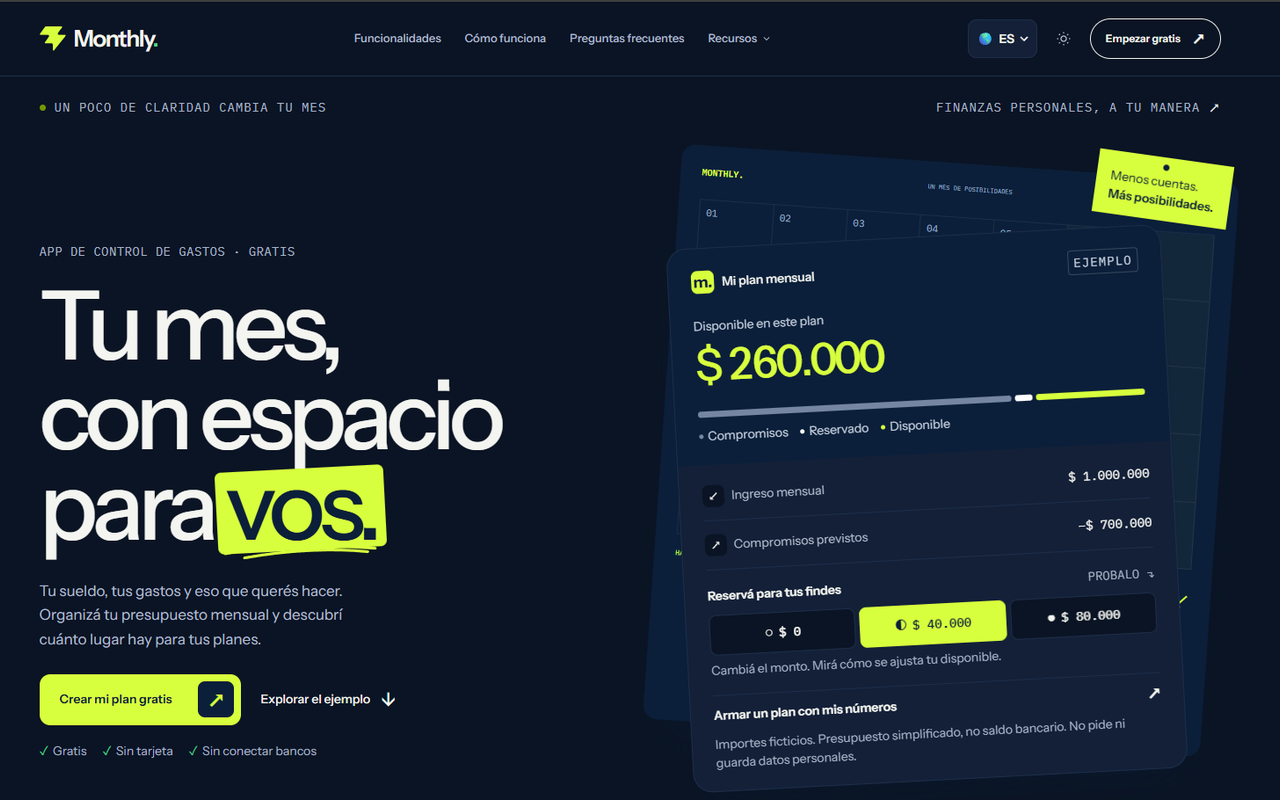
Monthly was designed around the assumption that most people don’t want to hand over bank credentials just to see what’s left to spend. You enter your paycheck, list your fixed expenses by name and amount, set aside a weekend reserve, and log any investments. The app does the subtraction and shows your real free money, the number that’s actually safe to spend once every commitment is accounted for.
Because nothing syncs automatically, there’s no aggregator in the middle and no ongoing read access to your accounts to worry about later. The trade-off is honest: you do have to open the app and update it when something changes, and it won’t catch an expense you never logged. Monthly is free to use on mobile, with an AI assistant available for general personal-finance questions and manual tracking for money owed to you.
For anyone coming from a bank-linked app who’s simply tired of managing connection errors and re-authentication prompts, the switch mostly means updating numbers by hand instead of watching them appear automatically. Most people find that trade-off worth it once they realize how little time the actual entry takes once fixed expenses are already listed.
2. YNAB: strict, category-based budgeting entered by hand
A favor
- Well-known zero-based budgeting method
- Can be run entirely without a bank connection
- Deep educational content and an active community
- Strong tools for planning irregular expenses
En contra
- Recurring paid subscription, in the roughly $14–15/month range or a discounted annual plan
- Steep learning curve if you're new to category budgeting
- Manual entry across many categories takes real time each week
Best for: Strict, category-based budgeting entered by hand
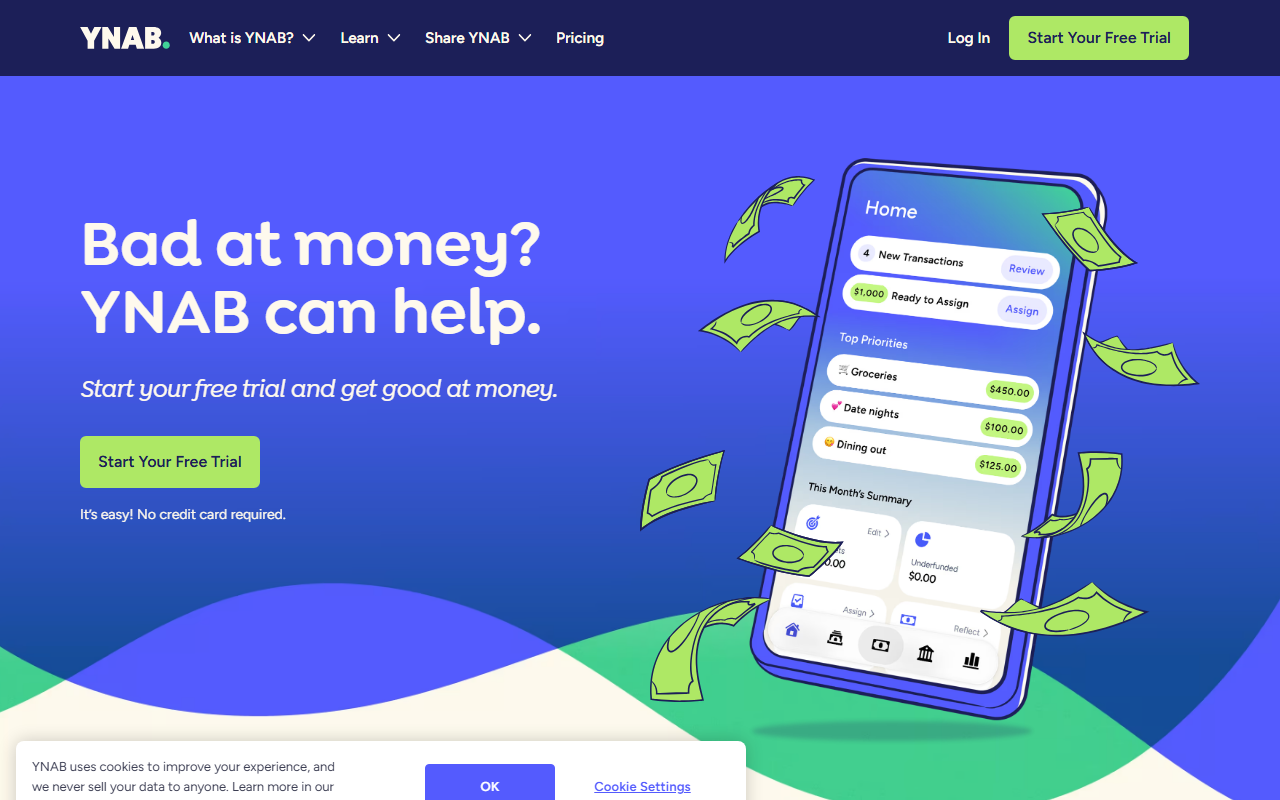
YNAB’s method assigns every dollar a job the moment it arrives, and it works whether or not you connect a bank. Choosing to enter transactions manually just means doing by hand what the sync would otherwise automate: recording each purchase and matching it against the category you assigned it to.
That manual discipline suits people who want to feel every dollar move, but it’s a bigger time commitment than a tool built around a single monthly total. YNAB is a paid subscription after its trial period, and its category system rewards people willing to maintain it consistently rather than check in once a month.
Choosing to run YNAB manually rather than syncing it is a deliberate trade worth naming explicitly: you keep the method’s discipline and privacy, but you take on all of the data entry the bank sync would otherwise handle, category by category, transaction by transaction.
3. Goodbudget: the envelope method without linking a bank
A favor
- No bank connection option exists, by design
- Classic envelope budgeting most people already understand
- Syncs manually entered envelopes across a household
- Free plan available for basic use
En contra
- Every transaction has to be typed in by hand
- Free plan caps the number of active envelopes
- Interface feels dated next to newer mobile-first apps
Best for: The envelope method without linking a bank
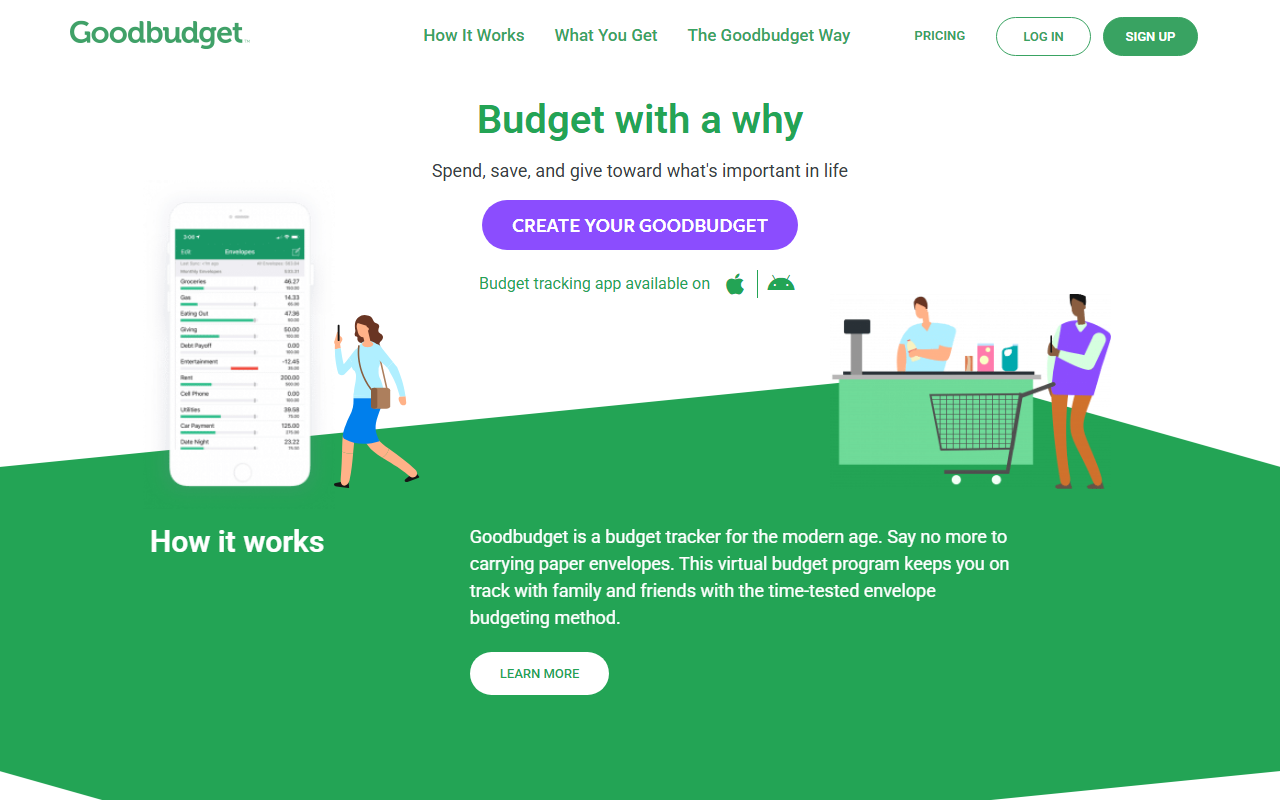
Goodbudget digitizes the old cash-envelope system: you divide income into virtual envelopes for rent, groceries, and other categories, then log what you spend against each one. There’s no bank-sync option to opt out of, because the entire product is built around manual envelopes from day one.
That makes it a natural fit for anyone who already thinks in envelopes and wants a private, no-linking way to keep them on a phone instead of in cash. The free tier limits how many envelopes you can run at once, which pushes heavier users toward the paid plan sooner than some competitors do.
It’s worth noting that Goodbudget’s approach requires the most consistent manual discipline on this list, since every transaction has to be logged against an envelope individually rather than summarized into a single fixed-expense line. That granularity is the appeal for some users and the reason others eventually drop off.
4. EveryDollar: zero-based budgeting on the manual, free tier
A favor
- Manual entry is the actual free tier, not a crippled demo
- Simple zero-based structure that's easy to explain
- Straightforward setup for a first-time budgeter
- Built around Ramsey's well-known budgeting method
En contra
- Bank sync is locked behind a separate paid tier
- No dedicated weekend or discretionary reserve concept
- Manual tier can feel bare next to paid budgeting apps
Best for: Zero-based budgeting on the manual, free tier
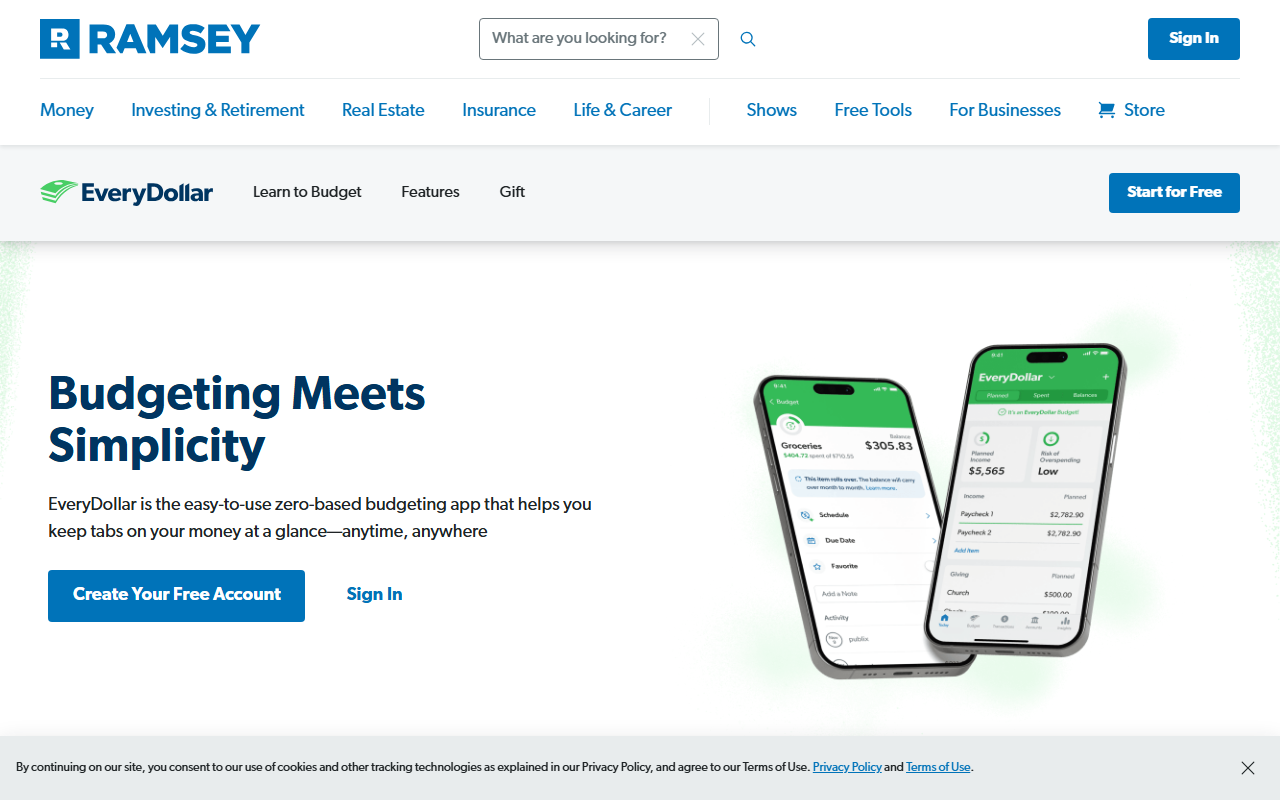
EveryDollar’s free version is fully manual: you build a zero-based budget by hand, assigning every dollar of income to a category until nothing is left unaccounted for. It’s a legitimate way to use the app long-term, not just a trial before you’re pushed toward bank syncing.
Because the free tier was clearly designed as a real product rather than a funnel, it works well for anyone who wants a simple monthly framework without ever entering banking details. The interface stays close to Ramsey’s original zero-based method, which some users will already recognize from his books or podcast.
The zero-based structure works especially well for someone who wants a hard rule (assign every dollar somewhere) rather than a softer “free money” figure. It’s a more prescriptive approach than Monthly’s: that rigidity suits budgeters who want every category pre-decided, and feels like unnecessary friction to people who just want to know what’s safe to spend today.
5. Google Sheets / Excel: full control over your own formulas
A favor
- Nothing to connect, ever, by definition
- Completely free through Google Sheets
- Total flexibility in how you structure the budget
- Keeps years of history in a single file
En contra
- Requires building and maintaining your own formulas
- No mobile-first design or push reminders
- Easy to break a formula without noticing right away
Best for: Full control over your own formulas
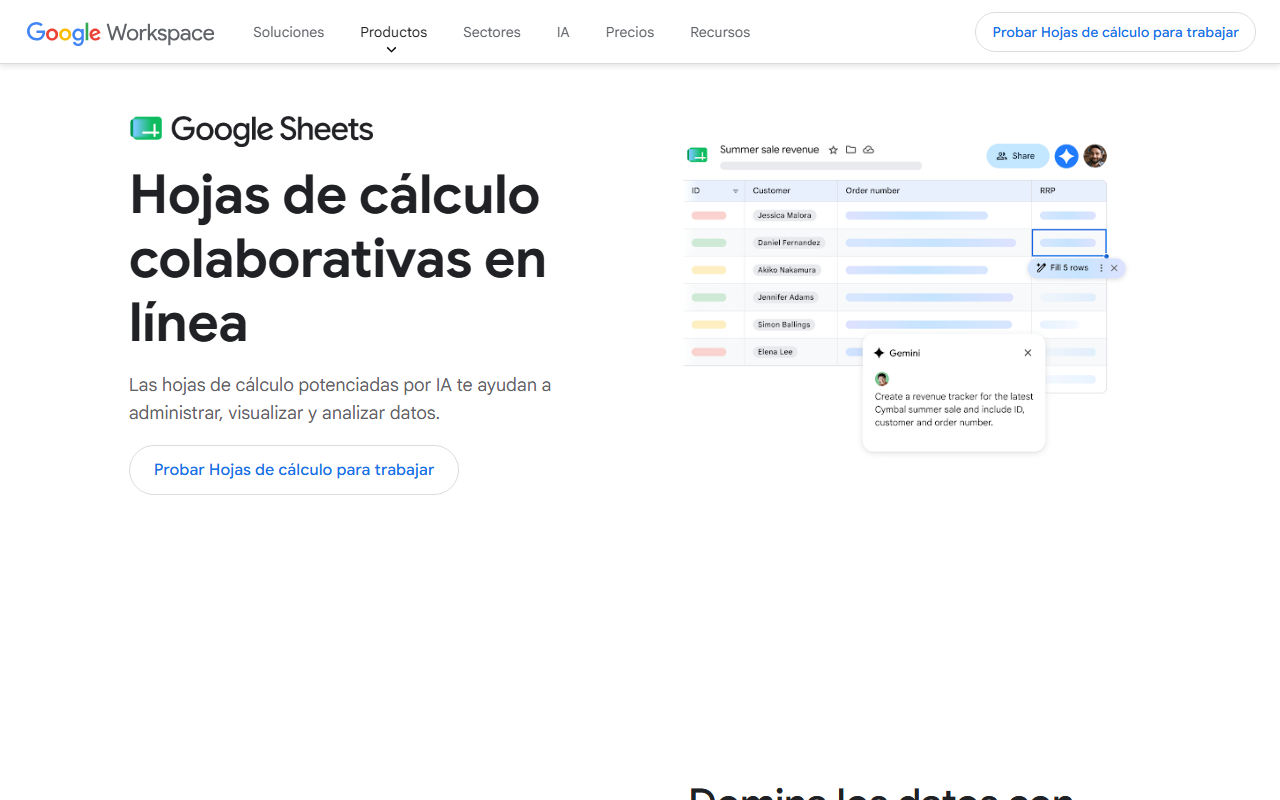
A spreadsheet is, by construction, the most private option on this list: there’s no app vendor at all, just a file you own. Google Sheets is free with any Google account, and Excel is available through a Microsoft 365 subscription or as a one-time purchase depending on the plan.
The cost of that control is upkeep. Every formula, every new row for a new expense, and every fix after you accidentally overwrite a cell is on you. It’s an excellent option for someone who already thinks in spreadsheets, and a frustrating one for someone who just wants an answer without building the tool first.
A well-built personal spreadsheet can genuinely last for years without needing to switch tools, which is a real advantage over any app that could raise its price or shut down. The downside is that “well-built” is doing a lot of work in that sentence: most spreadsheets that fail do so from a small formula error nobody noticed for months.
6. Notes app: a running list with no setup at all
A favor
- Already installed on almost every phone, at no cost
- Zero learning curve or account creation
- Keeps everything off financial-app servers entirely
- Fastest option for jotting a number down mid-day
En contra
- No calculations, totals or structure of any kind
- Nothing stops you from losing track of an entry
- Not built for planning, only for writing things down
Best for: A running list with no setup at all
The plain notes app on a phone is the simplest possible “budgeting tool”: open it, type a number, done. There’s no account to create, nothing to connect, and no learning curve, which makes it a genuine option for someone who just needs a quick scratchpad for the month.
The limitation is equally simple: it doesn’t add anything up, doesn’t separate fixed expenses from spending money, and won’t warn you when a category runs dry. It works as a stopgap or a habit-building first step, not as a long-term way to see your real free money.
Some people use the notes app deliberately as a bridge, jotting numbers down through the day and transferring them into a proper app or spreadsheet once a week. Used that way, it’s less a budgeting tool on its own and more a quick capture step ahead of the real planning.
Which one fits your situation
| If you want… | Consider |
|---|---|
| A calculated free-money number with zero bank access | Monthly |
| A strict, category-by-category method done by hand | YNAB |
| The classic envelope system on a phone | Goodbudget |
| A free, simple zero-based budget | EveryDollar |
| Total control over your own layout and formulas | Google Sheets / Excel |
| The fastest possible way to jot down a number | Notes app |
Conclusion
None of these tools need your bank password to be useful, which is worth remembering the next time an app’s onboarding flow makes linking an account feel mandatory. If your priority is a clear, calculated answer to “what can I actually spend this month” without connecting anything, Monthly is built specifically around that question: paycheck in, fixed expenses and reserves out, real free money left over. If you’d rather build your own system by hand, YNAB, Goodbudget and EveryDollar all support that without ever asking for a bank login, and a spreadsheet remains the most private option of all for anyone willing to maintain it. Try Monthly free →