

Short answer: the most private budgeting setups are the ones that never see your bank login and store the least. A manual-entry app such as Monthly, or a local-first tool such as Actual Budget, collects far less than a bank-linked app. But “manual” is not the same as “no data”: every hosted app still holds what you type, and the real privacy question is who holds it, where, and what they can do with it.
Privacy in budgeting apps gets lumped into one worry: “will it have my bank password?” That is a fair worry, but it leaves out the more useful questions. What does the app keep after you stop using it? Does it hold read access to every transaction forever? Can you run it without an account at all? The answers differ more between apps than the marketing suggests.
How we compared them
Monthly is our product, so we apply the same standard to it that we apply to others: we only credit a privacy property if a vendor’s own page states it. We read each vendor’s public pages in October 2026: EveryDollar, Goodbudget, YNAB’s pricing page, the Actual Budget site and its sync documentation, and PocketGuard’s App Store listing, because PocketGuard’s own site blocked our reader. We did not audit anyone’s security, and nothing here is a guarantee about any company’s practices.
Two kinds of data an app can hold
Data you typed. Income, bills, a note that a friend owes you $40. You decided to share it, and you can usually delete it.
Data pulled from your accounts. Every transaction at every linked institution, merchant names, dates and balances. You may never have typed any of it, and it can include things you would not have thought to enter.
A bank-linked app holds both. A manual-entry app holds the first kind only. That single difference is the bulk of the privacy gap between the two categories, and it is why this comparison separates them.
What bank-linked apps say about their connections
PocketGuard’s App Store FAQ states that it connects “via secure data connectors (Plaid, Finicity, Salt Edge, Apple Wallet),” that credentials are not stored and that access is read-only. It adds that accounts can also be added manually or as cash accounts. EveryDollar’s page says its Premium bank connection uses Mastercard Connect and Plaid. YNAB’s pricing page says direct import supports select US, Canadian, UK and EU banks, and that file-based import works elsewhere; its FAQ also says it does not sell your data.
Those are reasonable statements, and many people accept them. What they do not tell you is how long linked data is kept after you cancel, which is why a good habit is to disconnect the link yourself before deleting the app, rather than relying on the app to clean up.
What manual-entry apps still hold
Manual apps are not invisible. Monthly’s privacy policy lists the financial planning data you enter (income, expenses, investments, assets, debt), your email, profile name and authentication identifiers, support messages, and technical and usage data. It names providers for hosting, database, authentication and analytics. The honest claim is narrower than “we have nothing”: Monthly never requests bank credentials, and every number comes from you.
Goodbudget and EveryDollar’s free tiers work the same way on this point: you type, they store. Goodbudget’s March 2026 blog says its Premium plan imports transactions, so the free plan is the manual one. EveryDollar’s free version lists manual transaction entry, with bank connect reserved for Premium.
The ranking
Ranking for privacy depends on what you mean. We ordered by how little financial data a vendor holds that you did not personally enter, with ties broken by how much control you keep.
| Rank | App | What it holds beyond what you type | Control you keep |
|---|---|---|---|
| 1 | Monthly | Nothing from a bank; account, usage and provider data per its policy | Delete or request data per the policy; no connection to revoke |
| 2 | Actual Budget | Nothing unless you enable bank sync; data on your device and your own server | Self-hosted sync, optional end-to-end encryption |
| 3 | EveryDollar free tier | Manual entries; bank data only if you upgrade | Stay on the free tier |
| 4 | Goodbudget free plan | Manual entries; Premium imports transactions | Stay on the free plan |
| 5 | YNAB | Manual entries, or imported transactions if you choose direct import | File-based import available; says it does not sell data |
| 6 | PocketGuard | Read-only linked-account data via named providers | Manual and cash accounts are possible, per its FAQ |
We put Monthly first because it removes the bank-data category entirely and needs no setup, which matters for people who do not want to run a server. Actual Budget could reasonably be first for someone who does.
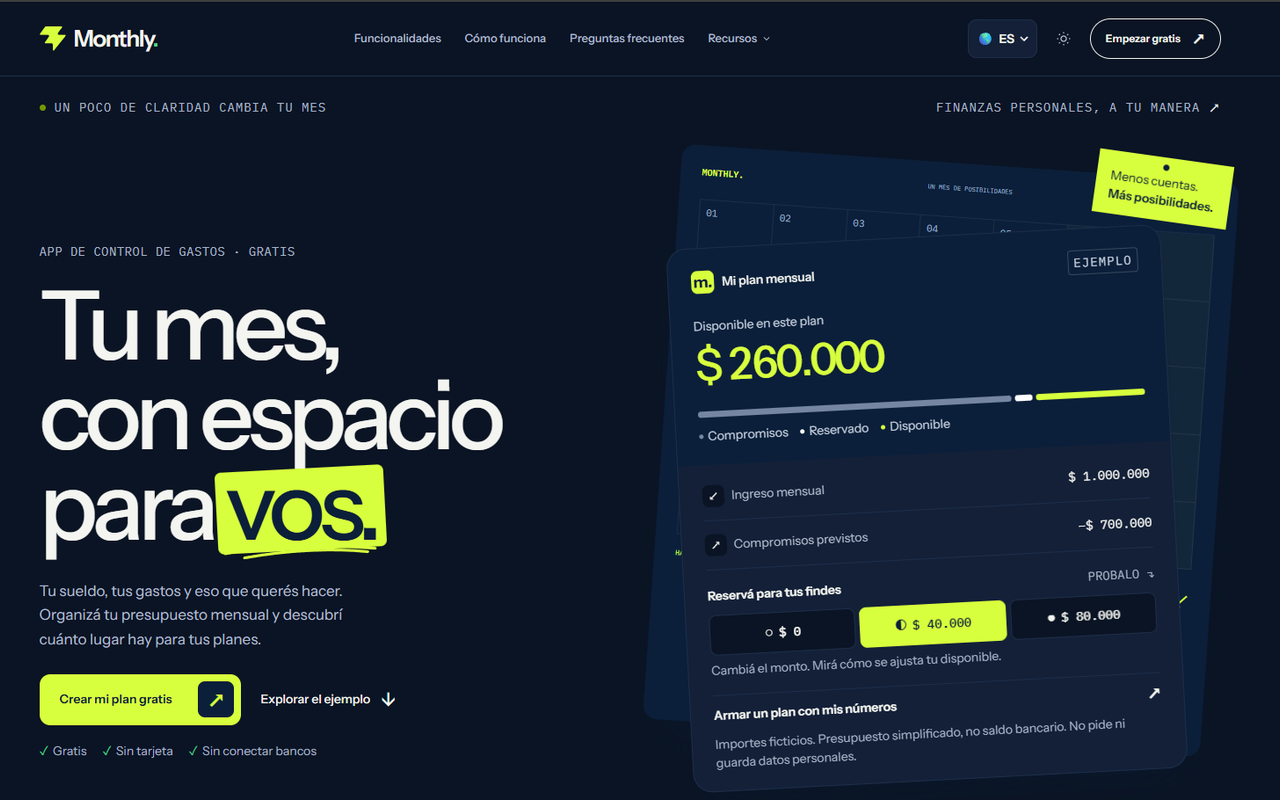
1. Monthly: nothing to connect, nothing to revoke
A favor
- Never requests bank credentials
- Every figure is one you entered
- Free core workflow with no tier that unlocks a bank link
- Privacy policy names its providers and your rights
En contra
- Cloud-hosted: your entries live on provider servers, not only your device
- No offline-only mode
- Manual entry means you must log what you spend
Best for: people who want privacy by omission and no setup.
Monthly stores the numbers you type so they follow you across devices. It does not ask for banking logins, so there is no aggregator relationship and no list of institutions to disconnect later.
2. Actual Budget: local-first and self-hostable

A favor
- Describes itself as a local app that syncs in the background
- You can self-host the sync server
- Optional end-to-end encryption per budget file
- Bank sync is a separate, optional feature
En contra
- Setup: you run a server or pay a host
- The site lists no price; hosting providers charge their own fees
- Local data on your device stays unencrypted
Best for: technical users who want full control.
The docs say data is stored on your installed Actual server and your local device, and “Your data never goes to any external servers that you don’t choose.” Encryption is optional per file, and bank sync credentials for SimpleFIN or goCardless are kept apart and are not covered by it. If you will not enable bank sync, you avoid that gap.
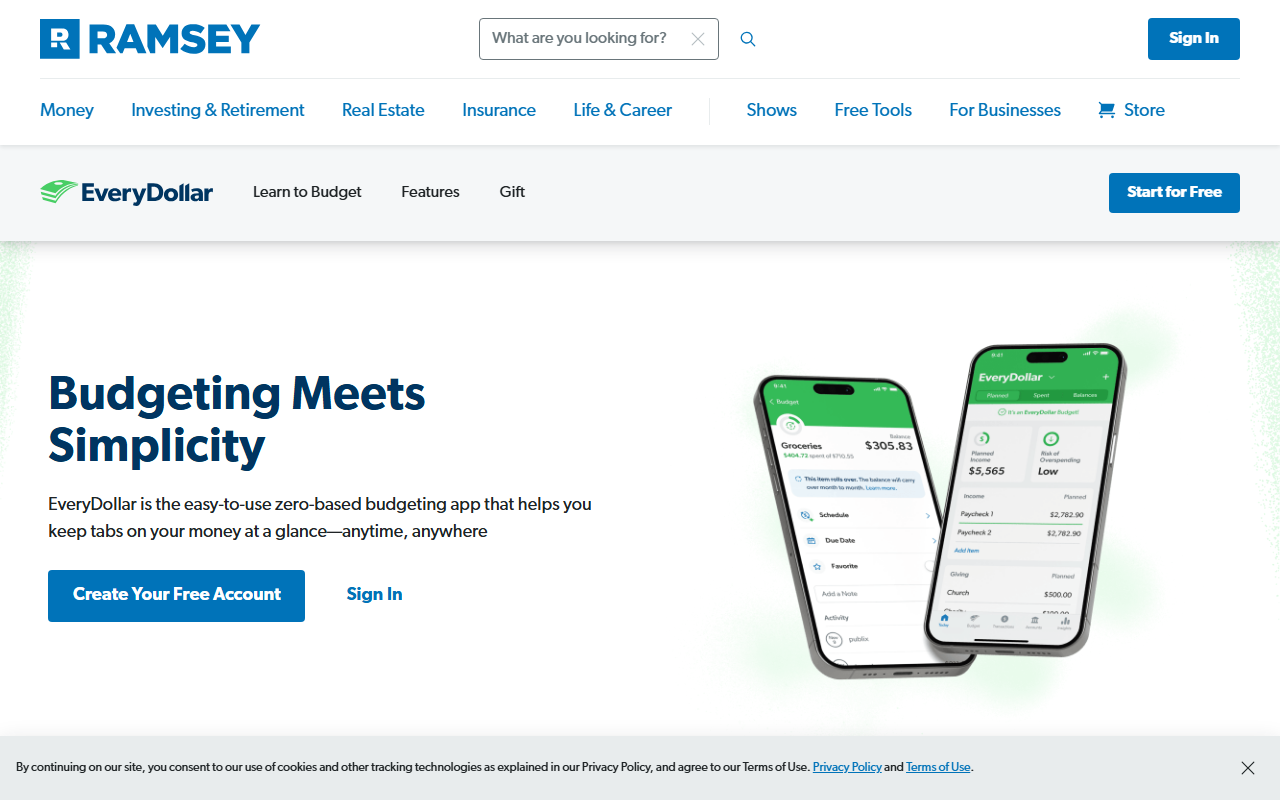
3. EveryDollar’s free tier
A favor
- Free version with manual transaction entry and no time limit
- Unlimited categories and lines
- Bank connection is opt-in Premium
En contra
- Premium bank connect uses Mastercard Connect and Plaid
- Every dollar needs a line
- Premium costs $79.99 a year or $17.99 a month
Best for: people who want a rule-based budget and no bank link.
The private path is simply to stay on the free tier. Nothing forces the upgrade, though the app will show you what Premium adds.
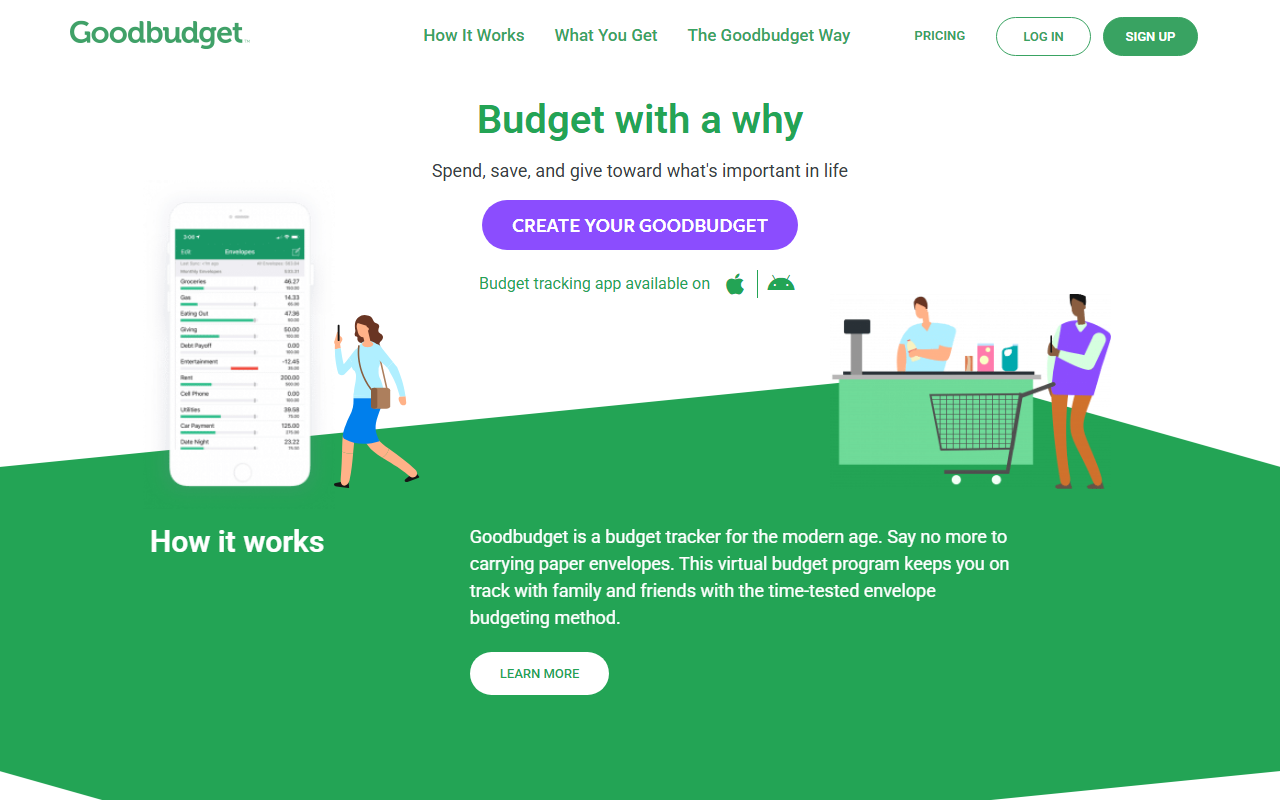
4. Goodbudget’s free plan
A favor
- Free plan with 10 regular and 10 additional envelopes
- Syncs across devices
- Transaction import is a Premium feature, not forced
En contra
- Free plan limits: one account, two devices, one year of history
- Premium is $10 a month or $80 a year
- Envelope upkeep is regular work
Best for: households that want to share envelopes without linking banks.
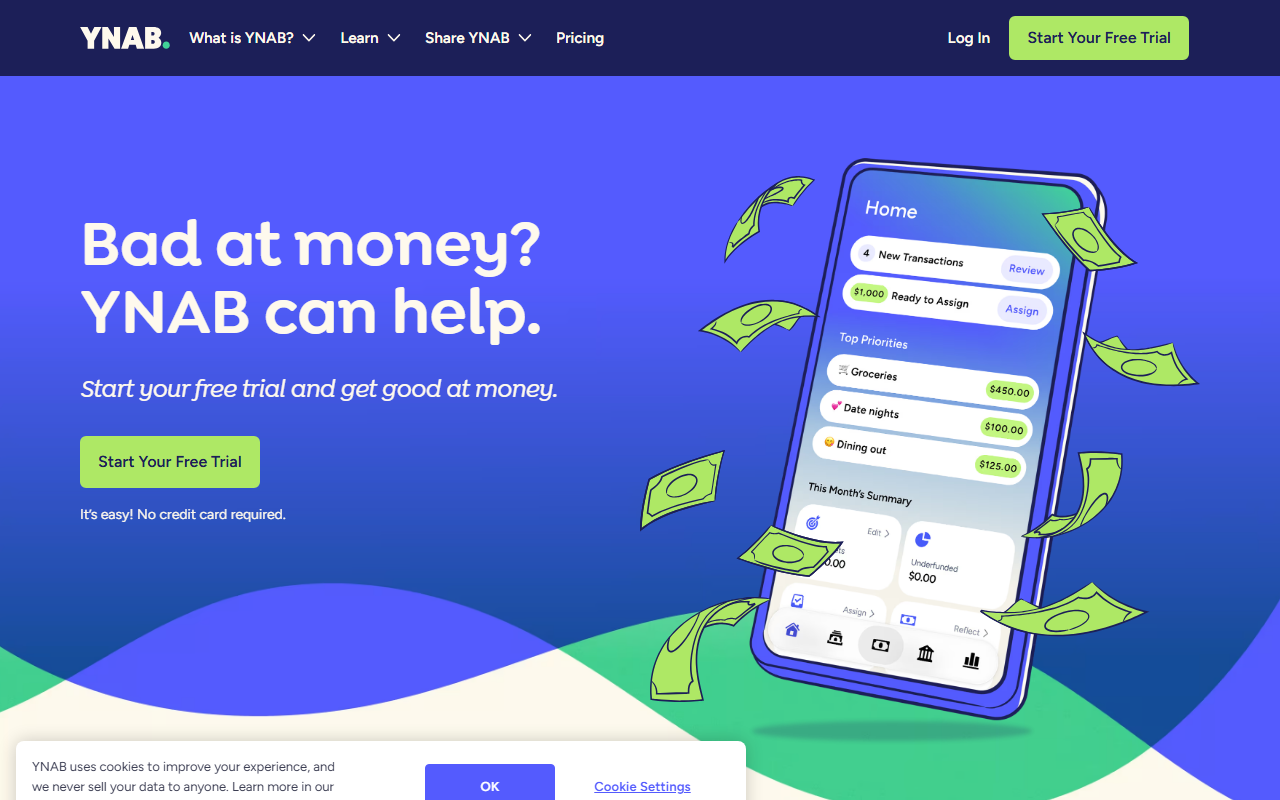
5. YNAB: strong method, choose your import
A favor
- File-based import where direct import is unavailable
- FAQ says it wants to make money only from subscriptions
- Free year for enrolled college students
En contra
- $109 a year or $14.99 a month
- Direct import covers select banks
- Method takes weekly upkeep
Best for: people who want a full method and a clear business model.
6. PocketGuard: automatic, with a connection

A favor
- Detects recurring bills from linked accounts
- Read-only access, credentials not stored, per its FAQ
- Manual and cash accounts are possible
En contra
- Linked-account data is held by the app and its providers
- Plus listed at $12.99 a month or $74.99 a year
- Some institutions are limited or broken, per The Penny Hoarder
Best for: people who want automation and accept the connection.
A worked example: choosing by what you refuse to share
Imagine three hypothetical people with the same $3,600 monthly take-home pay and $2,100 in fixed bills (invented numbers).
- Dana will not give any app access to her accounts. She enters $3,600, $2,100 and a $300 weekend reserve in Monthly and reads $1,200 of free money. She never links anything.
- Luis is happy to link one checking account but not his credit cards. He uses a bank-linked app for the checking feed and adds the cards as manual lines.
- Priya wants the data on her own hardware. She sets up Actual Budget on a home server, leaves bank sync off and enters her own transactions.
All three have a plan that fits the amount of information they are willing to hand over, and none is “wrong.” That is the point of the exercise: privacy is a setting you choose, not a feature one app owns.
Not sure what you would hand over? List your take-home and fixed bills in Monthly with no bank link at all, and see how much of a budget you can build from numbers you typed yourself →
A checklist for any budgeting app
- Does it ask for bank credentials, or use a data provider? If a provider, which one, and is access read-only?
- What happens when you cancel? Look for how to disconnect links and delete your data.
- Who are its service providers? Hosting, analytics and authentication companies are named in good privacy policies.
- Can you use it manually? A real manual mode matters more than a promise.
- Does it sell data? YNAB says it does not; check the others.
- Can you export your data? Portability is a privacy feature.
What you give up with manual entry
You lose the automatic feed, bill detection and the safety net of seeing a charge you forgot. If your main risk is missing a bill, a bank-linked app helps. If your main risk is exposing more than necessary, manual entry reduces what exists to be exposed. Our no-bank-connection roundup lists more manual tools, and the app versus spreadsheet comparison covers the most do-it-yourself route.
Bottom line
Pick the option that matches the information you are actually willing to share. If it is “only what I type, with no setup,” Monthly is built for that. If it is “my own server,” look at Actual Budget. This comparison is informational, not security or financial advice.