

Quick summary: a student budget has to survive three things a salaried budget does not: shifts that change every week, a financial aid or scholarship payout that lands once per term, and a few expensive weeks (move-in, textbooks, flights home). Monthly is our top pick because it recalculates free money from scratch each month and costs nothing. YNAB’s free student year, Goodbudget, EveryDollar and a spreadsheet each win in specific situations.
Most budgeting advice assumes a steady paycheck on the 1st and 15th. A student’s money is lumpier. Eight hours at the campus café one week, twenty the next, nothing during finals, a refund after the term bills are paid and a summer that is either full-time work or no work at all. An app that expects the same income every month will show a lot of red.
How we picked
Monthly is our product, so ranking it first is an editorial choice you should weigh accordingly. We looked at what each tool’s official pages say about price, manual entry and variable income, in October 2026, and ranked on four things: cost for someone with no spare budget, how much weekly effort it needs, how it handles changing income, and whether it works without a bank link. We did not hand-test every app on a campus schedule. Where a page did not say, we left the claim out.
What a student budget has to survive
Weekly hours that move. A 12-hour week and a 22-hour week differ by hundreds of dollars a month. Ramsey Solutions’ irregular income guidance tells you to plan with your lowest monthly income and treat extra as a bonus to assign later, and YNAB’s irregular income guide says to budget only the money you currently have on hand. Both fit a student with uneven hours.
Lumpy payouts. If your school sends a refund once aid has paid tuition, it does not belong in a single month’s spending. Spread it across the months it must cover.
Short, sharp costs. Textbooks, deposits, a ticket home. A budget needs a place for things that are not monthly but are certain.
No spare subscription money. An app that costs $109 a year competes with groceries.
The ranking at a glance
| Rank | App | Best for | Cost for a student |
|---|---|---|---|
| 1 | Monthly | Variable shifts and one number to read | Free core workflow |
| 2 | YNAB | Learning a strict method | Free year with proof of enrollment, then $109 a year or $14.99 a month |
| 3 | Goodbudget | Shared household envelopes | Free plan; Premium $10 a month or $80 a year |
| 4 | EveryDollar | Free manual zero-based budget | Free; Premium $79.99 a year |
| 5 | Google Sheets | Total control, zero cost | Free with a Google account |
1. Monthly: free money you recalculate every month

A favor
- Core workflow is free, with no trial that expires
- Free money is recalculated for each month from the income you enter
- Weekend reserve sets aside going-out money before it is called free
- Never asks for bank credentials
En contra
- Manual entry: it will not see a purchase you do not log
- No transaction history or category reports
- Web app in a browser, not a store-listed native app
Best for: students whose pay and bills change every month.
Monthly starts with the money coming in, subtracts fixed expenses (rent share, phone, subscriptions, loan payments if any) and a weekend reserve, and shows what is left. It does not assume this month looks like last month. In a heavy-shift month you type a bigger income; in finals month you type a smaller one, and the number follows.
For a student, the weekend reserve is the practical piece. It is a fixed amount for going out that you decide up front, so a Saturday dinner does not eat into next week’s groceries without you noticing.
Monthly also lets you note money other people owe you, which helps if you front a roommate’s share of the electric bill. There is no import and no bank link, so everything is entered by you.
2. YNAB: a full method, with a free year attached
A favor
- Free year for currently enrolled college students with proof of enrollment
- Published guidance for irregular income: budget only money on hand
- Works on iOS, Android and the web
En contra
- After the free year, $109 a year or $14.99 a month per its pricing page
- The student year cannot be renewed
- Category method means weekly upkeep
Best for: students who want to learn a rigorous method and will use it for the free year.
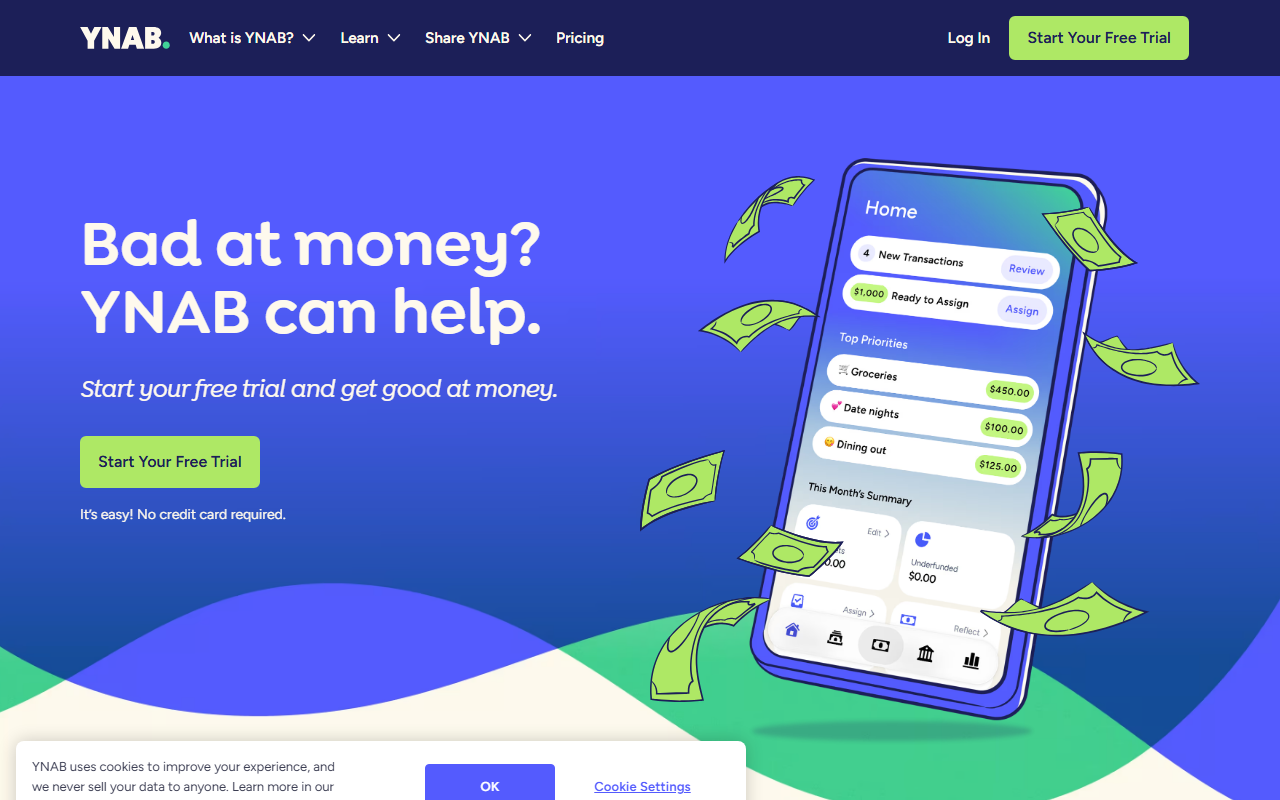
YNAB’s student page offers one free year to currently enrolled college students, including grad, part-time and international students, if you can show a student ID, transcript or tuition statement. The page adds that you cannot renew the free year. Its pricing page shows $109 for a year or $14.99 month to month afterward, and a 34-day trial for everyone else.
The method suits lumpy income because it tells you to assign only money you already have. The cost is time: each transaction goes into a category. If you graduate into a salary, the habit will transfer. If you are juggling labs and shifts, you may stop before the year is out.
3. Goodbudget: envelopes you can share with roommates
A favor
- Free plan with ten regular plus ten additional envelopes, one account, two devices
- Syncs a household budget across phones
- Published irregular-income guidance built on a one-month cushion
En contra
- Premium costs $10 monthly or $80 yearly
- You fill envelopes each period and log spending
- Premium adds transaction import; the free plan is the lean version
Best for: roommates or partners who want to see the same grocery envelope.
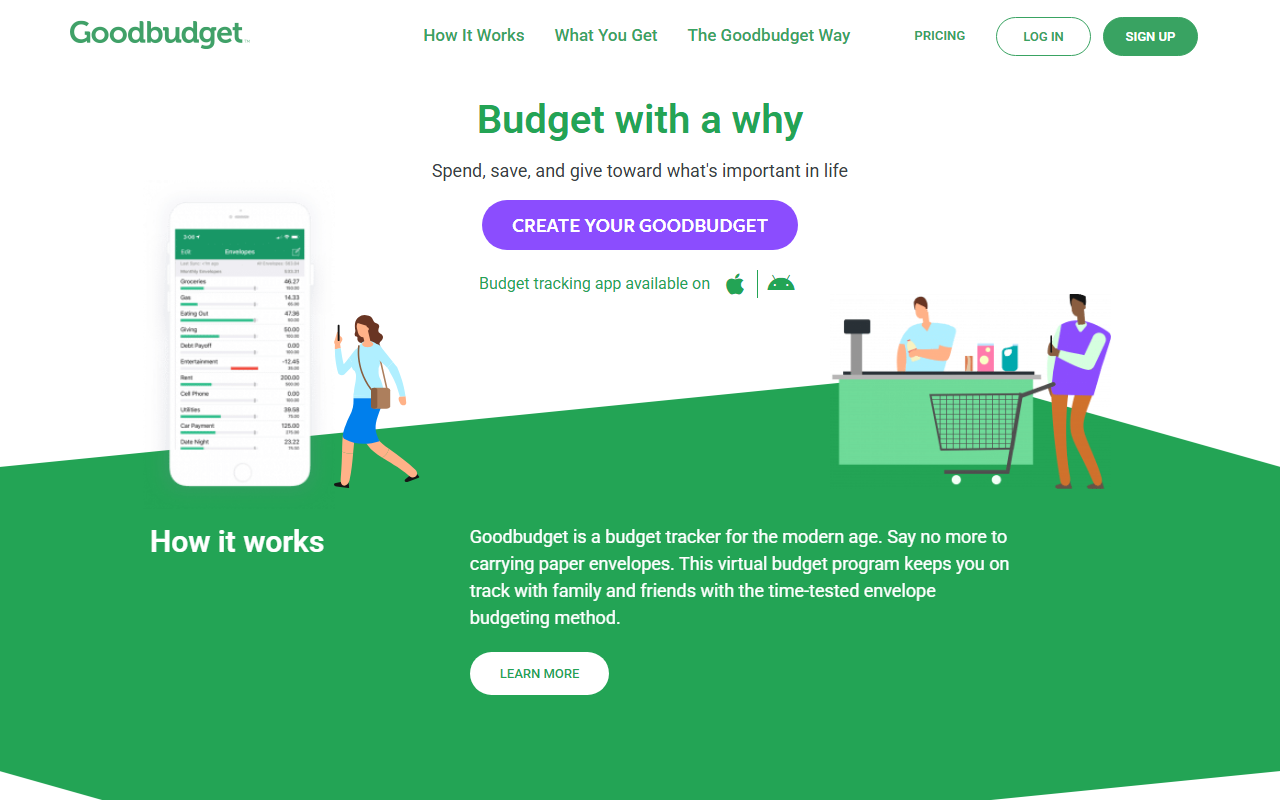
Goodbudget’s sign-up page lists a free plan with ten regular plus ten additional envelopes, one account, two devices and one year of history. Its irregular-paycheck guide suggests building a lean budget, then a one-month cushion that you use to fill envelopes at the start of each month. For a student who works summers and spends them down during the term, that cushion is a good habit.
4. EveryDollar: free, manual, no clock
A favor
- Free version with no time limit: budget, unlimited categories, manual entry
- Bill due dates and sinking funds included in the free tier
- Clear zero-based rule: income minus plan equals zero
En contra
- Bank connection and payday planning are Premium: $79.99 yearly or $17.99 monthly
- Every dollar needs a line, which takes time
- Variable months mean re-planning from a low estimate
Best for: students who like rules and want to avoid a subscription.
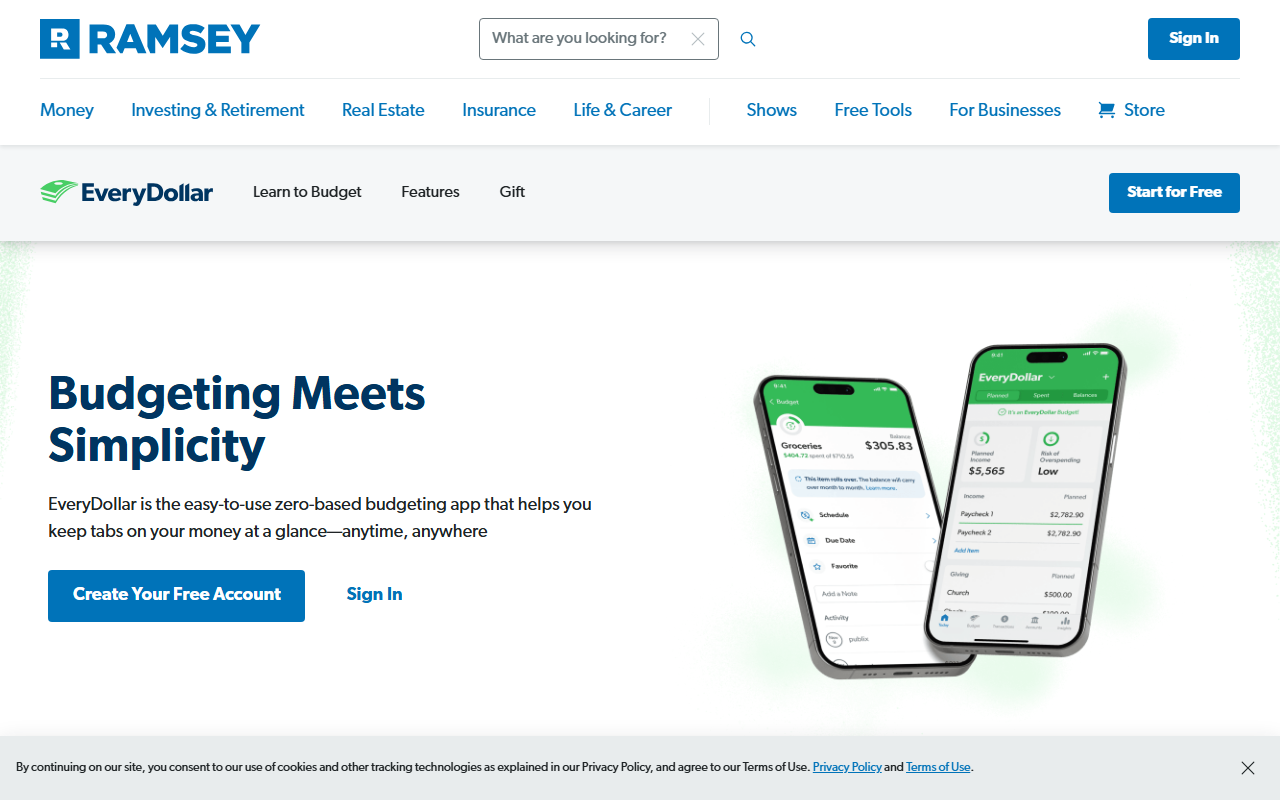
Ramsey’s page lists the free version as including a monthly budget, unlimited categories, manual transaction entry, sinking funds and bill due dates. Sinking funds map neatly onto textbook weeks and the flight home. The zero-based rule means each term’s income needs a plan down to the last dollar, which some students find motivating and others find tedious.
5. Google Sheets: free and fully yours
A favor
- Costs nothing with a Google account
- Shareable with a roommate
- No app sign-up or bank link
En contra
- You build and fix every formula
- No reminders
- A broken formula can hide for months
Best for: students who already live in spreadsheets.
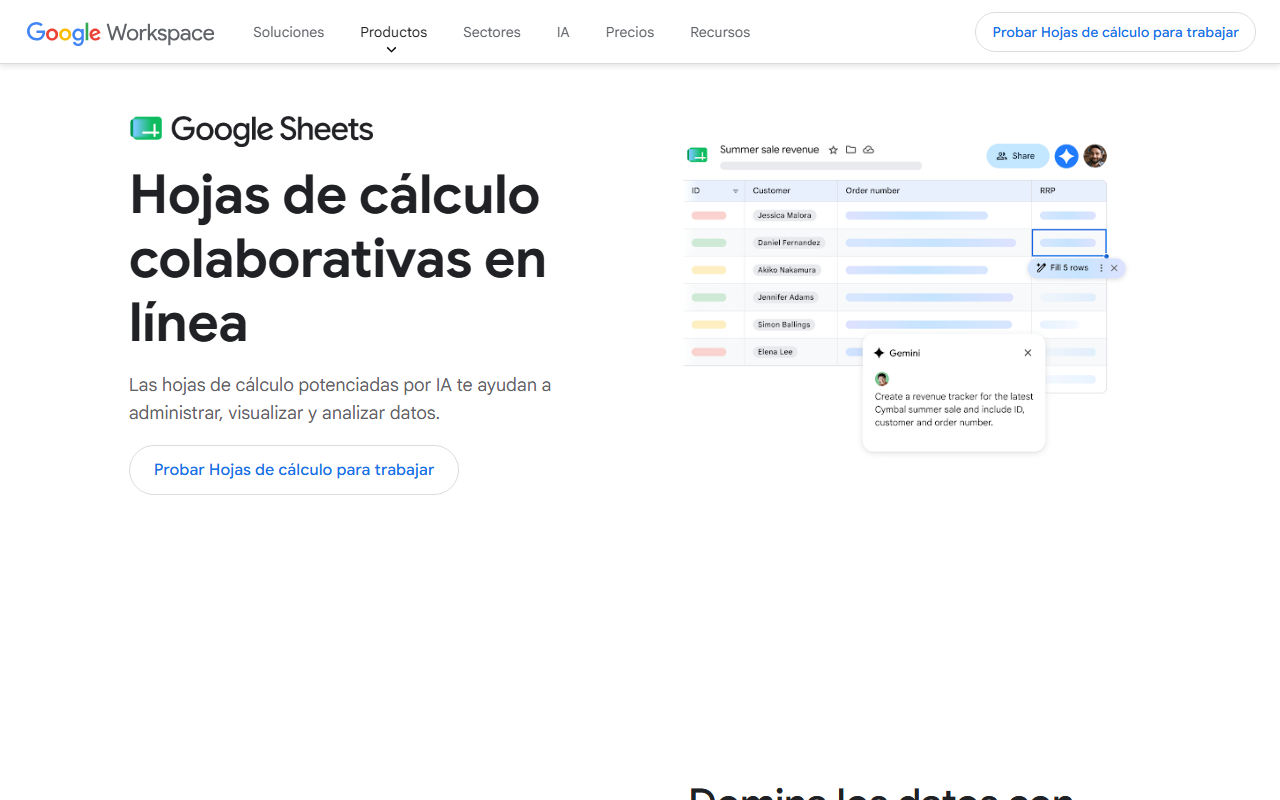
A sheet can hold your shifts, your rent share and a simple formula for what is left. It is also the most fragile option, because nothing flags a wrong cell. If you build one, keep it to income, fixed bills and a remainder.
A worked example: one term, one refund
These numbers are invented. A student works variable shifts: $780 in September, $1,040 in October, $640 in November and $300 in December. A financial aid refund of $2,400 arrives in early September to cover living costs through December, four months. Fixed monthly bills: rent share $620, phone $45, subscriptions $25, transportation $60. That is $750. Weekend reserve: $120.
Treating the refund as income for the term: $2,400 / 4 = $600 a month.
| Month | Shifts | Refund share | Income | Fixed | Reserve | Real free money |
|---|---|---|---|---|---|---|
| September | $780 | $600 | $1,380 | $750 | $120 | $510 |
| October | $1,040 | $600 | $1,640 | $750 | $120 | $770 |
| November | $640 | $600 | $1,240 | $750 | $120 | $370 |
| December | $300 | $600 | $900 | $750 | $120 | $30 |
December is the lesson. If the refund had been spent as it arrived, September would have felt rich and December would have been a crisis. Putting each month’s share into its income line shows the squeeze before it arrives, and gives the student time to pick up shifts or trim the reserve.
Got a refund date and a rough shift calendar? Enter each month’s income, your rent share and phone, and watch December’s free-money number before you spend September’s →
Which app for which student
| If you are… | Start with |
|---|---|
| Working shifts that vary and want one number | Monthly |
| Starting a method and can use a free year | YNAB |
| Sharing rent and groceries with roommates | Goodbudget or our bill-splitting guide |
| Fine with rules and want free forever | EveryDollar |
| A spreadsheet person | Google Sheets |
Common student budget mistakes
Spending the refund as it lands. Divide it by the months it must cover.
Forgetting the summer gap. If you earn little between terms, set aside part of the busy-month surplus for it. Our emergency fund guide shows a small-steps version.
Over-building the system. A forty-category budget will not survive midterms.
Ignoring one-off costs. Add textbooks and travel as separate lines with a date.
Start small
A student budget needs only three decisions: the income you can count on, the bills that do not move, and a number for fun. Start with those, and add detail only when you feel the need. Our monthly budget guide shows the order, and Monthly will do the subtraction. Nothing here is tailored advice for your situation.