

Short answer: freelancers with variable income need to cover two jobs: business records for taxes, and a personal plan that only counts money once it’s paid. QuickBooks Solopreneur is the business side. For the personal side, we rank Monthly first if you want the plan rebuilt from each month’s real income with no bank link, then YNAB for the strictest method, Monarch for a linked view of business and personal accounts, and Copilot for Apple users who want automation.
This is for the self-employed designer, writer, developer, photographer or consultant who sends invoices and waits. One month three clients pay; the next month one does, late. You probably have a business checking account, a tax worry that wakes up every quarter, and a budget that assumes a salary you don’t have. By the end of this comparison you’ll know which tool covers which half of the job, what each costs in October 2026, and how a three-month stretch of lumpy invoices looks when the plan follows the cash.
If you drive or deliver through apps and get paid weekly, our companion piece on money apps for gig workers and rideshare drivers fits you better.
How we compared them
Monthly is our product; it ranks first only for the personal-plan angle described here. We checked prices on each company’s official pages in October 2026 (for Copilot we rely on its pricing page as reported in our earlier Monthly vs Copilot comparison). No third-party ratings. Tax details come from the IRS.
Why freelancers need two layers
A business ledger and a household budget answer different questions. The ledger asks “what did I earn, and what can I deduct?” and counts an invoice as revenue. The household plan asks “what can I spend before the next payment?” and should ignore that invoice until the money arrives.
Two 2026 tax facts make the business layer more important, not less:
- Fewer forms from clients. The IRS says the Form 1099-NEC reporting threshold is $2,000 for payments made in 2026, up from $600. Small clients may never send you a form. The income is still taxable, so your own records are the only record.
- Self-employment tax. Per IRS Topic 554, you generally owe it once net self-employment earnings reach $400, at 15.3 percent (12.4 percent Social Security, 2.9 percent Medicare), applied to 92.35 percent of net earnings. That’s on top of income tax.
The ranking at a glance
| Rank | App | Covers | Price (October 2026) | Bank link |
|---|---|---|---|---|
| 1 | Monthly | Personal plan from paid income | Free | No |
| 2 | YNAB | Personal plan, live on last month’s income | $109/year or $14.99/month, 34-day trial | Optional |
| 3 | QuickBooks Solopreneur | Business records, invoices, mileage | Free plan; Lite $20/month, Simple Start $38/month (half price for 3 months) | Yes |
| 4 | Monarch | Linked view of all accounts | $99.99/year or $14.99/month | Yes |
| 5 | Copilot | Automatic categorization | $95/year after a one-month trial | Yes |
1. Monthly: the household plan follows the paid invoices

A favor
- Enter each client payment as income when it lands; free money recalculates
- Tax set-aside works as a fixed line in any month that has income
- Debts, investments and savings goals recorded by hand under Patrimonio
- Free, no bank link, CSV and Excel export for your accountant
En contra
- No invoicing, mileage or Schedule C categories
- Doesn't calculate tax or forecast income
- Manual entry
Best for: freelancers who want one honest number for the household: what’s left this month from money that has actually arrived.
Monthly doesn’t assume this month looks like last month. You add income as each payment clears, the fixed expenses carry over, and the plan recalculates fixed bills, reserves and free money from the real total. A tax set-aside entered as a fixed expense comes off the top, so the free figure is already after tax. When a big invoice pays, the number rises; when nothing pays, you see that early instead of on the 28th.
It isn’t business software. Pair it with QuickBooks or your accountant’s tool for the ledger, and keep the two separate.
2. YNAB: the strictest answer to lumpy pay

A favor
- Method built around assigning only money already received
- Works well with a 'live on last month's income' buffer
- Shareable with up to six people on one subscription
En contra
- $109 a year or $14.99 a month
- Categories need weekly attention
- No business bookkeeping
Best for: freelancers ready to build a month-ahead buffer and follow a method closely.
YNAB’s pricing page lists $109 a year or $14.99 a month after a 34-day trial with no card required when you sign up directly. Its rule that you budget only money you have suits freelance income naturally. The cost is attention: it works best for people who enjoy the weekly check-in.
3. QuickBooks Solopreneur: the business half
A favor
- Free plan includes 2 invoices and 5 mileage trips a month
- Learns to separate business and personal transactions
- Exports records for Schedule C filing or your accountant
En contra
- Paid tiers listed at $20 and $38 a month, half price for 3 months
- Not a household budget
- Free-plan caps bite quickly if you invoice often
Best for: anyone who invoices clients and files a Schedule C.
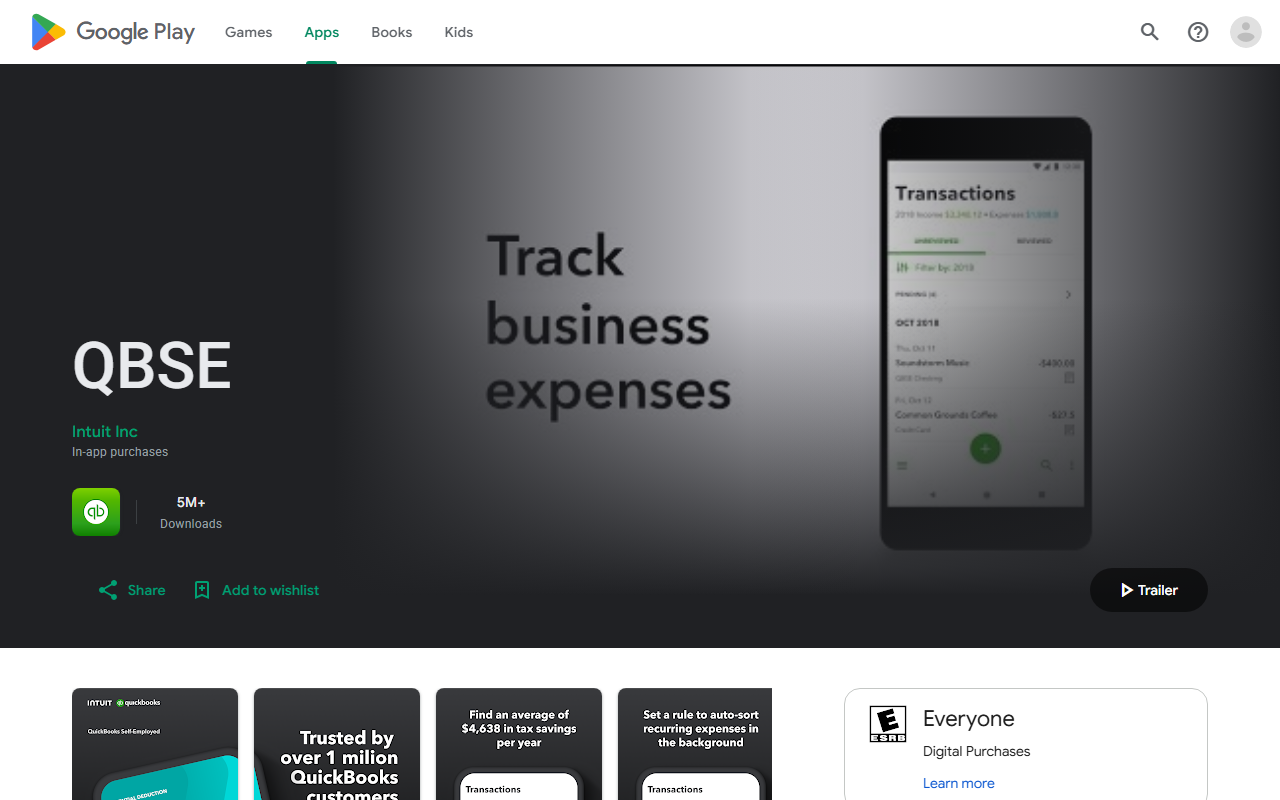
Intuit’s Solopreneur page shows a free plan, Lite at $20 a month and Simple Start at $38, both offered at 50 percent off for three months, plus about 10 percent off annual billing. The free plan caps you at two invoices a month (unlimited if you turn on QuickBooks Payments) and five mileage trips. It’s the tool that answers the IRS; it won’t tell you whether you can afford a new laptop this month.
4. Monarch: one linked view of both worlds
A favor
- Links business and personal accounts in one dashboard
- Household members included at no extra cost
- Cash-flow views across all accounts
En contra
- $99.99 a year or $14.99 a month
- Requires linking accounts
- Not bookkeeping; no invoices or Schedule C
Best for: freelancers who want to see business checking, personal checking and cards together.
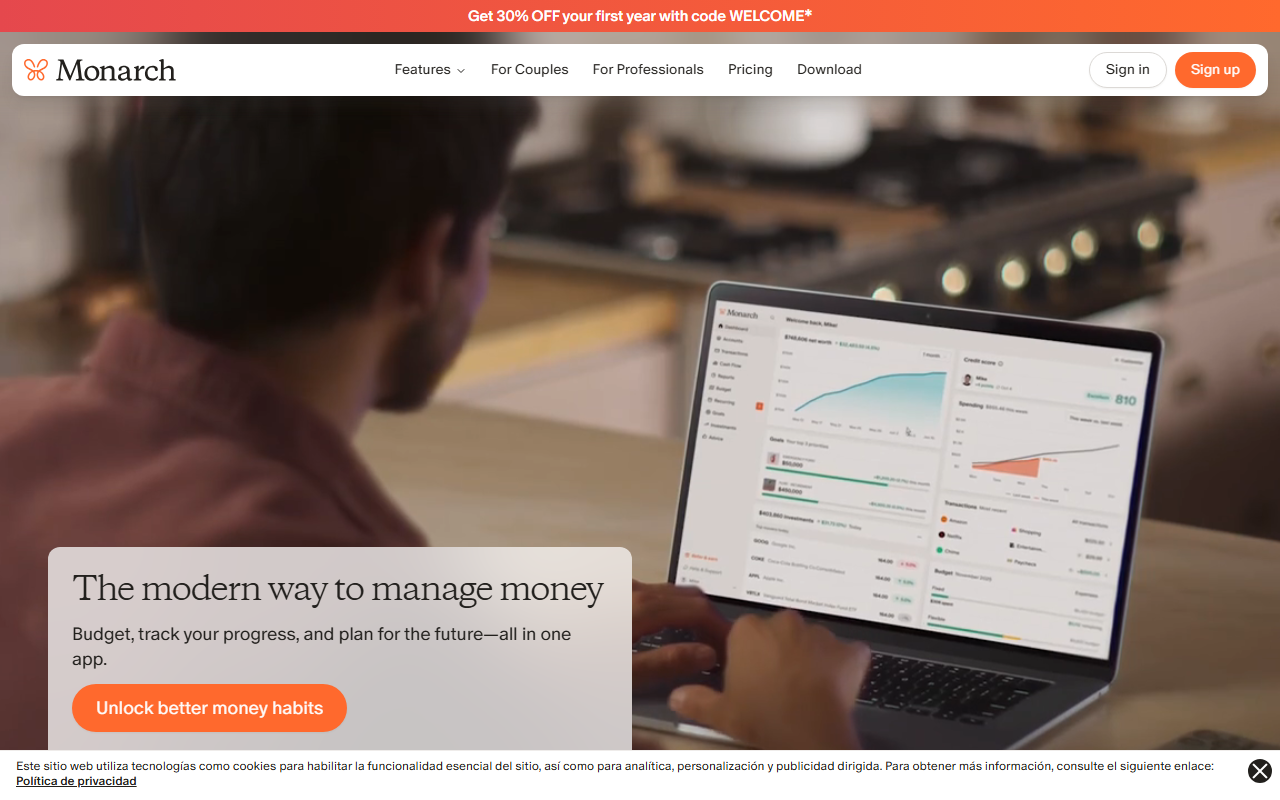
Monarch’s pricing page lists $14.99 a month or $99.99 a year, with the first week free. It’s useful when your problem is visibility across many accounts rather than deciding what’s spendable.
5. Copilot: automation for Apple users

A favor
- Categorizes linked transactions automatically
- Polished Apple-platform apps
- One-month free trial
En contra
- $95 a year after the trial
- Requires linking accounts
- No freelance-specific tax tools
Best for: freelancers on iPhone and Mac who want categorization without typing.
As our Copilot comparison reports from its pricing page, the yearly plan is $95 (shown as $7.92 a month) after a one-month trial. It’s a good spending tracker; like Monarch, it won’t keep your books.
A worked example: three months of invoices
All figures are illustrative. A freelance designer sets aside 28 percent of every payment for federal and state tax and self-employment tax; the right rate depends on your situation, and our 1099 income guide explains how to estimate yours. Personal fixed costs are $2,950 a month (rent, utilities, health insurance, phone, car, minimum card payment).
| August | September | October | |
|---|---|---|---|
| Client payments received | $7,200 | $2,100 | $4,800 |
| Tax set-aside (28%) | −$2,016 | −$588 | −$1,344 |
| Personal fixed costs | −$2,950 | −$2,950 | −$2,950 |
| Weekend reserve | −$250 | −$150 | −$250 |
| Free money | $1,984 | −$1,588 | $256 |
September goes negative. A plan built on the three-month average ($4,700 a month) would have shown about $184 free every month: August would have looked tight and September fine, the opposite of reality. Following the cash shows the problem a month early: from August’s $1,984, the designer moves $1,600 to a buffer as a fixed line, leaving $384 to spend. In September the buffer comes back as income and the month closes at $12.
The invoices still sit in QuickBooks with their sent dates for the tax return. The household plan never sees an invoice, only payments.
Which combination fits your freelance setup
| Your situation | Business layer | Personal layer |
|---|---|---|
| Few clients, simple taxes, no bank links | Spreadsheet or accountant | Monthly |
| Many invoices, drive for work | QuickBooks Solopreneur | Monthly or YNAB |
| Want a month-ahead buffer method | Your accountant’s tool | YNAB |
| Many accounts, want everything linked | QuickBooks Solopreneur | Monarch or Copilot |
For the habits that make any of these work (following up on late invoices, deposits, tax moves the day money lands) see our tips for irregular freelance payments.
Final word
Don’t ask one app to be your accountant and your household budget. Keep the ledger where the IRS needs it, and keep the household plan on cash received. Open Monthly, enter this month’s paid invoices and your tax set-aside, and see the free money your clients actually sent → This is general information, not tax or personalized financial advice.