

Short answer: gig workers need one app for the car and one for the household. For the car, Gridwise tracks earnings per hour and per mile across rideshare and delivery apps, and Stride logs mileage and expenses for free. For the household, we rank Monthly first because it rebuilds your plan every time you add a payout, which suits weekly gig pay better than budgets designed around a fixed salary. Goodbudget is the envelope alternative.
This is for people who drive for Uber or Lyft, deliver for DoorDash, Instacart or Amazon Flex, or stack two of them. You get paid weekly or cash out daily, a good Friday night can beat a whole slow Tuesday-to-Thursday, and every mile wears down the thing you earn with. By the end of this comparison you’ll know which app logs the miles, which one tracks what each hour actually paid, and how to plan rent when four weekly payouts never match.
It’s not a niche situation. In Pew Research Center’s 2021 survey on gig work, 16 percent of US adults said they had ever earned money through an online gig platform, and 2 percent had driven for a ride-hailing app in the previous year.
If your self-employment runs on invoices and clients instead of apps and weekly payouts, read the best apps for freelancers with variable income instead.
How we compared them
Monthly is our product; it ranks first for the household-plan angle only. For Gridwise and Stride we used their App Store listings and company pages; for Goodbudget, its plan page as reported in our earlier comparison. All checked in October 2026. Tax figures come from the IRS.
Two 2026 tax facts every driver should know
Mileage. The IRS standard mileage rates page lists 72.5 cents per mile for business driving from January through June 2026, and 76 cents from July 1 through December 31, 2026, after a mid-year revision for fuel prices. At those rates, 1,000 business miles in August are worth $760 of deduction. Only logged miles count, which is why a tracker matters.
Forms. The IRS 1099-K FAQ says the federal threshold reverted to more than $20,000 and more than 200 transactions. Plenty of part-time drivers will fall under it and may not get a form. The income is taxable regardless.
The ranking at a glance
| Rank | App | Job it does | Price (October 2026) | Bank or platform link |
|---|---|---|---|---|
| 1 | Monthly | Household plan from each payout | Free | No |
| 2 | Gridwise | Earnings per app, hour and mile | Free download; Plus $14.99/month or $107.99/year | Logs gig-app activity |
| 3 | Stride | Mileage and expense log for taxes | Free | No |
| 4 | Goodbudget | Envelopes for gas, repairs, taxes | Free plan; Premium $10/month or $80/year | Premium import |
1. Monthly: rent planned from the payouts you’ve actually received

A favor
- Add each weekly or instant payout as income; free money updates
- Car payment, insurance and a repair fund as fixed lines
- Tax set-aside as a fixed line, so free money is after tax
- Free, no bank or platform connection
En contra
- Doesn't track miles or trips
- No per-app or per-hour earnings view
- Manual entry for each payout
Best for: drivers whose biggest worry is the rent date, not the tax form.
A salary budget assumes the month’s income is known on day one. Gig pay arrives in four or five pieces you can’t predict. In Monthly you add each payout when it lands, and the plan recalculates fixed bills, reserves and free money from the total so far. By the second payout you know whether rent is covered; by the third, whether there’s room for anything else. The app doesn’t see your bank or your driver account, so it never counts money that hasn’t reached you.
2. Gridwise: what each hour and mile actually paid
A favor
- Logs rideshare and delivery activity in one place
- Earnings insights per hour and per mile
- Airport, event and demand information for drivers
En contra
- Free-versus-Plus split isn't fully listed on the store page
- Plus listed at $14.99 a month or $107.99 a year
- Not a household budget
Best for: drivers deciding when and where to work.
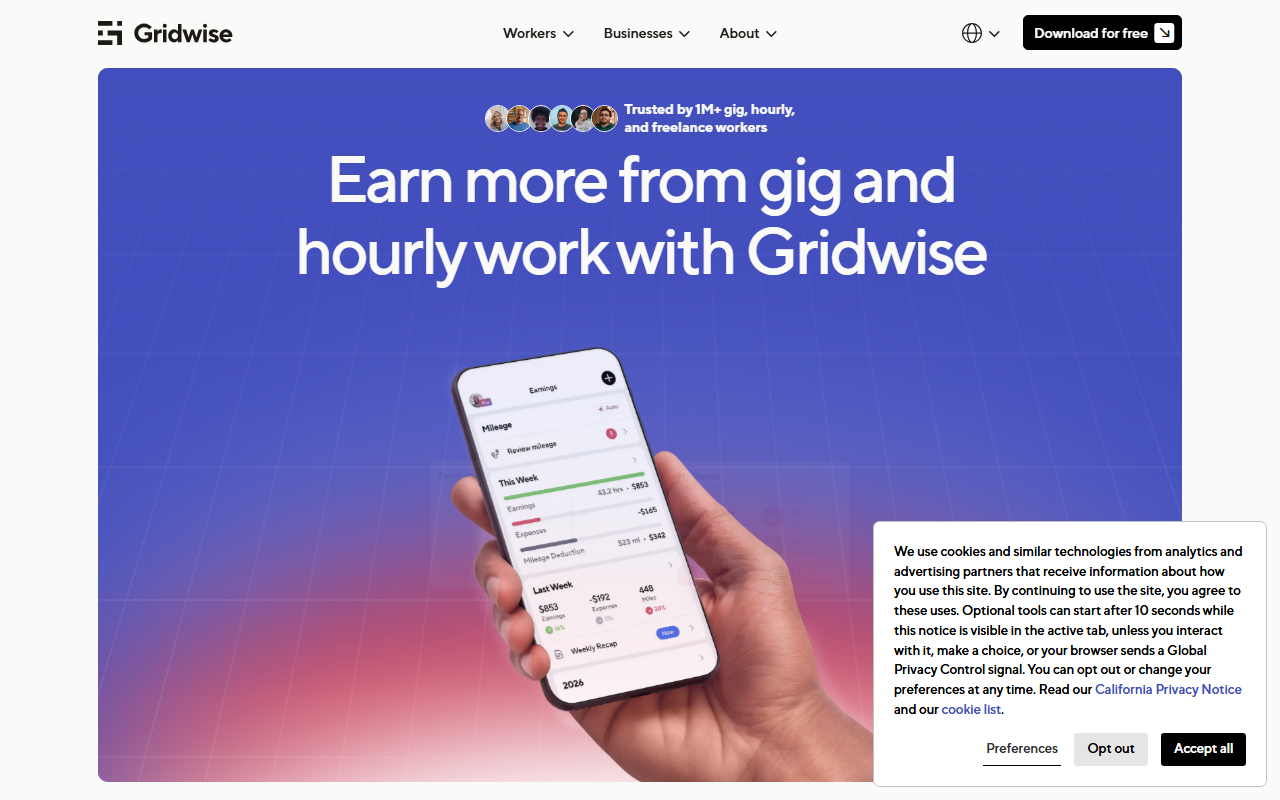
Gridwise’s App Store listing describes automatic logging of rideshare and delivery activity, insights on where and when to work to raise your hourly or per-mile rate, airport and event information, and consolidated business mileage for taxes. It lists Plus at $14.99 a month or $107.99 a year, with extras like 50 percent off Keeper tax preparation; the listing doesn’t spell out a full free-versus-Plus feature split, so check which features you need inside the app before paying. Its value is answering “is this shift worth it?”
3. Stride: the free mileage log

A favor
- Free on the App Store and Google Play
- Automatic mileage tracking and reminders
- Receipt photos for expenses
En contra
- Mileage logic is general, not built around gig dispatch
- Company also sells health insurance plans
- No earnings analysis or budget
Best for: part-time drivers who need a clean mileage record and nothing else.
Stride’s App Store listing shows the app as free, and the company describes tracking income, mileage and expenses with automatic mileage logging. Stride says users save an average of $710 a year on taxes; that’s the company’s own figure, not an independent one. For a driver who just needs the miles documented, free is hard to beat.
4. Goodbudget: envelopes for a car you earn with
A favor
- Free plan with 20 envelopes and two devices
- Envelopes for gas, maintenance and taxes keep money separate
- No bank login required on the free plan
En contra
- Every payout has to be split into envelopes by hand
- Free plan limited to one account
- Premium $10 a month or $80 a year
Best for: drivers who like physically separating money into purposes.
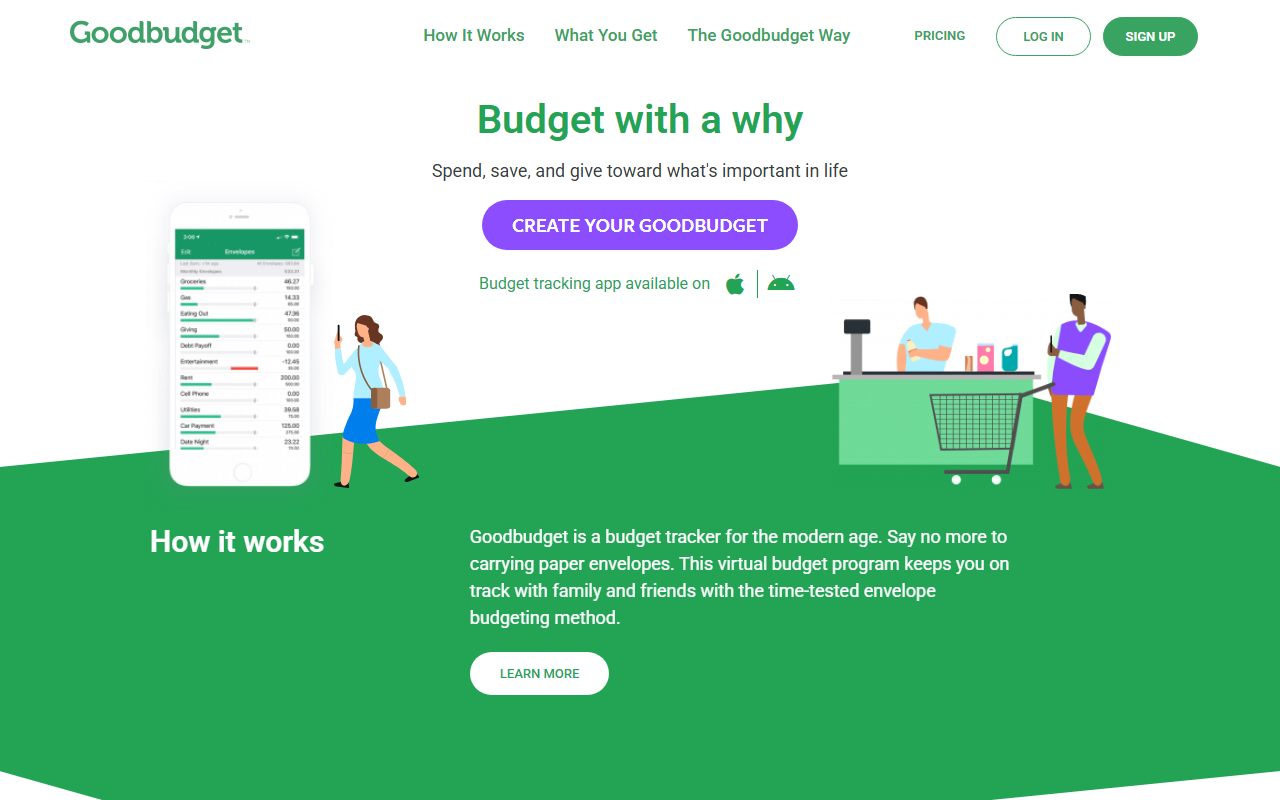
The free plan described in our Monthly vs Goodbudget comparison is enough for a driver’s core envelopes. The upkeep is the catch: each weekly payout needs to be divided before you spend.
A worked example: four weeks of payouts
All figures are illustrative. A full-time rideshare driver in August 2026 drives 2,600 business miles. Household fixed costs: rent $1,350, utilities and phone $190, car payment $420, rideshare-rated insurance $230. Planned car running costs: gas $520, a $150 monthly repair fund. Tax set-aside: 20 percent of each payout (your rate may differ; our 1099 guide explains how to estimate it).
| Week | Payout | Running total |
|---|---|---|
| 1 | $640 | $640 |
| 2 | $910 | $1,550 |
| 3 | $480 | $2,030 |
| 4 | $1,050 | $3,080 |
After week two, $1,550 in hand already covers rent and nearly the full set-aside to date, but not the car payment. After week four, the month reads: $3,080 − $616 tax − $1,350 rent − $190 utilities − $420 car − $230 insurance − $520 gas − $150 repair fund = −$396.
That negative number is the useful part. Built on a remembered “good” $4,000 month, the plan would have shown $340 to spend. Built from real payouts, it shows by week three that the driver needs one more strong weekend or a smaller weekend reserve. The 2,600 miles, logged in Stride or Gridwise, are worth $1,976 at the 76-cent rate on the tax return, which lowers taxable income next spring but doesn’t fix August’s rent.
How to combine them
| You need… | Use |
|---|---|
| To know if rent and the car are covered this month | Monthly |
| To compare earnings per hour across apps and times | Gridwise |
| A free mileage record for taxes | Stride |
| Money physically split by purpose | Goodbudget |
Most full-time drivers end up with two: a tracker for the car and a plan for the household. Neither replaces a repair fund; our emergency fund guide covers building one that survives a week off the road.
The bottom line
Track the miles in an app built for driving, and plan the household from payouts that have actually landed. Open Monthly, enter each payout as it arrives, and watch your free money rebuild every week → This is general information, not tax or personalized financial advice.