

Quick summary: A budget spreadsheet works great for exactly as long as someone keeps updating it, which for most people is about two weeks. The formulas break, a row gets deleted by accident, or it’s just easier to skip a Friday update than open a laptop and find the right tab. The apps below are built mobile-first specifically so updating a budget takes minutes on a phone, not a sit-down session at a computer.
Spreadsheets are genuinely powerful, which is exactly the problem for a lot of people. Building one that actually works (categories that make sense, formulas that don’t silently break, a layout you can read at a glance) takes real effort up front, and maintaining it takes real effort every week after that. If you’ve built three different versions of a budget spreadsheet and abandoned all of them by the second pay period, the issue probably isn’t discipline. It’s that the tool was never designed to be updated from a phone in under five minutes.
The apps compared below replace that manual formula-building with a structure that’s already built for you. Some, like Monthly, focus specifically on a single number (what’s actually free to spend) instead of a full spreadsheet-style breakdown. Others keep more granular categories but still remove the need to write a single formula.
How we picked these apps
We prioritized apps with a genuinely fast mobile setup, since the whole point for this audience is replacing a slow, desktop-oriented habit. We also weighed whether the app calculates something useful automatically, cost, and how much category customization is preserved compared to a spreadsheet’s full flexibility.
Quick comparison
| App | Best for | Free | Mobile-first |
|---|---|---|---|
| Monthly | The spreadsheet’s structure without any formulas | Yes | Yes |
| YNAB | A disciplined, category-based method with a real app | No | Yes |
| Copilot | Automatic categorization instead of manual rows | No | Yes |
| EveryDollar | A simple zero-based budget with no cell references | Yes | Yes |
| Wallet by BudgetBakers | Automatic categorization and forecasting across every linked account | Yes | Yes |
| Goodbudget | The envelope method, without the spreadsheet | Yes | Yes |
The best apps compared
1. Monthly: the spreadsheet’s structure without any formulas

A favor
- No formulas to write, break, or debug
- Real free money calculated automatically from your entries
- Built mobile-first for quick payday updates
- Free to use, with CSV and Excel export if you still want a file
En contra
- Less customizable than a spreadsheet you fully control
- Requires manual entry, same as a spreadsheet would
- Uses cloud storage rather than a local file
Best for: The spreadsheet’s structure without any formulas
Monthly takes the parts of a budget spreadsheet that actually matter (income, fixed expenses, a reserve, the number left over) and turns them into a structure you fill in rather than build. There’s no SUM formula to get wrong and no column to accidentally delete; you just enter the numbers and the real free money figure updates itself.
Because it’s built for a phone from the start, updating it on payday takes a few minutes instead of a sit-down session at a laptop. If you eventually want a spreadsheet-style file anyway, Monthly still lets you export your records as CSV or Excel. You just don’t have to build the formulas yourself first.
2. YNAB: a disciplined, category-based method with a real mobile app

A favor
- Well-tested zero-based budgeting method
- Genuine mobile app, not a spreadsheet viewer
- Deep educational resources for building the habit
- Syncs directly with US bank accounts
En contra
- Paid subscription, roughly $14–15/month or a discounted annual plan
- Steeper learning curve than a simple spreadsheet swap
- More category management than some people want
Best for: A disciplined, category-based method with a real mobile app
YNAB replicates a lot of what a detailed spreadsheet tries to do (categories, rollovers, planning ahead) but through an interface designed for a phone rather than rows and columns. For someone who liked the granularity of their spreadsheet but not maintaining it, this can feel like a natural upgrade.
The trade-off is a genuine learning curve and an ongoing subscription cost, which a spreadsheet never had. It’s worth it for people who want to keep the detailed, category-level control a spreadsheet gave them, and who are willing to spend the first few weeks configuring categories before the method starts feeling automatic.
3. Copilot: automatic categorization instead of manual rows

A favor
- Transactions categorize themselves automatically
- Clean, fast native app for iPhone and Mac
- Visual spending trends without building a single chart
- Actively maintained with regular updates
En contra
- iPhone and Mac only
- Requires linking bank accounts
- Subscription fee after the trial period
Best for: Automatic categorization instead of manual rows
If the specific part of spreadsheets you hate is manually typing in every transaction row, Copilot removes that step entirely by pulling transactions in automatically and sorting them into categories on its own. It’s a different mechanism than a spreadsheet entirely, closer to a dashboard than a ledger.
That automation depends on linking your bank accounts and is restricted to Apple devices, which won’t work for everyone. For iPhone users tired of manual entry specifically, though, it directly solves that problem, trading the effort of typing every row for the effort of double-checking that the automatic categorization got things right.
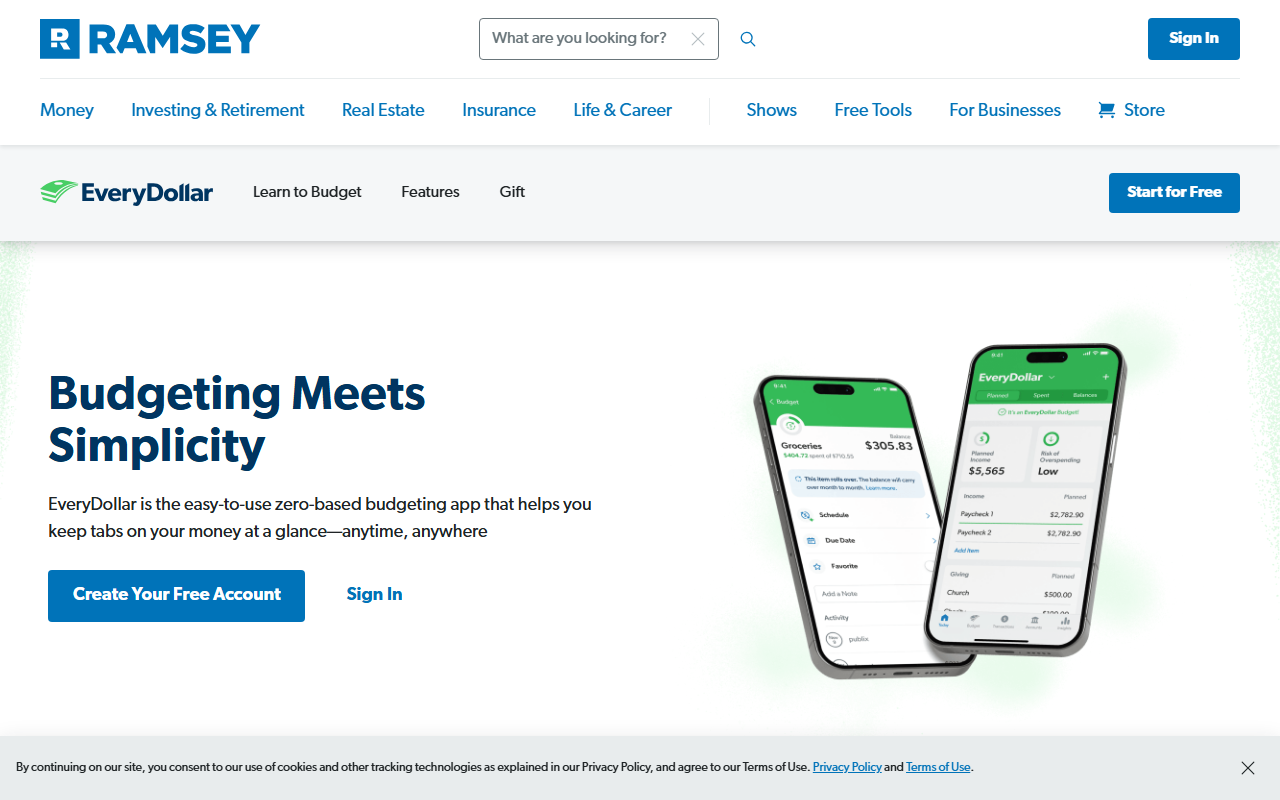
4. EveryDollar: a simple zero-based budget with no cell references
A favor
- Zero-based structure that's easy to follow
- Manual entry works fine on the free tier
- No formulas or cell references anywhere
- Simple enough for a first-time budgeter
En contra
- Bank sync is a separate paid tier
- Less flexible than a spreadsheet for unusual categories
- No dedicated weekend or discretionary reserve concept
Best for: A simple zero-based budget with no cell references
EveryDollar keeps the zero-based logic a lot of spreadsheet budgets are built around (assign every dollar somewhere until nothing’s left) but presents it as a guided app instead of a blank grid you have to design yourself.
It won’t match a fully custom spreadsheet’s flexibility for unusual categories, but for someone who just wants the same basic zero-based idea without the setup overhead, it’s a straightforward swap. The manual-entry version costs nothing, so it’s possible to try the whole workflow for a full month before deciding whether the paid bank-sync tier is worth adding.
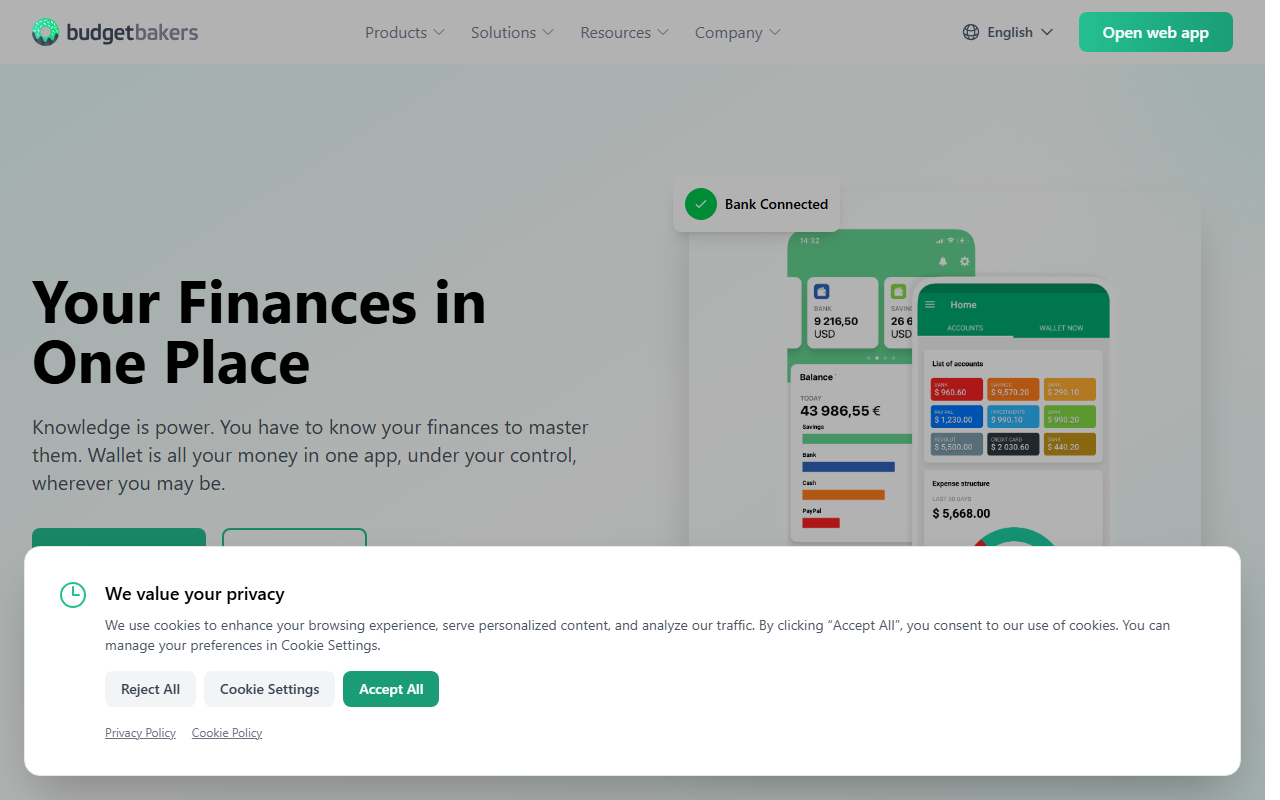
5. Wallet by BudgetBakers: automatic categorization across every account
A favor
- Categorizes transactions automatically across multiple linked accounts
- Forecasting tools project upcoming balances from recurring bills
- Free tier covers the core tracking and budgeting features
- Works across bank accounts, cards and cash in one view
En contra
- Requires linking accounts to unlock the automatic categorization
- Advanced forecasting and reports sit behind a paid tier
- More setup than a spreadsheet for someone with just one account
Best for: Automatic categorization and forecasting across every linked account
For anyone whose spreadsheet mainly existed to pull together numbers from several accounts into one view, Wallet replaces that manual consolidation by linking each account once and categorizing transactions automatically from then on.
It trades away the total customization of a spreadsheet for that automation, and it depends on linking accounts to get the full picture, which isn’t the right fit for everyone. But for someone juggling a checking account, a savings account and a card who used to copy-paste balances into a spreadsheet by hand, it removes that specific chore entirely.
6. Goodbudget: the envelope method, without the spreadsheet
A favor
- Familiar envelope structure many spreadsheets try to copy
- No bank connection required
- Syncs across a household on mobile
- Free plan available for basic use
En contra
- All entries are manual, same as a spreadsheet
- Free plan limits the number of active envelopes
- Interface feels less modern than some competitors
Best for: The envelope method, without the spreadsheet
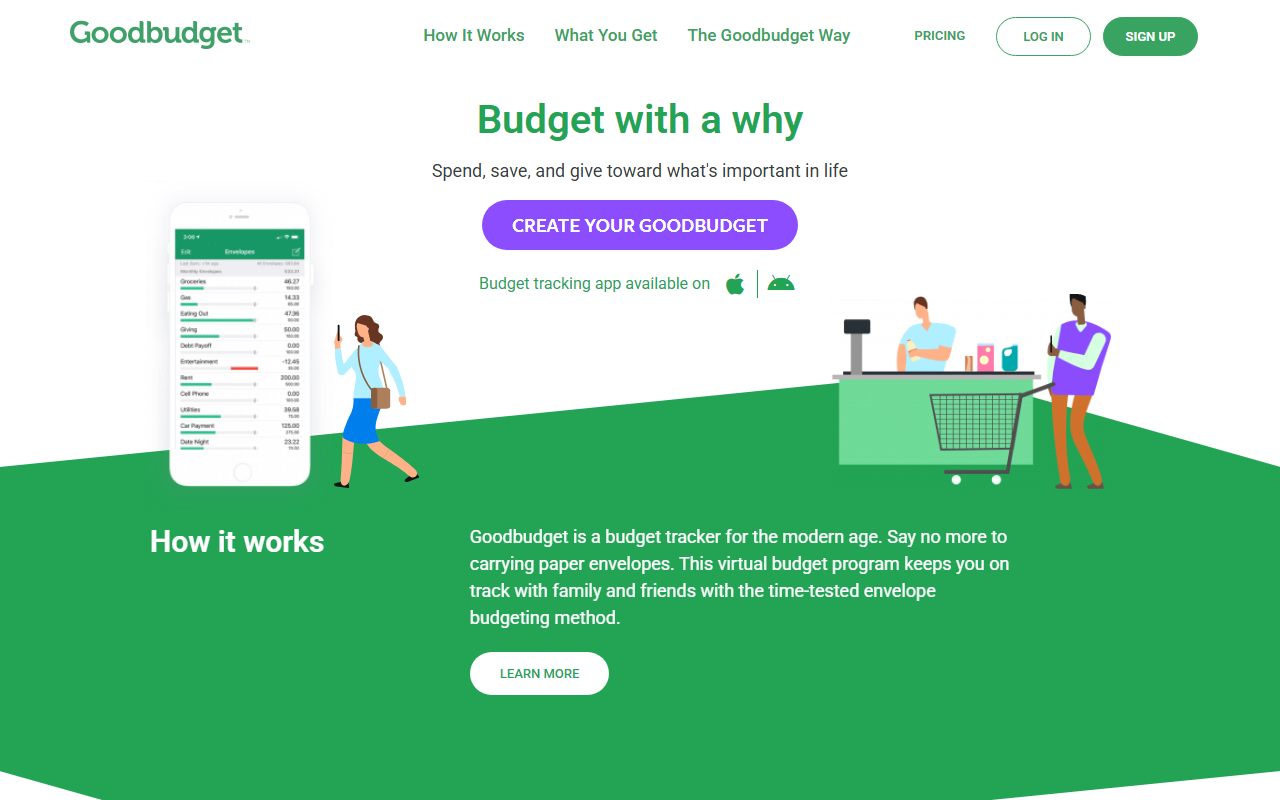
A lot of homemade budget spreadsheets are really just envelope budgeting recreated in columns, with a row for rent, a row for groceries, and a running balance formula for each one. Goodbudget builds that same envelope structure natively, so you get the categorized, cash-style approach without designing the layout yourself first.
Entries are still manual, which won’t remove the effort of logging spending, but it does remove the part where a mistyped formula silently breaks the whole sheet.
Conclusion
The common thread across every app here is the same: none of them ask you to build your own formulas, and all of them are designed to be updated from a phone in a few minutes rather than a laptop session. That’s the actual thing most people are trying to escape when they say they hate spreadsheets: not the math itself, but the friction of opening a file, finding the right cell, and hoping the formula still works the way it did last month. If your priority is a single, clear number for what’s safe to spend without connecting a bank account, Monthly replaces the spreadsheet’s structure with a mobile-first setup that takes about five minutes on payday, with no cell to break and no formula to remember how you wrote it. If you specifically want to keep more granular categories, YNAB or Goodbudget preserve that detail without the maintenance a spreadsheet demands, and if automatic categorization matters more than manual control, Copilot or Wallet by BudgetBakers do that work for you once accounts are linked. Create my free plan →