

Short answer: if you track your budget alone in Excel or Google Sheets and you’re tired of rebuilding next month’s tab, the free apps worth trying are Monthly, EveryDollar’s free version, Goodbudget’s free plan and Rocket Money’s free plan. We rank Monthly first for people whose workbook boiled down to paycheck, fixed bills and what’s left, because that structure comes built in and nothing has to be maintained. EveryDollar fits a zero-based workbook, Goodbudget an envelope one, and Rocket Money a bill-and-subscription list.
This is for the one-person budget: you downloaded a template or built your own workbook, it worked, and now the cost is time. On the last Sunday of every month you copy the tab, fix the dates, re-point a SUM range and re-enter the bills. Logging a coffee on your phone means pinching and zooming into a cell. By the end of this article you’ll know which free app replaces which kind of workbook, what each one leaves out, and how many lines it takes to switch.
If you share a sheet with a partner or roommates, that’s a different problem with different tools; we covered it in the best apps to replace a shared Google Sheets budget.
How we compared them
Monthly is our product; its first place reflects this article’s angle, a spreadsheet’s structure without its upkeep. We only ranked tools that have a free version you can keep using, and we checked each one’s plan details on its official pages in October 2026. We skipped third-party ratings. Paid tools like YNAB, Monarch and Tiller are mentioned where they matter, not ranked.
The one thing Excel no longer does for budgeting
Microsoft once tried to solve this inside Excel. Money in Excel connected bank accounts to a workbook template for US Microsoft 365 subscribers. Microsoft’s end-of-support notice says that after June 30, 2023, it stopped pulling transactions and stopped connecting accounts, and it pointed users to Tiller. So if you’re on plain Excel today, every number in your budget is typed by you. That’s fine; it’s also what most of the free apps below ask for. The difference is how much structure you have to build around the typing.
The ranking at a glance
| Rank | App | Replaces which kind of workbook | Free version (October 2026) | Bank link |
|---|---|---|---|---|
| 1 | Monthly | Paycheck minus bills, what’s left | Free, no paid tier | Never |
| 2 | EveryDollar | Zero-based: every dollar on a line | Free forever with manual entry; Premium $79.99/year | Premium only |
| 3 | Goodbudget | Category envelopes | Free: 20 envelopes, 1 account, 2 devices | Premium only |
| 4 | Rocket Money | Bills and subscriptions list | Free plan; Premium on a $7 to $14/month slider | Yes |
1. Monthly: the summary tab, without the formulas

A favor
- Income, fixed expenses, weekend reserve and free money laid out the way most budget tabs are
- Each new month starts from last month's fixed lines; nothing to copy or re-point
- CSV and Excel export, so your yearly review workbook survives
- Free, no bank connection
En contra
- You can't add your own formulas or custom columns
- Manual entry for every expense
- No pivot-style analysis beyond its built-in charts
Best for: people whose workbook had one tab that mattered, the one that said “income, bills, what’s left.”
Most solo budget workbooks end up with the same summary: take-home pay at the top, a block of fixed bills under it, maybe a savings line, and a cell that subtracts everything. Monthly is that summary as an app. You enter income for the month, list fixed expenses and instalments, set a weekend reserve, and it shows your real free money. Savings goals with a target and a date live under Patrimonio, alongside debts and investments you record by hand.
What disappears is the maintenance. There’s no SUM range to extend when you add a bill, and no tab to duplicate on the 31st. When you still want the spreadsheet view, for a year-end review or your own charts, export to CSV or Excel and open it in the tool you already know.
2. EveryDollar free: for the zero-based workbook
A favor
- Free version usable indefinitely, per Ramsey
- Unlimited categories and lines, sinking funds and bill due dates included free
- Works on computer, phone and tablet
En contra
- Bank connection, payday planning, reports and CSV export are Premium
- Premium is $79.99 a year or $17.99 a month after a 14-day trial
- Built around Ramsey's method; less flexible if you budget differently
Best for: workbooks where the goal was to get “left to budget” to zero.
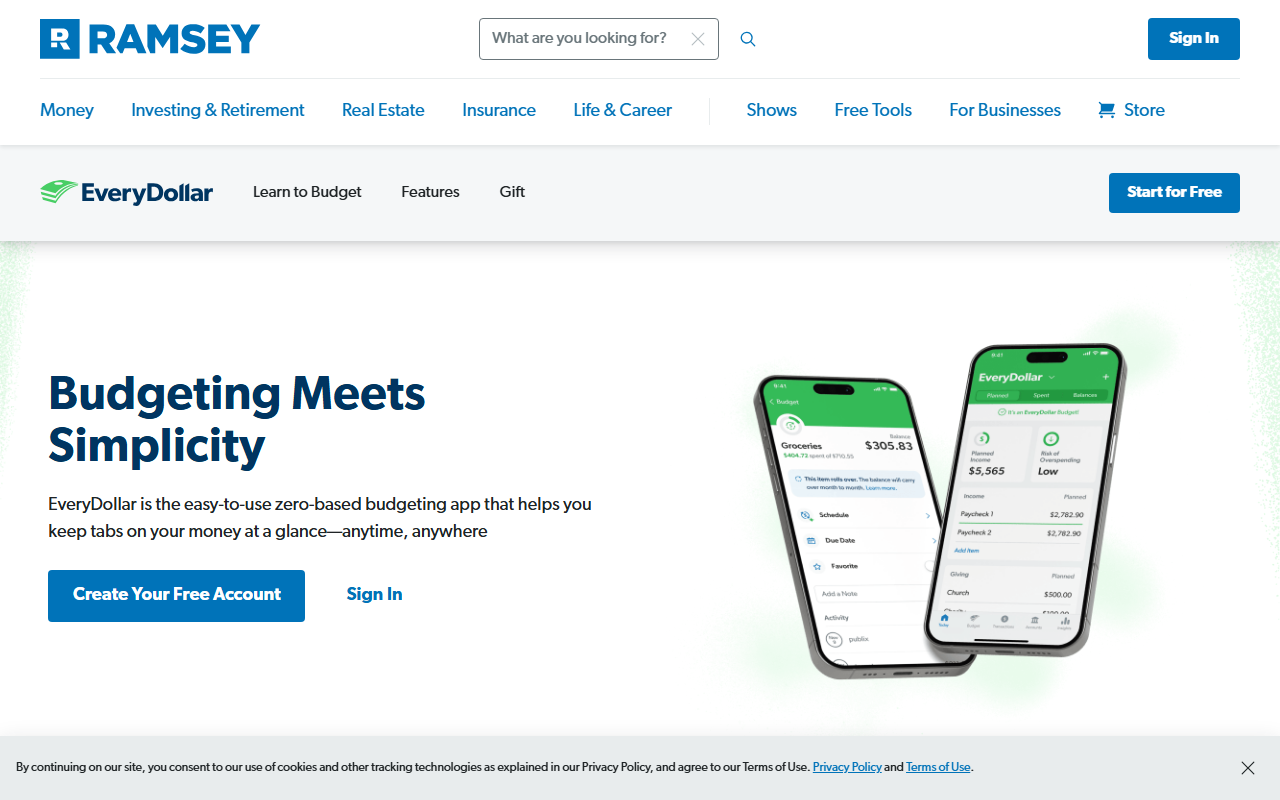
Ramsey’s EveryDollar page says the free version includes a monthly budget, unlimited categories, manual transaction entry, sinking funds, split transactions and bill due dates. That’s close to a well-built zero-based template. Note that CSV export is listed under Premium, so on the free tier your data is harder to take back into Excel than it is with Monthly.
3. Goodbudget free: for the envelope workbook
A favor
- Free plan with 10 regular and 10 additional envelopes
- Syncs across two devices on the free plan
- No bank login needed
En contra
- Free plan limited to one account and one year of history
- Premium is $10 a month or $80 a year
- Every transaction needs an envelope, which is real upkeep
Best for: workbooks with a column per category and a running balance in each.
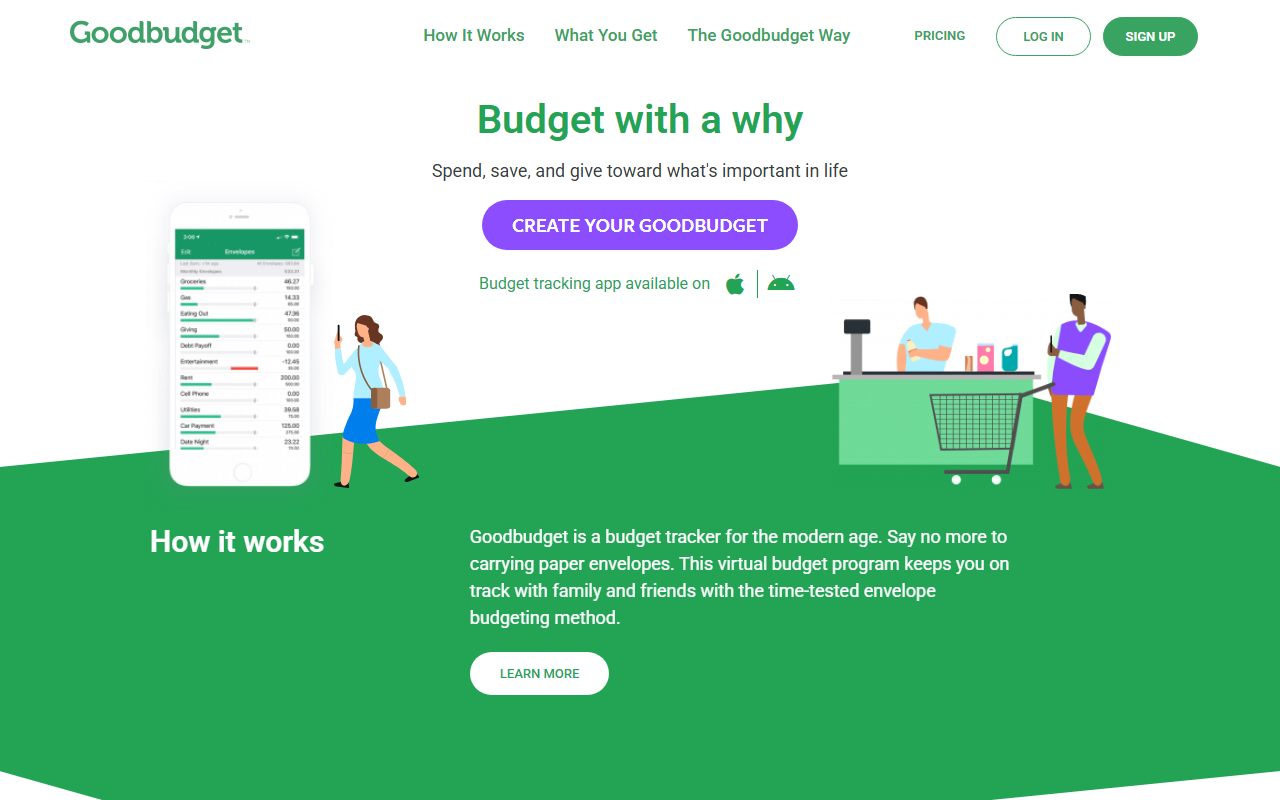
Goodbudget’s plan page, as reported in our Monthly vs Goodbudget comparison, lists the free plan at $0 with 20 envelopes in total, one account, two devices and a year of history. If your sheet had more than 20 categories, the free plan will force you to merge some, which some people find clarifying and others find annoying.
4. Rocket Money free: for the subscriptions tab
A favor
- Free plan tracks subscriptions and bills from linked accounts
- Basic budgeting included on the free plan
- Finds recurring charges you'd never have typed into a sheet
En contra
- Requires linking accounts
- Unlimited budgets, CSV export and cancellation help are Premium
- Premium priced on a $7 to $14 a month slider
Best for: people whose workbook was mostly a list of recurring charges.
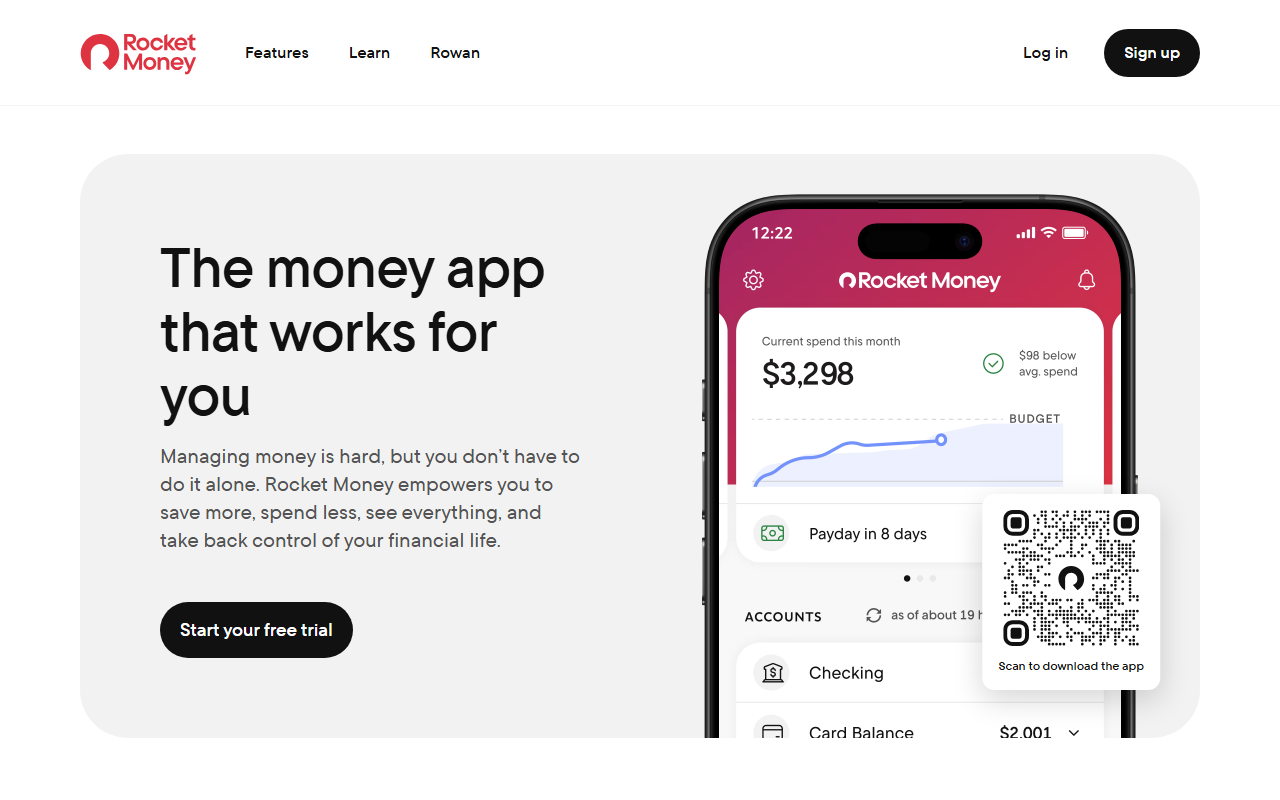
Rocket Money’s cost page, summarized in our Rocket Money alternatives roundup, describes a free plan with subscription and bill tracking, transaction history and basic budgeting. It’s the only tool here that needs a bank link, which is the point: it finds charges for you. If you’d rather not connect anything, skip it.
A worked example: an Excel budget in eleven lines
All figures are illustrative. Rent uses the national median gross rent of $1,487 a month from the Census Bureau’s 2024 American Community Survey.
A single renter’s workbook has a “Monthly” tab with take-home pay of $4,100 and these fixed lines:
| Line | Amount |
|---|---|
| Rent | $1,487 |
| Electric and gas | $135 |
| Internet | $65 |
| Phone | $55 |
| Car payment | $410 |
| Car insurance | $145 |
| Student loan | $230 |
| Streaming and apps | $38 |
| Gym | $35 |
| Fixed total | $2,600 |
Add a weekend reserve of $300, and the summary cell reads $4,100 − $2,600 − $300 = $1,200 of free money for groceries, gas and everything else.
In Monthly that’s eleven entries: one income, nine fixed expenses and one reserve. The free-money figure is calculated for you. In November, when the gym raises its price to $40, you edit one line on your phone and the number drops to $1,195. In the workbook, the same change meant opening the file, copying October’s tab, and checking that the total cell still included row 14.
What you give up by leaving Excel
Be honest about this before switching. A spreadsheet lets you model a raise, compare two apartments side by side, or build a ten-year debt chart. None of the free apps here do custom what-if modeling. If you use those features monthly, keep Excel for planning and use an app only for the day-to-day. If you mostly used the workbook to answer “how much is left this month?”, you’ll miss very little.
And if you want to stay in a spreadsheet but stop typing, the paid option is Tiller, which our shared-sheet comparison lists at $99 a year after a 30-day trial. It feeds bank transactions into Google Sheets or Excel; you still own the formulas.
Which free alternative fits your workbook
| Your workbook was mostly… | Try |
|---|---|
| A summary tab: income, bills, what’s left | Monthly |
| A zero-based plan with every dollar assigned | EveryDollar free |
| Category columns with running balances | Goodbudget free |
| A list of recurring charges | Rocket Money free |
| Formulas and models you love | Stay in Excel, or pay for Tiller |
The bottom line
The best alternative to an Excel budget is the one that matches the tab you actually used. For most solo budgets that’s the summary tab, and an app can hold it without any formulas to babysit. When you’re ready to move, our step-by-step guide on how to retire your spreadsheet budget covers the migration itself. Open Monthly, rebuild your summary tab in eleven entries, and keep the workbook for the yearly review → This is general information, not personalized financial advice.
If you want to start with a spreadsheet that is already built, you can download the free monthly budget template for Excel or Google Sheets: income, fixed bills, daily spending and the 50/30/20 rule.