

Short answer: a debt payoff plan tells you the order; a budget keeps you able to follow it. Undebt.it is the best free calculator for the order, EveryDollar pairs a zero-based budget with a snowball tracker on Premium, Goodbudget includes debt tracking on its free plan and PocketGuard automates a payoff plan with linked accounts. We rank Monthly first because it logs every debt payment as a fixed expense, so the payment comes out before the month’s free money is even calculated.
This is for someone who has already decided to get out of debt and has probably made a payoff plan at least once. The plan was fine. What went wrong was everything around it: a car repair in month two, a birthday dinner, a grocery bill that crept up, and suddenly the extra payment was the first thing cut. By the end of this article you will know which app fits your situation, and how to set up a month where the debt payment is protected the same way your rent is.
You are not alone in this. The New York Fed’s Household Debt and Credit Report put US credit card balances at $1.263 trillion in the second quarter of 2026, up $21 billion from the first quarter. The Federal Reserve’s 2025 Survey of Household Economics and Decisionmaking found that 45 percent of credit card holders carried a balance at least once in the prior year.
How we picked
Monthly is our product, so its first place is an editorial call tied to this article’s angle: stability of the whole budget during payoff. We read each app’s official site or App Store listing in October 2026 for prices and features, and ranked on four things: how clearly debt payments are separated from discretionary spending, cost for someone who is already short of money, whether a bank link is required, and how much weekly effort it takes. No ratings or user numbers were invented.
Why payoff plans fail in month two
A payoff plan is a schedule. A budget is the thing that has to absorb the rest of life while the schedule runs. The two fail together when the debt payment is treated as “what’s left over.” Leftover money is the first money a surprise eats.
The Fed’s 2025 survey’s economic hardships section found 16 percent of adults did not pay all their bills in full in the month before the survey. For someone in debt payoff, one short month can mean a missed minimum, a late fee and a new balance. The defense is structural: minimums and the planned extra payment sit in the budget as fixed expenses, decided on payday, before anything discretionary.
The ranking at a glance
| Rank | App | Role in debt recovery | Price (October 2026) | Bank link? |
|---|---|---|---|---|
| 1 | Monthly | Debt payments as fixed expenses, free money after them | Free | No |
| 2 | Undebt.it | Payoff order and debt-free date | Free; Undebt.it+ paid | No |
| 3 | EveryDollar | Zero-based budget, snowball tracker on Premium | Free; Premium $79.99/year or $17.99/month | Premium only |
| 4 | Goodbudget | Envelopes plus debt tracking | Free plan; Premium $10/month or $80/year | No |
| 5 | PocketGuard | Automated payoff plan from linked accounts | Plus $12.99/month or $74.99/year, 7-day trial | Yes |
1. Monthly: debt payments come first, by design
A favor
- Minimums and the extra payment are fixed expenses, subtracted before free money
- Instalment-style loans can progress month by month
- Debts are recorded with the rest of your net worth, no lender connection
- Free, so the app doesn't compete with the payment
En contra
- No payoff calculator or debt-free date
- Manual entry: balances update only when you log them
- No automatic interest calculation
Best for: people whose payoff plans keep losing to everyday spending.
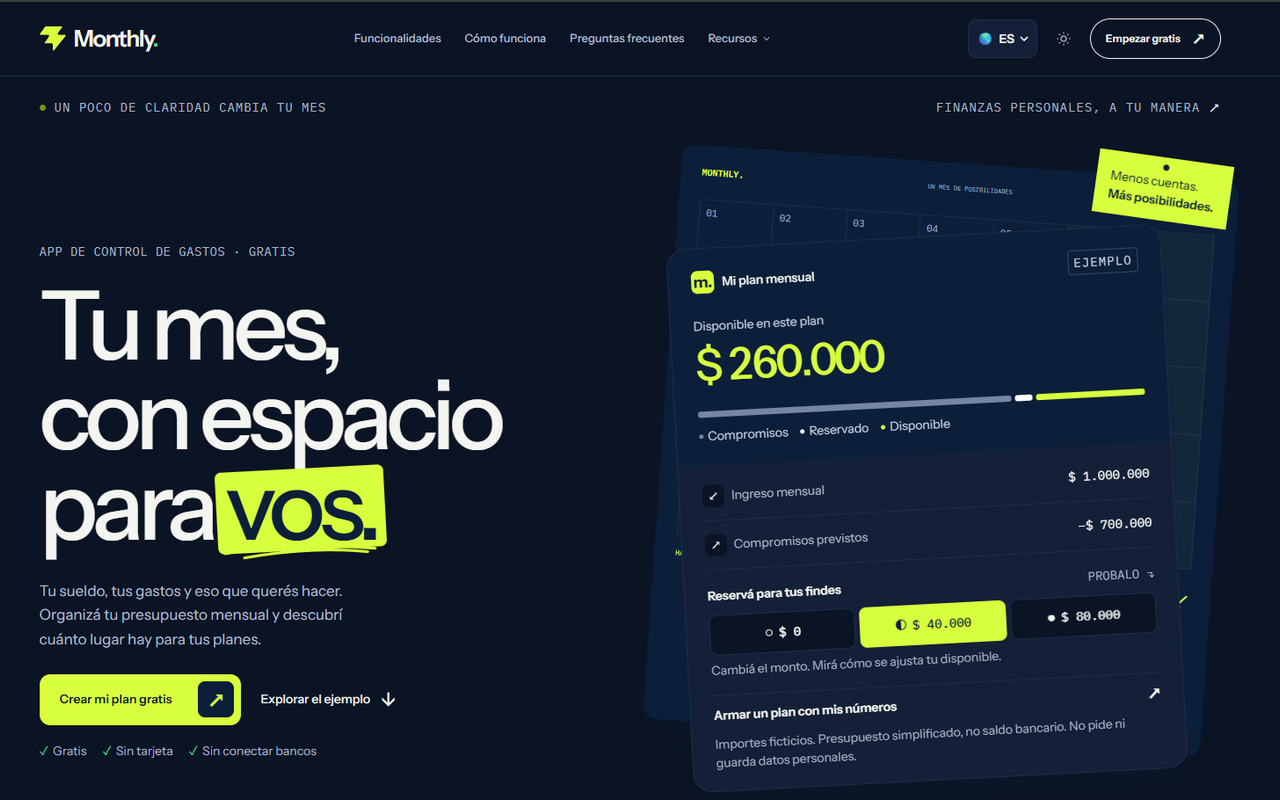
In Monthly you add each minimum as a fixed expense (“Visa minimum $95”, “Car loan $340”) and the planned extra payment as one more fixed line (“Extra to Visa $200”). The weekend reserve is set separately. Free money is what remains after all of that, so the number you look at every day already assumes the debt got paid.
Debts also appear under net worth, recorded by you, alongside any savings goals. When you log a payment and update the balance, the plan and the debt stay in step. Monthly does not choose your payoff order or compute interest; it makes sure the order you chose gets funded.
2. Undebt.it: the free payoff calculator
A favor
- Free planner with no credit card or bank login required
- Eight payoff methods including snowball and avalanche, plus custom order
- Log payments as you go and watch the debt-free date update
En contra
- Limited budgeting: you enter one monthly amount for debt
- Bill tracking, what-if scenarios and bank sync are on the paid Undebt.it+ tier
- Doesn't show what's left for groceries or rent
Best for: choosing an order and seeing a date.
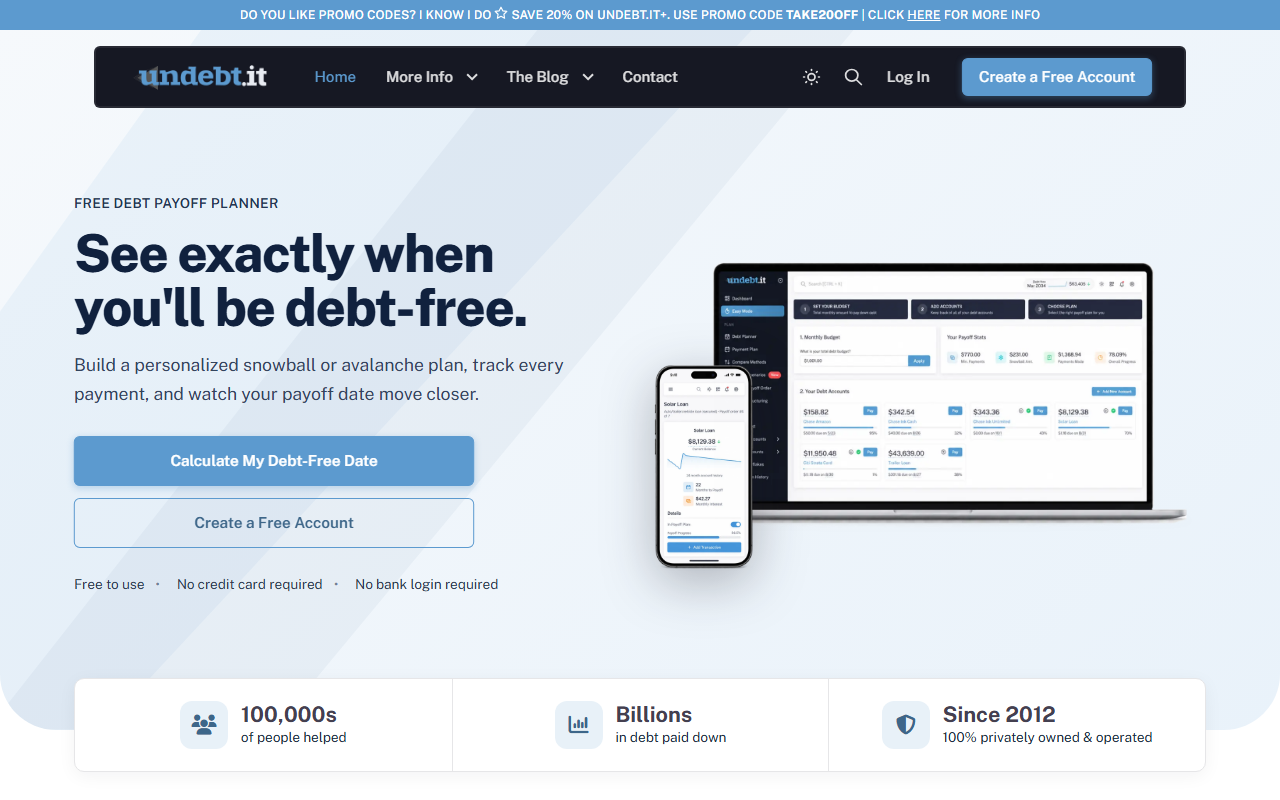
Undebt.it says the planner is free and lists snowball, avalanche and six other methods. Paid Undebt.it+ adds bill tracking, what-if scenarios, YNAB integration and bank sync through SimpleFIN; the home page did not show its price when we checked. It answers “which debt next and when am I done?” brilliantly, and leaves the rest of the month to your budget.
3. EveryDollar: zero-based with a snowball tracker
A favor
- Free version: unlimited categories, manual entry, sinking funds, bill due dates
- Premium debt payoff tracker supports the debt snowball
- Planning every dollar before the month fits a strict payoff mindset
En contra
- Payoff tracker requires Premium at $79.99 a year or $17.99 a month
- Snowball only, per its page; no avalanche mentioned
- Many categories to maintain
Best for: people following the Ramsey approach.
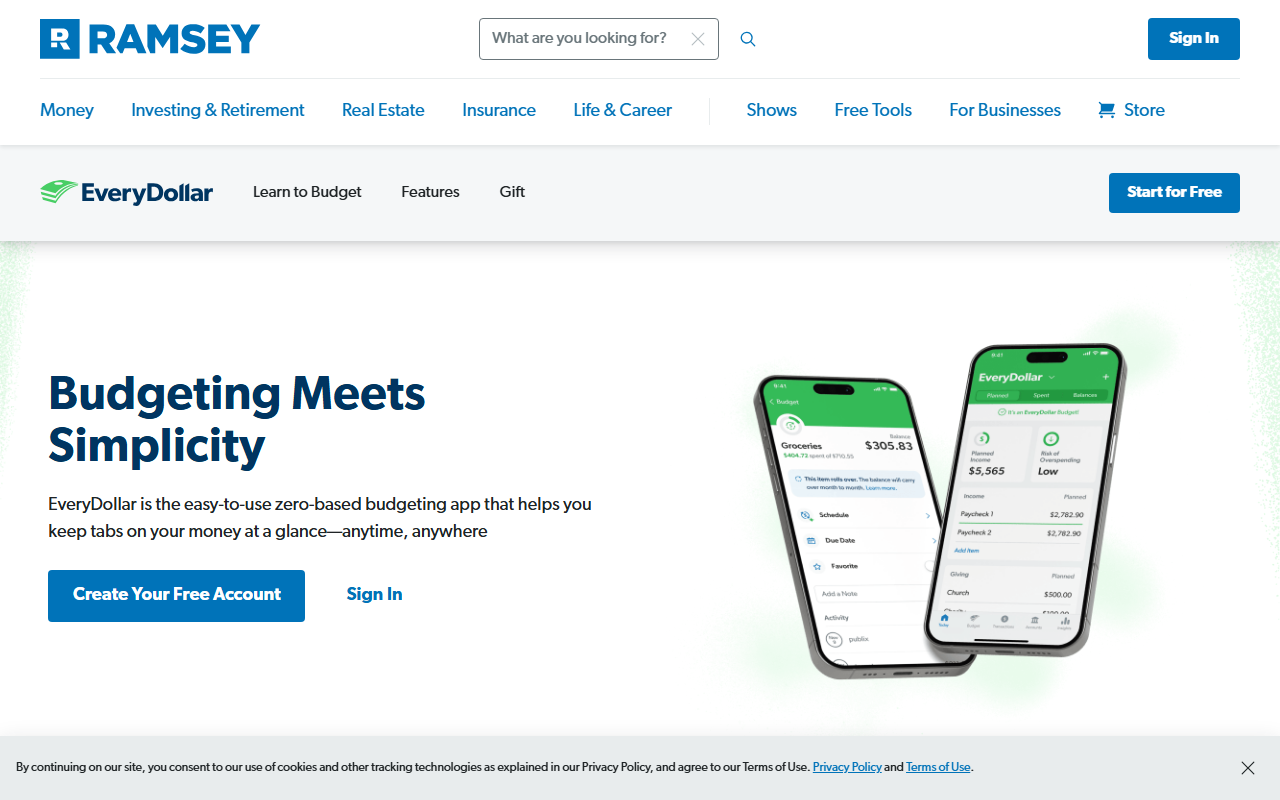
Ramsey Solutions’ EveryDollar page lists the debt payoff tracker as Premium and describes it as supporting the debt snowball. The free version can still hold every minimum as a budget line. Paying $79.99 to track debt is a real cost when you are short; the free tier plus a free calculator covers the same ground.
4. Goodbudget: envelopes with debt tracking on the free plan
A favor
- Debt tracking included on both the free and Premium plans
- Free plan: 10 regular and 10 additional envelopes, 2 devices
- Works without a bank link
En contra
- Free plan limited to 1 account and 1 year of history
- Premium is $10 a month or $80 a year
- You fill envelopes manually each period
Best for: envelope budgeters who want debt in the same place.
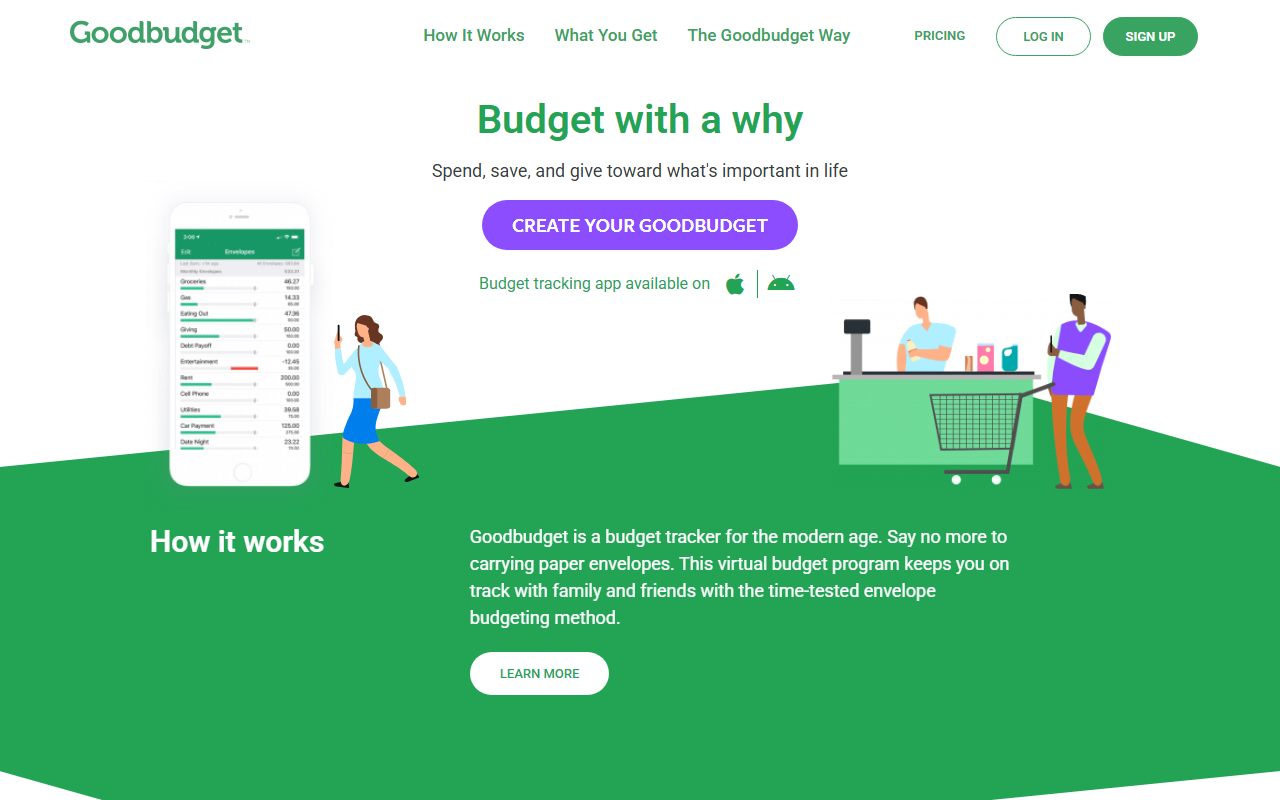
Goodbudget’s sign-up page lists debt tracking on both plans. A “Debt payments” envelope filled first on payday is functionally the same protection as a fixed expense, as long as you fill it before the fun envelopes.
5. PocketGuard: automated plan, paid and linked

A favor
- Builds a personalized debt payoff plan from balances and your chosen strategy
- Shows a debt-free date and tracks payments
- Balances update automatically from linked accounts
En contra
- Plus costs $12.99 a month or $74.99 a year after a 7-day trial, per its App Store listing
- Requires linking accounts
- A subscription is one more fixed cost while in debt
Best for: people who want automation and are comfortable linking cards.
PocketGuard’s App Store listing describes a personalized debt payoff plan built from your balances and repayment strategy, and lists Plus at $12.99 monthly or $74.99 yearly with a 7-day trial. It saves typing; it also adds a bill.
A worked example: protecting the extra payment
The figures are illustrative. Take-home pay: $3,800. Fixed bills: rent $1,350, utilities $140, phone $60, insurance $130. Debt minimums: credit card A $95, credit card B $60, car loan $340. Planned extra payment to card A (smallest balance, snowball): $250. Weekend reserve: $200.
Without fixed debt lines, the person budgets bills and minimums ($2,175), leaves $1,625 “free,” and plans to send the extra $250 at month-end. A $410 car repair in week three lands on card B. At month-end, there’s $140 left. The extra payment doesn’t happen, and card B grew.
With debt as fixed expenses in Monthly, the plan reads:
| Entry | Amount |
|---|---|
| Income | $3,800 |
| Rent, utilities, phone, insurance | -$1,680 |
| Debt minimums (three lines) | -$495 |
| Extra to card A (fixed) | -$250 |
| Weekend reserve | -$200 |
| Free money | $1,175 |
The same $410 repair now comes out of $1,175 of free money, visibly. The person sees $765 left with a week to go, cuts back for seven days, and the $250 extra payment already went out on payday. Free money shrank; the payoff plan didn’t.
Which app for which situation
| You… | Start with |
|---|---|
| Keep skipping the extra payment | Monthly |
| Haven’t chosen an order yet | Undebt.it, then a budget |
| Follow the Baby Steps | EveryDollar |
| Like envelopes | Goodbudget |
| Want automation and will link accounts | PocketGuard |
If you need the order of operations first, our debt payoff strategy guide walks through listing debts and choosing a method. If you’d rather not link cards at all, see budgeting apps that work without a bank connection.
Habits that keep a recovery on track
Schedule the extra payment on payday. Money sent first can’t be spent by accident.
Build a small starter buffer. A few hundred dollars set aside keeps the next car repair off the card. Our emergency fund guide shows a stepwise way to start.
Update balances monthly. Watching a number fall is motivation that a payoff date alone doesn’t give.
Roll freed-up payments forward. When card A is gone, move its $345 to the next debt as a new fixed line instead of letting it become free money.
The bottom line
Choosing a payoff method takes an afternoon; keeping it funded takes every month. Any app on this list can help if debt payments come off the top. Open Monthly, enter this month’s income and your debt payments first, and see what is left to live on → This is general information, not personalized financial or credit advice.