

Quick summary: A subscription fee doesn’t automatically buy you a better budget. It usually buys automatic bank syncing, deeper reports, or collaboration features that not everyone needs. If your goal is simply understanding your paycheck, your fixed expenses, and what’s left over, several genuinely good apps do that without ever asking for a card number.
Budgeting apps have leaned hard into subscriptions over the past few years, with several well-known names charging somewhere around $10 to $15 a month for full functionality. That’s a reasonable price for people who want automatic bank syncing and deep historical reports. It’s a much harder sell for someone who just wants to know what’s safe to spend before the next paycheck arrives.
The apps below cover that core need without a recurring fee. Some, like Monthly, are free for their entire core workflow by design. Others offer a genuinely usable free tier alongside a paid upgrade you can ignore if you don’t need it. None of them require a subscription to be useful.
How we picked these apps
We only included apps whose core budgeting functionality is actually free, not apps that market themselves as free but require payment details for a trial or cap the free tier so aggressively it’s unusable. We weighed how complete the free version is on its own, whether a bank connection is required, and how much ongoing value the free tier provides without upgrading.
Quick comparison
| App | Best for | Free | Requires card to start |
|---|---|---|---|
| Monthly | The full paycheck-to-free-money workflow, no payment | Yes | No |
| Goodbudget | The envelope method within the free plan’s limits | Yes | No |
| EveryDollar | Zero-based budgeting on the manual, free tier | Yes | No |
| Rocket Money | Free subscription tracking with a bank connection | Yes | No |
| Google Sheets / Excel | Complete control for anyone comfortable with formulas | Yes | No |
| Notes app | A free running list with no structure | Yes | No |
The best free apps compared
1. Monthly: the full paycheck-to-free-money workflow, no payment

A favor
- Core workflow is free indefinitely, not a trial
- No bank connection needed to unlock any feature
- Calculates real free money from your own entries
- Exports available in CSV, Excel and backup formats
En contra
- Requires manual entry, since there's no bank feed
- Doesn't track historical spending trends
- Uses cloud storage, so it isn't fully offline
Best for: The full paycheck-to-free-money workflow, no payment
Monthly’s entire core workflow (paycheck, fixed expenses, weekend reserve, investments, real free money) is free to use, with nothing locked behind a paywall and no bank connection required to unlock it. There’s no trial clock running in the background and no card number needed to get started.
What you give up compared to a paid, connected app is automatic transaction tracking: everything in Monthly comes from what you enter yourself. For anyone who values not paying a subscription and doesn’t want to link a bank account in the first place, that trade generally works in the app’s favor rather than against it, since the features that stay free are the same ones a paid tier would otherwise gate behind a subscription.
2. Goodbudget: the envelope method within the free plan’s limits
A favor
- Free plan covers the basic envelope system
- No bank connection required at any tier
- Syncs manually entered envelopes across a household
- Classic method many people already understand
En contra
- Free plan caps the number of active envelopes
- Heavier users will likely outgrow it eventually
- Interface feels dated compared to newer apps
Best for: The envelope method within the free plan’s limits
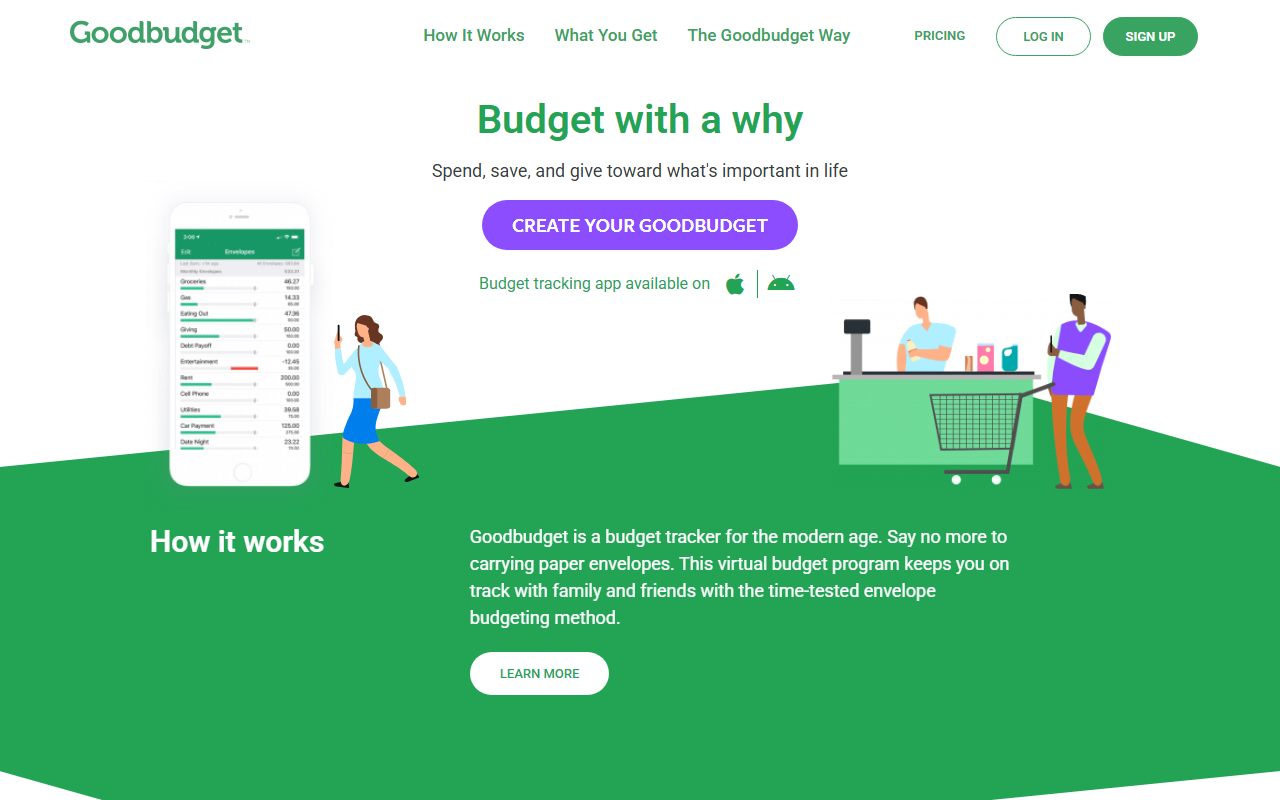
Goodbudget’s free tier genuinely works for a simple household budget, capping the number of envelopes rather than gating core functionality behind a fee. For someone with a manageable number of categories, that cap is rarely a problem in practice, and the household-sync feature works on the free plan too, which matters for couples trying to budget together without a shared subscription.
If your budget grows more complex, with more categories or more shared users, you’ll eventually bump into the free plan’s limits and have to decide whether the paid tier is worth it. Until then, it’s a legitimately free way to run an envelope budget.
3. EveryDollar: zero-based budgeting on the manual, free tier
A favor
- Manual tier is a real, permanent free option
- Simple zero-based structure that's easy to learn
- No card required to use the free version
- Familiar to anyone who's used Ramsey's method before
En contra
- Bank sync is reserved for the paid tier
- No dedicated weekend or discretionary reserve
- Fairly bare-bones without the paid upgrade
Best for: Zero-based budgeting on the manual, free tier
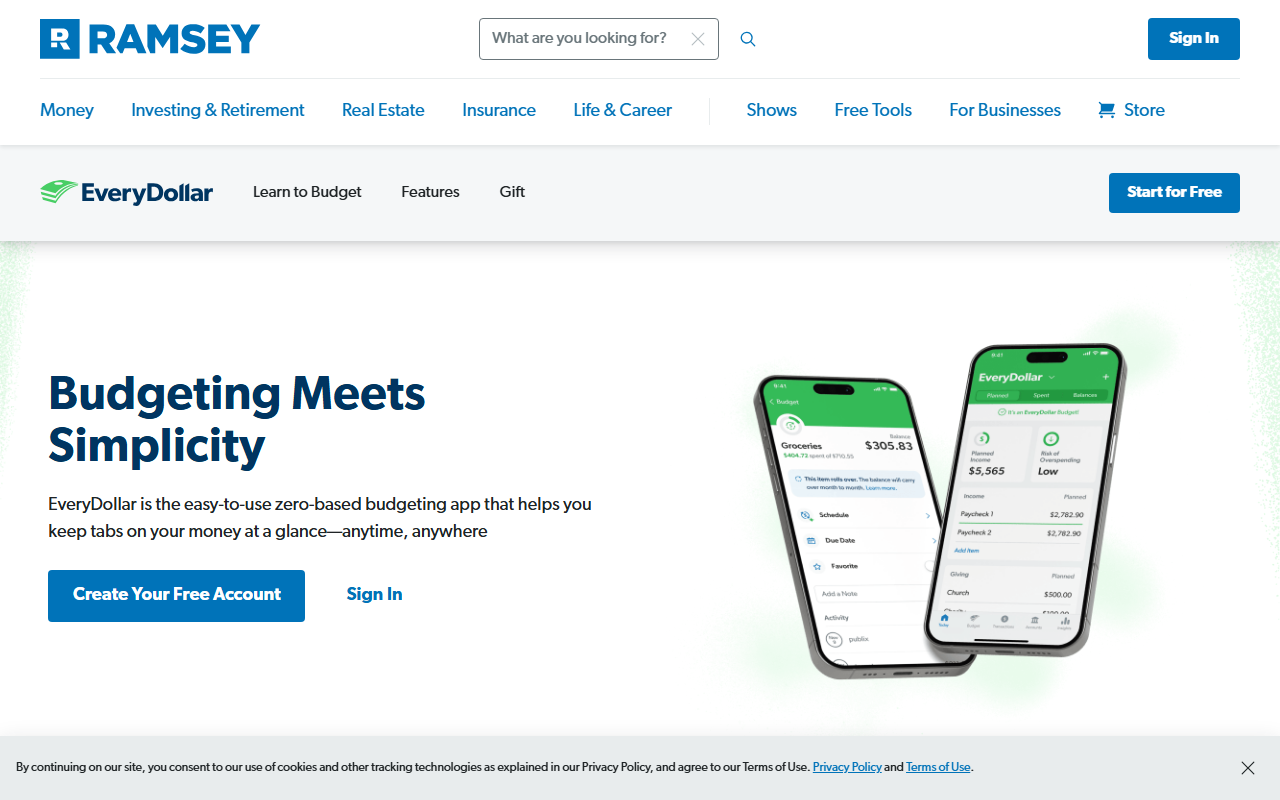
EveryDollar’s free version isn’t a countdown to a paywall. It’s a genuinely usable, permanently free manual budgeting tool built around assigning every dollar of income to a category. The paid tier exists mainly to add bank syncing on top.
If you’re fine entering transactions by hand, there’s no real pressure to ever upgrade. The zero-based structure itself works the same whether or not you’re paying, so the decision to add bank sync later comes down to convenience, not unlocking a feature the free tier withheld.
4. Rocket Money: free subscription tracking with a bank connection
A favor
- Free tier includes real subscription and bill tracking
- No subscription fee required for the core features
- Simple, mobile-first interface
- Optional paid tier for bill negotiation, not required to use the app
En contra
- Requires linking a bank account to function
- Premium features are pushed fairly frequently
- Less useful for full category budgeting than dedicated apps
Best for: Free subscription tracking with a bank connection
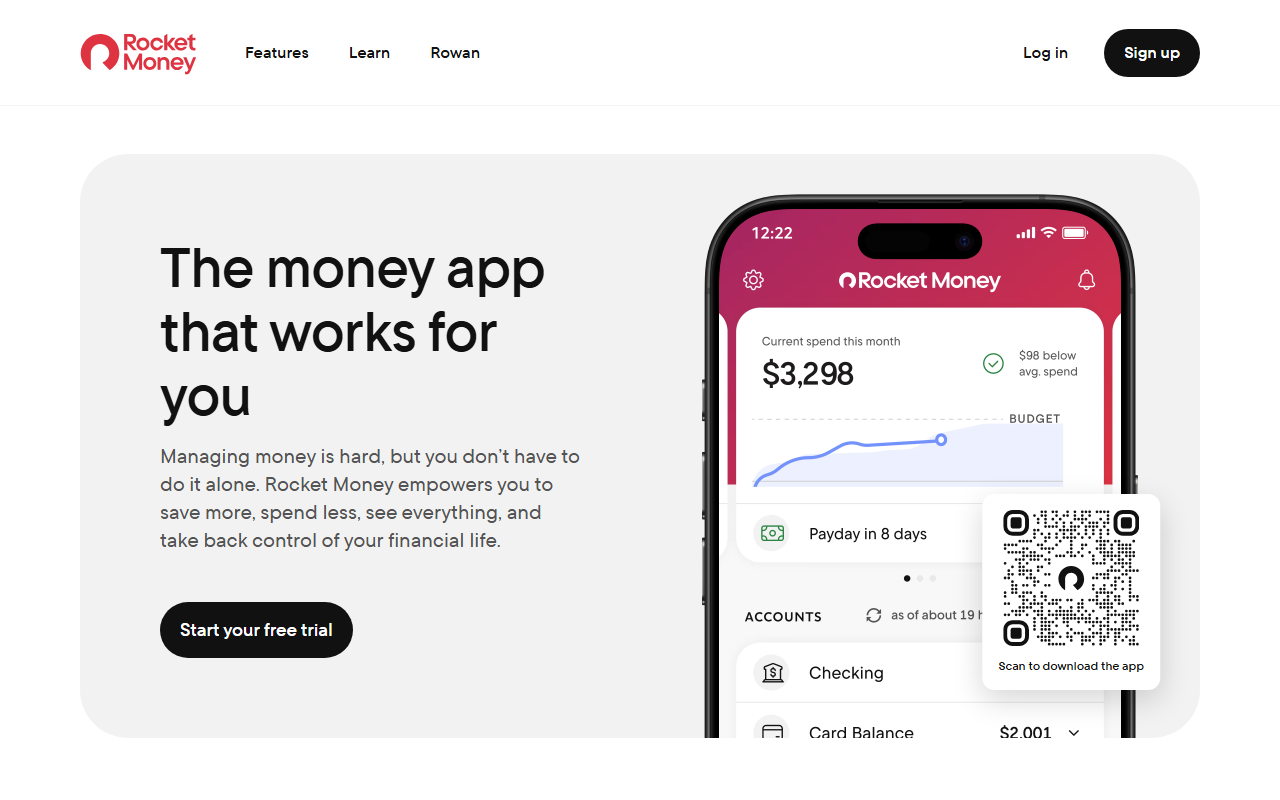
Rocket Money’s free tier covers its most useful feature, automatically surfacing recurring subscriptions and bills from linked accounts, without requiring payment, which is often exactly the problem someone wants solved when subscriptions have quietly piled up over a year or two. The optional paid tier adds bill negotiation on your behalf, but it’s not necessary to get value from the free version.
The trade-off here is different from most apps on this list: it’s genuinely free, but it does require a bank connection, so it’s the right fit only for people comfortable linking accounts in exchange for that automation. Someone who wants the subscription-finding feature specifically, without linking anything, would need to review statements manually instead, which defeats a lot of the convenience Rocket Money is built around.
5. Google Sheets / Excel: complete control for anyone comfortable with formulas
A favor
- Completely free through Google Sheets
- No bank connection or third-party access, ever
- Full control over categories and layout
- No feature is ever locked behind a paywall
En contra
- Requires building and maintaining your own formulas
- No mobile-first design or automatic calculations
- Easy to make a mistake that goes unnoticed
Best for: Complete control for anyone comfortable with formulas
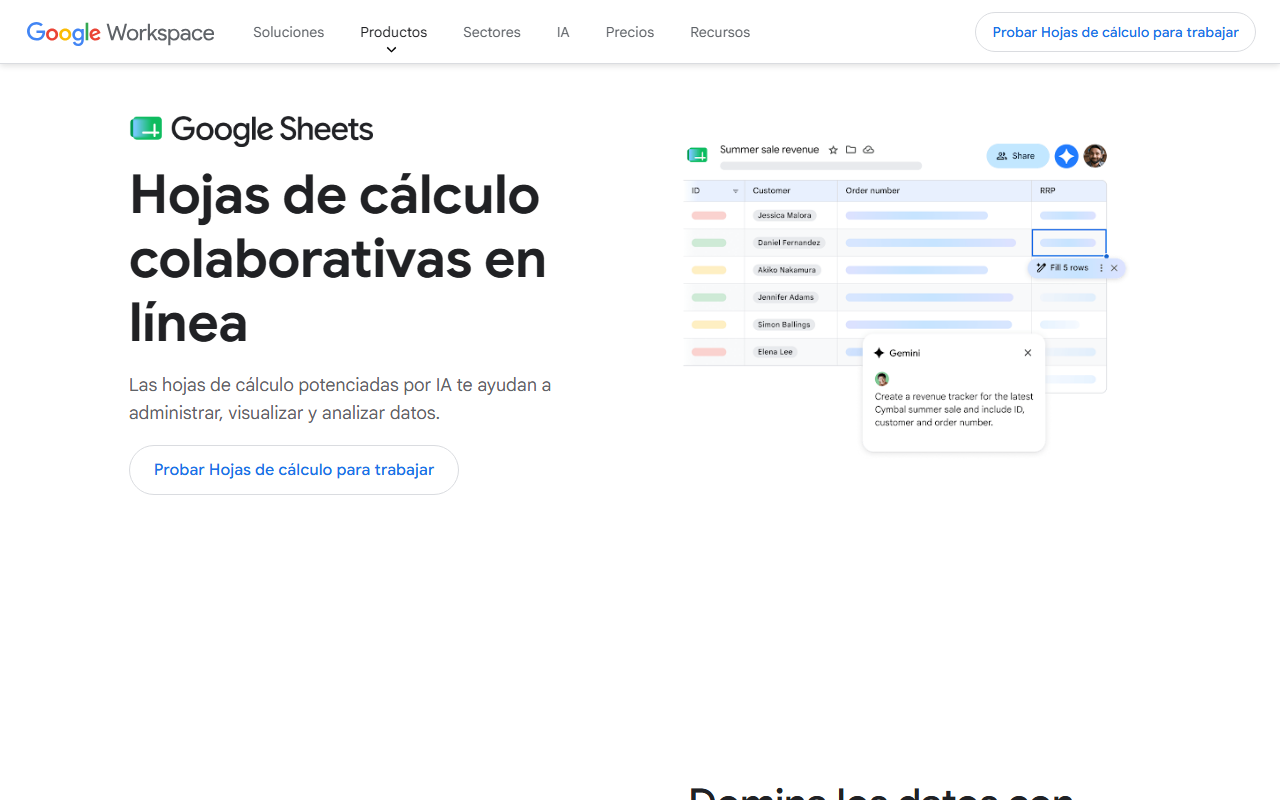
A spreadsheet is free by definition, since there’s no product company charging you anything, just your own time. Google Sheets costs nothing with a Google account, and it can do anything you’re able to build into it, from a simple monthly total to a detailed multi-year tracker.
The cost shows up as effort rather than money: every formula and layout decision is yours to make and maintain, with nothing pre-built to fall back on if something breaks. For someone who already has a working template, that’s a fair trade; for someone starting from a blank sheet, it can take a full weekend to get to something usable.
6. Notes app: a free running list with no structure
A favor
- Already installed on nearly every phone
- Zero cost and zero setup
- No account or subscription of any kind
- Keeps information off any financial-app server
En contra
- No calculations or totals of any kind
- No structure separating fixed expenses from spending money
- Easy to lose track of entries over time
Best for: A free running list with no structure
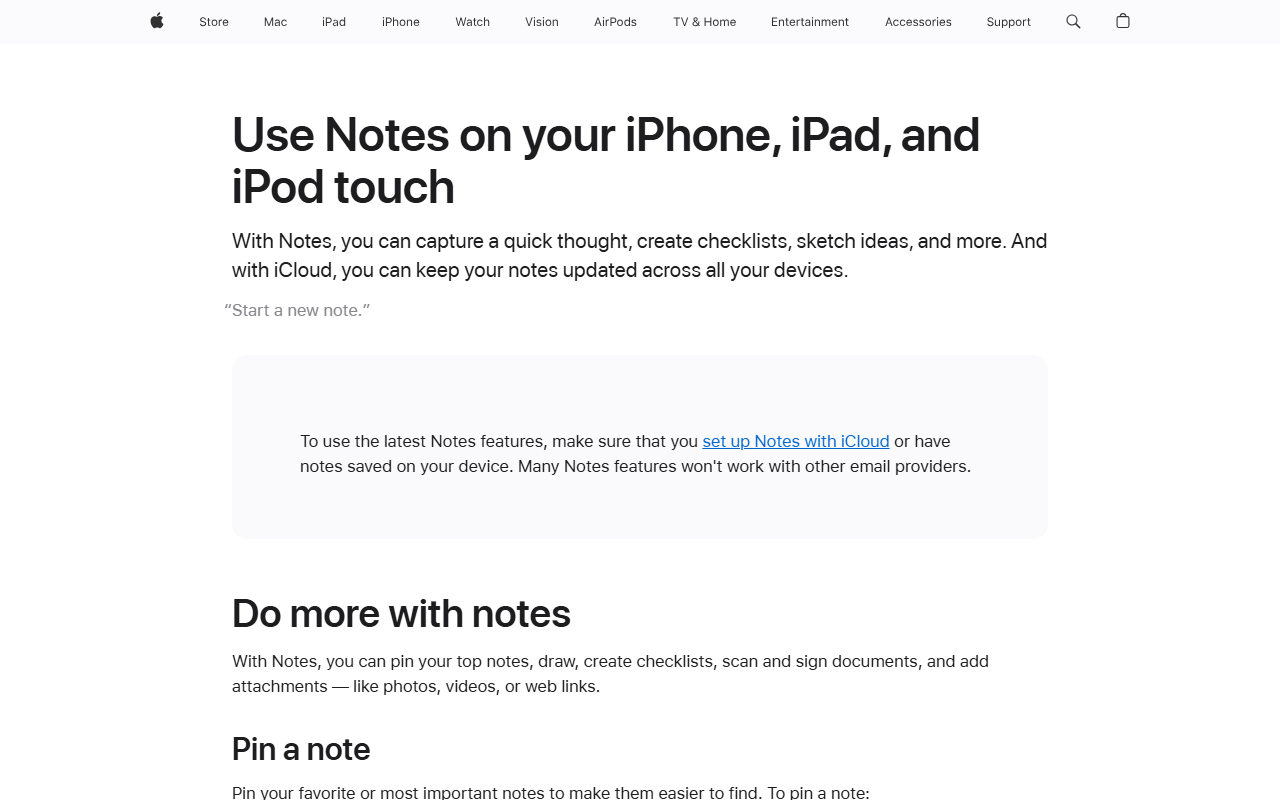
The built-in notes app is genuinely as free as it possibly gets: it’s already on the phone, requires no account, and never asks for a subscription of any kind. For someone who just wants a running scratchpad of numbers for the month, it does the one job it’s built for.
It won’t add anything up or separate a fixed bill from discretionary spending, so it works better as a quick starting habit than as a long-term way to see your real free money. Most people who use it seriously treat it as a bridge: jotting numbers down through the day and moving them into a proper app or spreadsheet once a week, rather than relying on it as the permanent system.
Which one fits your situation
| If you want… | Consider |
|---|---|
| A calculated free-money number with no fee, ever | Monthly |
| The envelope method within a manageable budget | Goodbudget |
| A simple, permanently free zero-based budget | EveryDollar |
| Free subscription tracking and don’t mind a bank link | Rocket Money |
| Total control and don’t mind building formulas | Google Sheets / Excel |
| The absolute fastest, simplest scratchpad | Notes app |
Conclusion
A subscription fee buys convenience, not necessarily a better answer to the question that matters most: what’s actually safe to spend this month. Monthly answers that question for free, without ever requiring a bank connection or a card number, and the other apps here each cover a free version of a more specific need: envelopes, zero-based budgeting, or subscription cleanup. None of them ask for a trial that quietly turns into a charge a month later, which is worth checking carefully before signing up for any budgeting app that advertises itself as free. Try a couple before assuming you need to pay for any of it. Create my free plan →